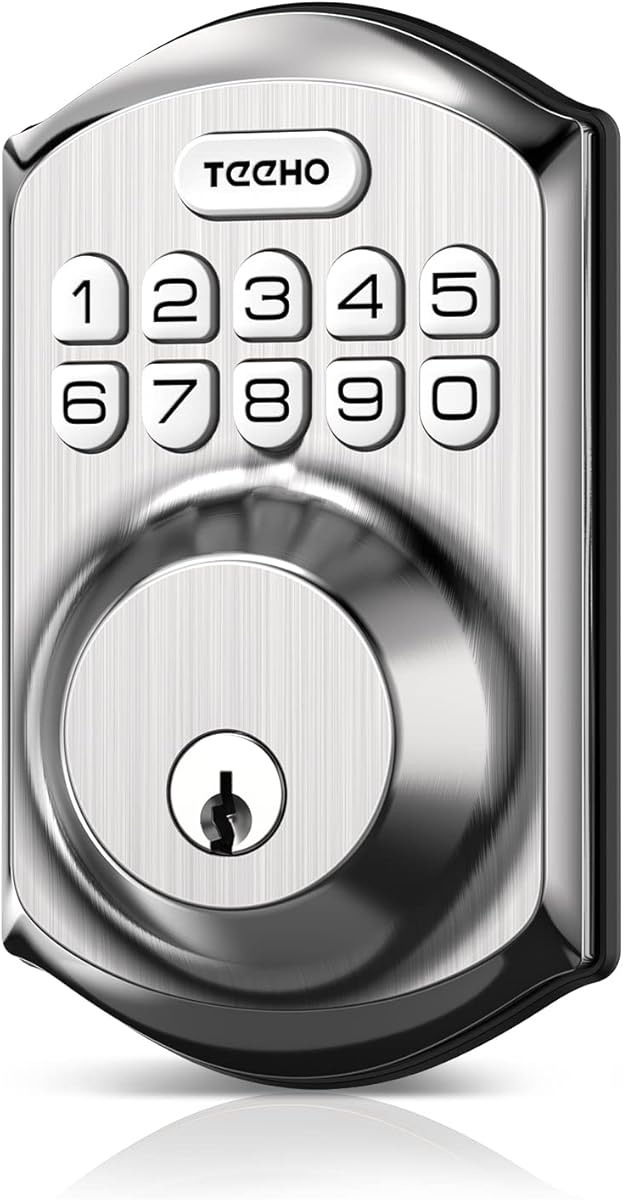
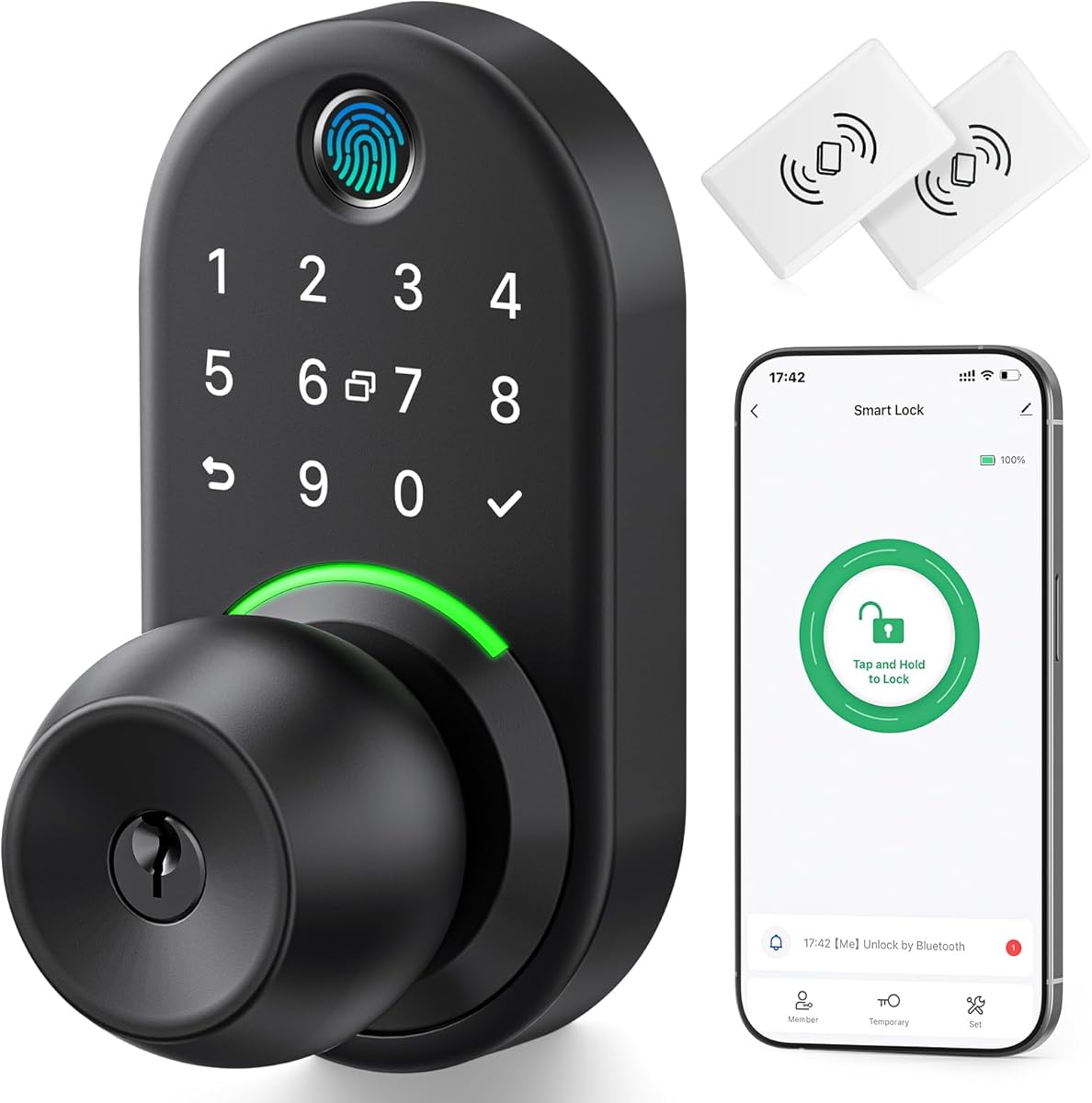
TEEHO TE001 Keyless Entry Deadbolt
4.5Editor score
20 Access Codes Available
Up to 365 Days Battery Life
Easy DIY Installation with Screwdriver
Discover the top 10 digital door locks of October 2026. This guide compares features, security, and ease of use to help you secure your home effectively.
Digital door locks offer modern security and convenience for homeowners seeking smart access solutions. They eliminate the need for physical keys and allow remote control through smartphones or voice commands seamlessly.
We compared ten highly rated models based on connectivity, battery life, and user interface. Each product was evaluated for installation ease and overall performance in real world scenarios.
Our list highlights top choices for various needs and budgets today. Prices and availability change frequently so check current listings before making your final purchase decision.
4.5Editor score
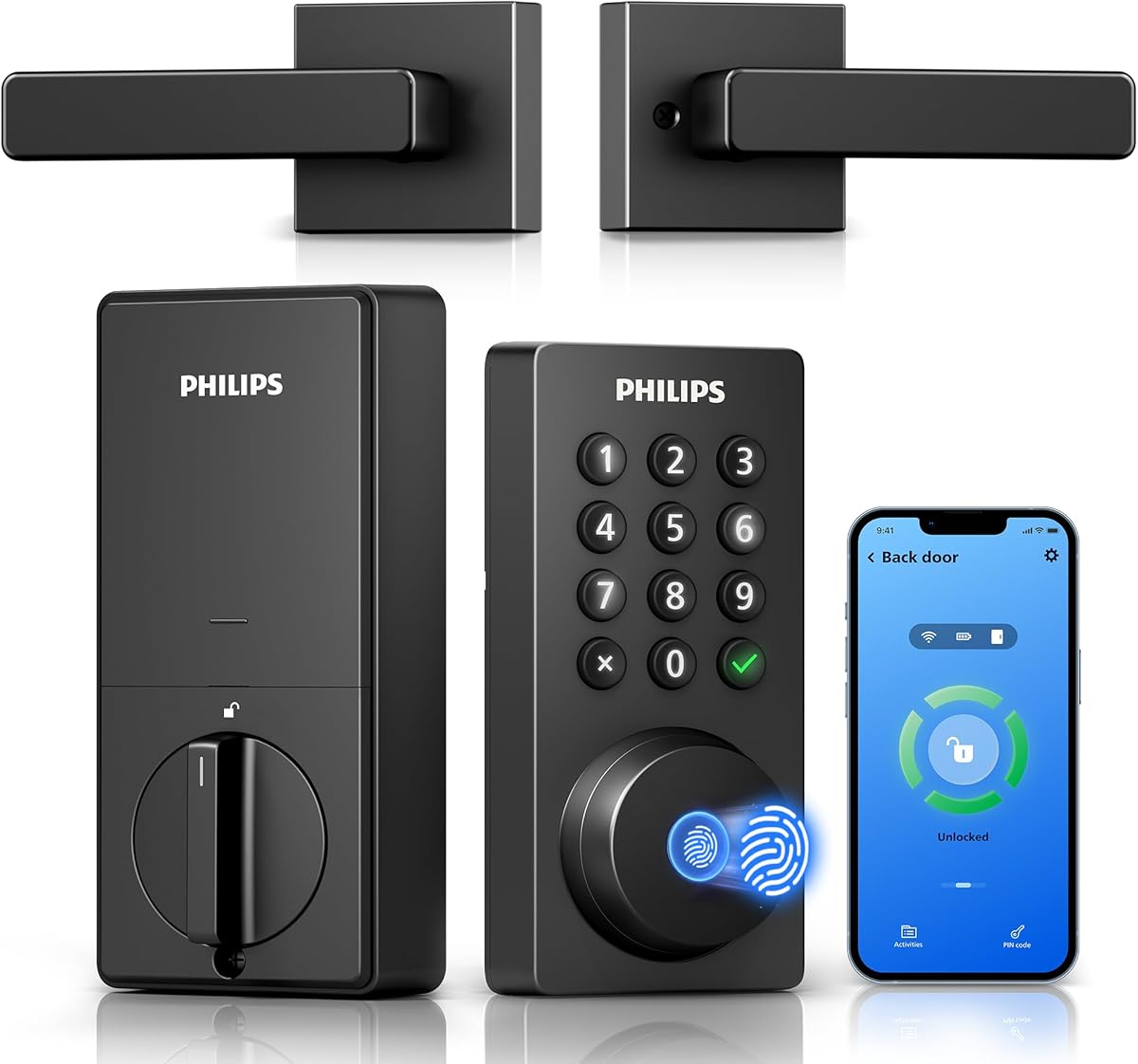
4.3Editor score
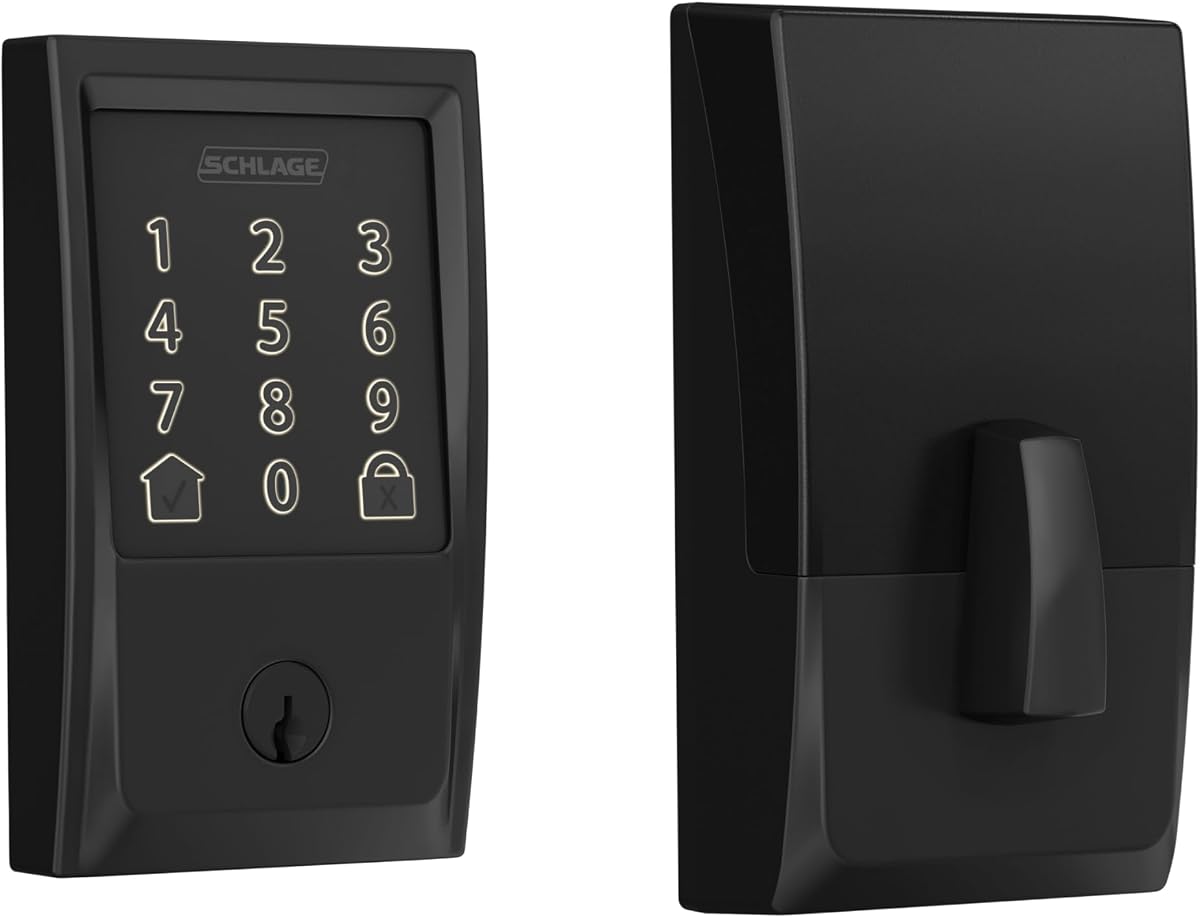
4.2Editor score
This side-by-side comparison highlights key specifications and unique features across all ten selected models to assist you in finding the perfect fit for your entryway.

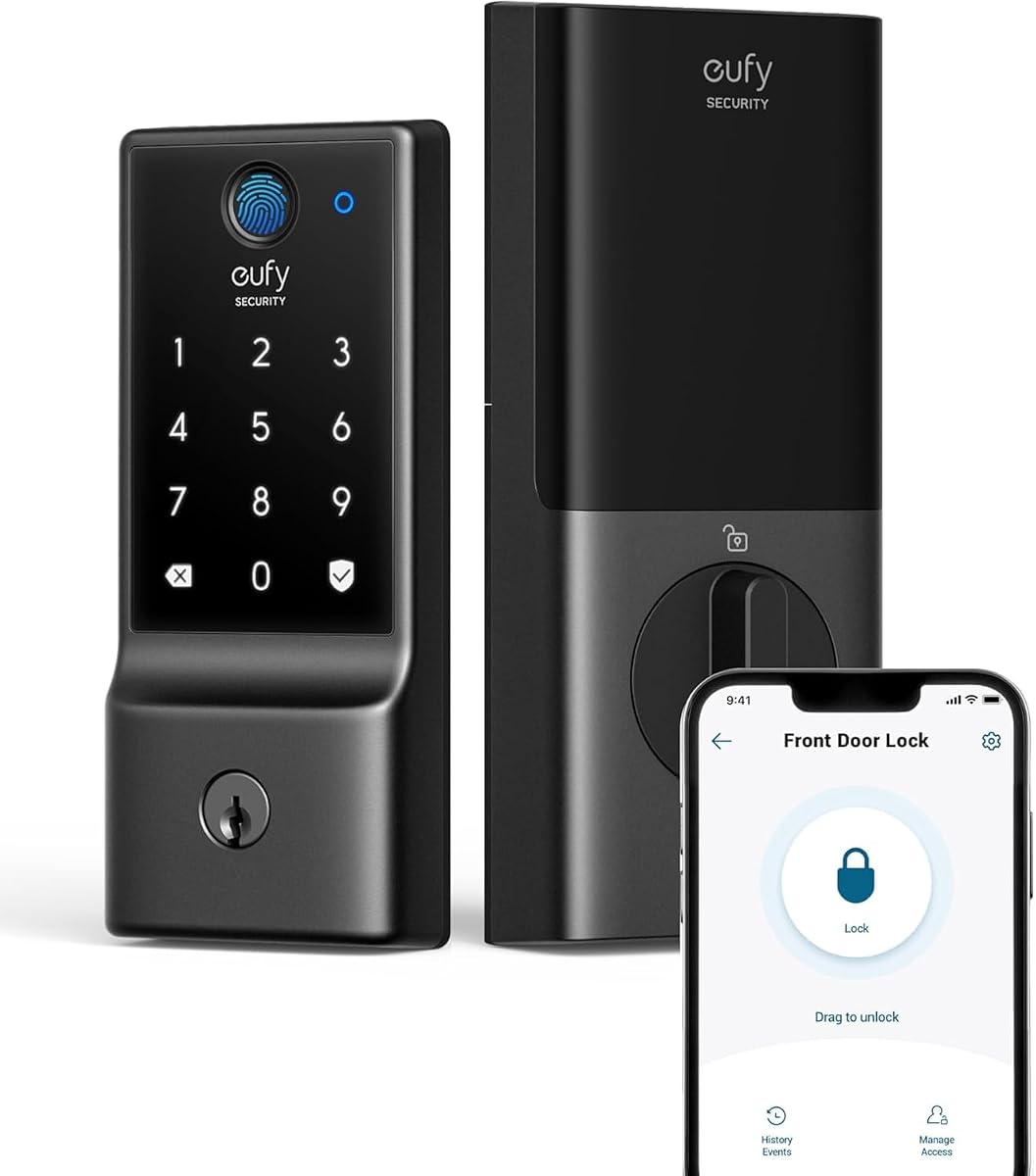




This Philips model stands out as a top contender with its comprehensive feature set and high user satisfaction rating. It combines convenience with security by offering multiple access methods including biometric and voice control.
We may earn a commission when you buy through this link, at no additional cost to you.
The integrated WiFi allows for remote management through a dedicated app without needing additional bridges. Users can track entry history and grant temporary access easily. The quick fingerprint scanner ensures you enter without fumbling for keys even when hands are full.
While the auto-lock feature is disabled out of the box, users appreciate the flexibility to customize timing. The only minor drawback is the dependency on a strong WiFi signal for optimal remote performance which may vary by home layout.
This lock is ideal for homeowners wanting a full smart setup without extra hardware costs. Its balance of features and ease of use makes it a reliable choice for modern secure entryways.
The 0.3 second fingerprint scan provides rapid access while maintaining high security standards for family members and trusted guests.
Remote management lets you check lock status and manage codes from anywhere ensuring peace of mind when you are away from home.
We may earn a commission when you buy through this link, at no additional cost to you.
This lock provides exceptional flexibility with five different ways to unlock including physical key and voice commands. It caters to families with varied preferences ensuring everyone finds a method that suits them.
We may earn a commission when you buy through this link, at no additional cost to you.
The ability to create up to 100 custom passcodes makes it perfect for managing frequent visitors or service personnel. Real-time alerts keep you informed of every lock event which adds a layer of security awareness.
Although it lacks a built-in door sensor to detect when the door is physically open the auto-lock function helps maintain security. Users should be mindful of battery types to ensure stable operation as per the manual.
It is a great fit for those who need robust access management without high complexity. The combination of remote features and multiple entry methods offers strong value for modern households.
Users can easily share one-time or scheduled codes via the app allowing temporary access without handing out physical keys.
Pairing with Alexa or Google Assistant enables hands-free locking and unlocking adding convenience for busy moments at the front door.
We may earn a commission when you buy through this link, at no additional cost to you.
The eufy C220 leverages self-learning AI to refine fingerprint recognition with every use. This ensures a smooth unlocking experience even if initial scans are imperfect. It supports six unlock methods including Apple Watch integration.
We may earn a commission when you buy through this link, at no additional cost to you.
With a built-in WiFi connection it connects directly to your network for remote control. The eight month battery life is impressive for a smart lock ensuring fewer maintenance interruptions throughout the year.
The IP53 waterproof rating offers decent protection against weather elements though it is not designed for direct heavy exposure. Security is bolstered by BHMA Grade 3 certification and alarm triggers for unusual access attempts.
This model is best for users invested in the eufy ecosystem or those valuing AI improvements in biometrics. Its robust construction and connectivity options make it a reliable long-term choice.
The dedicated chip learns your fingerprint patterns over time reducing false rejections and making entry seamless for regular users.
Powered by eight AA batteries the lock delivers extended runtime reducing the frequency of battery changes for hassle-free operation.
We may earn a commission when you buy through this link, at no additional cost to you.
The Schlage Encode is renowned for its durability and high security standards meeting BHMA industry expert ratings. It offers a premium feel with a fingerprint resistant touchscreen that maintains clarity over time.
We may earn a commission when you buy through this link, at no additional cost to you.
Installation is simplified with the Snap n Stay design that keeps the lock in place while you secure it. The alarm system alerts you to forced entry attempts which adds a proactive security layer for your home.
While the price is higher than budget options the build quality and security certifications justify the investment. Battery life is standard but the low battery indicator gives ample warning to prevent lockouts.
This lock is ideal for homeowners prioritizing security and brand reputation above cost. Its reliable performance and sleek design make it a top choice for upscale properties.
Certified by BHMA for highest residential security this lock withstands rigorous testing to ensure your home is protected against forced entry.
Customizable alarms trigger on door movement or tampering attempts alerting you to potential security threats immediately.
We may earn a commission when you buy through this link, at no additional cost to you.
This smart handle offers six distinct unlocking options making it highly versatile for various user needs. It is specifically designed for easy installation without drilling which appeals to renters or quick upgrades.
We may earn a commission when you buy through this link, at no additional cost to you.
Property managers will appreciate the ability to manage multiple locks via a single app efficiently. The Bluetooth connectivity allows for immediate control within range and a separate gateway enables remote access if needed.
While the WiFi gateway is sold separately the core functionality remains strong for local control. The reversible handle ensures compatibility with left or right handed doors simplifying the replacement process.
It suits those looking for a cost-effective upgrade with strong management features. Its design balances convenience with security for diverse household or commercial environments.
Replace your existing handle in minutes without additional drilling saving time and preserving the door structure for easy setup.
Grant temporary access and track records easily ideal for hosts or landlords managing multiple properties remotely.
We may earn a commission when you buy through this link, at no additional cost to you.
The TEEHO TE001 delivers reliable performance at a very competitive price making it a standout budget option. It includes a generous number of access codes and supports temporary codes for guests which is rare in this range.
We may earn a commission when you buy through this link, at no additional cost to you.
Battery life extends up to a year with typical use and a low battery indicator prevents surprises. The IP54 rating ensures it withstands rain and dust keeping it functional in varied climates.
Installation requires resetting the lock to detect door direction which is straightforward but necessary. Ensure your door bore matches the 2-1/8 inch requirement before purchase to avoid compatibility issues.
This lock is perfect for those seeking essential smart features without extra cost. Its durability and battery efficiency make it a smart pick for budget-conscious shoppers.
Powered by four AA batteries the unit offers up to 365 days of use ensuring minimal maintenance and reliable operation.
IP54 rated construction protects internal components from moisture and dust allowing outdoor use in most weather conditions.
We may earn a commission when you buy through this link, at no additional cost to you.
This lock offers a straightforward approach to keyless entry with a focus on security and simplicity. The aluminum alloy body ensures durability while the backlit keypad helps with night visibility.
We may earn a commission when you buy through this link, at no additional cost to you.
You can set auto-lock timing between five and ninety-nine seconds giving flexibility based on your routine. The one-time code feature is handy for quick guest access without needing to manage permanent codes.
It lacks advanced app connectivity but excels as a standalone digital entry solution. The 30-day money-back guarantee and lifetime support provide confidence for buyers trying a new brand.
Best for users wanting a basic digital upgrade without complexity. Its solid build and simple operation make it a practical choice for interior or exterior doors.
Anti-peeping code protection and low battery alerts ensure the lock remains secure and functional over time without user oversight.
Program 20 codes for family and a separate one-time code for guests ensuring secure access control for different visitors.
We may earn a commission when you buy through this link, at no additional cost to you.
Adding a fingerprint option to the classic knob design provides fast access for family members. It retains the physical key and keypad methods ensuring backups are available if the biometric system fails.
We may earn a commission when you buy through this link, at no additional cost to you.
Bluetooth connectivity allows for easy programming and management via smartphone when nearby. For remote access a separate gateway can be connected which extends its utility for those who want more control.
The material selection focuses on corrosion resistance and hardness protecting the lock from tampering. Lifetime after-sales support adds value for those who prioritize long-term reliability and assistance.
This model works well for those wanting biometric speed without a full deadbolt replacement. It balances functionality with affordability in a compact knob style.
Unlock instantly with a touch of your finger reducing fumbling and speeding up entry especially when carrying groceries or children.
High hardness aluminum alloy prevents scratches and corrosion ensuring the lock maintains its look and function over years.
We may earn a commission when you buy through this link, at no additional cost to you.
Veise focuses heavily on security with AES128 encryption stored directly on the device. This prevents cloud leaks and ensures your access data remains private even if the network is compromised.
We may earn a commission when you buy through this link, at no additional cost to you.
The self-learning AI improves accuracy with every scan and the battery life extends to a year. Remote management is available through the KK Home App allowing you to track activity and control access remotely.
While a gateway is required for voice assistant integration the core lock functions work seamlessly locally. The IP55 rating ensures it stands up to harsh weather and dust for outdoor entryways.
Ideal for privacy-conscious users wanting advanced security features. Its combination of encryption and smart management makes it a robust choice for modern homes.
On-device encryption secures your fingerprint and access logs locally preventing unauthorized access to your private data via the cloud.
Manage permissions remotely via the app allowing you to pause or delete access instantly for enhanced security control.
We may earn a commission when you buy through this link, at no additional cost to you.
This set includes two deadbolts allowing for multi-door control with integrated WiFi. It offers an impressive eight ways to enter making it one of the most versatile options on the market.
We may earn a commission when you buy through this link, at no additional cost to you.
The IP65 rating provides strong protection against rain and dust ensuring reliable performance in outdoor conditions. Battery life reaches up to 240 days and you can set different password types for family or guests.
Installation is straightforward with automatic detection of door swing direction reducing manual setup errors. The ability to manage users and logs remotely adds significant convenience for property management or large families.
Best for those needing multiple locks or advanced entry options. Its robust weatherproofing and connectivity make it a reliable long-term investment.
With two deadbolts in the set you can secure multiple entry points while managing both through one centralized WiFi system.
Choose from eight entry methods including IC card and remote app ensuring everyone finds a method that fits their routine.
We may earn a commission when you buy through this link, at no additional cost to you.
Selecting the right lock requires understanding your specific needs and home setup. This guide breaks down the key factors to consider for the best results.
Consider whether you need direct WiFi or can work with Bluetooth. WiFi offers remote access without extra hubs while Bluetooth is simpler and cheaper but requires being nearby.
Choose WiFi for full control from anywhere and Bluetooth for local use to save on hardware costs.
Look for models with long battery life like six months or more to reduce maintenance. Check if it uses standard AA batteries which are easy to replace.
Prioritize locks with low battery alerts to avoid being locked out unexpectedly during daily use.
Ensure the lock has BHMA or ANSI certification for reliability. Look for anti-peeping code features and alarms that alert you to forced entry attempts.
High security ratings and local encryption protect your home better than unverified models.
Check the door thickness and hole size to ensure compatibility. DIY models with snap designs save time but might need a screwdriver.
Verify your door dimensions before buying to avoid the hassle of returning mismatched hardware.
Decide which methods you need like fingerprint, keypad, or physical keys. More methods mean more convenience but sometimes higher cost.
Select a mix that fits your routine such as fingerprint for daily use and keys for backup.
If you use Alexa or Google Home check if the lock works with them. Voice control adds ease when your hands are full.
Confirm compatibility with your existing ecosystem to ensure seamless automation.
For outdoor use look for IP ratings like IP54 or higher. This ensures the lock can handle rain and dust without failing.
Choose weatherproof models to protect the electronics from environmental damage over time.
Look for the ability to create multiple codes and temporary access. This is crucial for guests or cleaners entering your home.
Ensure the app allows easy tracking and deletion of access codes for better control.
Install the lock according to the manual and ensure the door is dry. Use standard alkaline batteries to prevent damage to the internal components.
Regularly update your firmware via the app to keep security patches current. Check battery levels every few months to ensure continuous operation.
Clean the keypad and fingerprint sensor with a soft cloth to maintain responsiveness. Avoid harsh chemicals that might damage the finish or electronics.
Many modern digital door locks feature built-in WiFi which eliminates the need for a separate hub. However some Bluetooth models may require a gateway for remote access so check the product specs before purchasing.
Yes most digital locks include a mechanical key backup. Some also have USB-C ports allowing you to power the lock temporarily with an external battery to unlock from.
Fingerprint scanners are generally secure and convenient for daily use. Keypads offer a backup and allow sharing codes easily both are effective when combined for multi-factor access.
Most locks fit standard wooden doors but metal doors may require specific backsets or reinforced strikes. Check the product compatibility list before purchase to ensure a proper fit on metal surfaces.
Resetting usually requires physical access to the lock mechanism. Follow the manufacturer instructions to reset via the battery compartment or back panel which restores factory settings.
Most locks remain functional via keypad or fingerprint even if the network is offline. You will lose remote control but local access methods continue to work normally.
Yes many models are designed for non-invasive installation without drilling. However check your lease terms as some landlords require specific security upgrades before changes are allowed.
Battery life typically ranges from six months to a year depending on usage. Low battery indicators will alert you in advance so you can replace them before running out.
Our top picks cover a range of needs from budget-friendly options to premium security features. Each model offers unique benefits that cater to different household preferences.
Prioritize features like battery life and weather resistance for long-term reliability. Security ratings and smart integration should also guide your decision making.
Prices change frequently so verify current listings before finalizing your purchase. Check for ongoing deals to get the best value on your new smart lock today.