
TP-Link TL-SG105
4.7Editor score
5 Gigabit Ethernet ports
Fanless metal design
Plug and play setup
This guide compares the top Eero Ethernet switches and network extenders to help you choose the right hardware for seamless whole-home connectivity.
Finding the right networking hardware is crucial for modern homes. An Eero Ethernet switch helps expand your wired network capacity. It allows more devices to connect reliably without signal loss.
We evaluated ten top products to find the best options. Our analysis covers speed, port count, and ease of use. We focused on performance and compatibility with Eero systems.
Each pick highlights key strengths for different needs. Prices and availability change often, so check current listings. Our guide ensures you find a solution that fits your setup.
4.7Editor score

4.4Editor score

4.8Editor score
The following table provides a quick overview of the key specifications for each product. Compare port counts, speeds, and features to find the best fit for your network needs.



The Amazon eero PoE Gateway stands out as a powerful network solution. It functions as both a router and a switch, simplifying your infrastructure. Its high rating reflects strong performance for whole home networks.
We may earn a commission when you buy through this link, at no additional cost to you.
This device offers two 10 GbE ports and eight 2.5 GbE PoE ports. The 140W power supply supports multiple eero access points efficiently. You get wired speeds up to 9.4 Gbps for data transfer.
While it requires specific eero hardware for full benefits, the integration is smooth. The setup is quick using the eero app. Regular updates ensure your network stays secure and current.
Ideally suited for users wanting a unified eero ecosystem. It reduces the need for third-party switches. This makes it a top choice for dedicated eero homes.
Eliminates the need for a separate modem router setup. All traffic is managed through a single intuitive interface.
Supplies power to connected devices over Ethernet cables. This reduces cable clutter and simplifies installation.
We may earn a commission when you buy through this link, at no additional cost to you.
The TP-Link TL-SG105 is an excellent entry-level switch. It is highly rated for reliability and ease of use. It is perfect for expanding a small network without breaking the bank.
We may earn a commission when you buy through this link, at no additional cost to you.
It features five Gigabit ports with auto negotiation. The fanless design ensures it runs silently on any desk. Energy efficient technology helps keep power consumption low.
While it lacks advanced management features, it is very dependable. The metal casing provides good protection against wear. Three years of warranty add to its value.
Best for users needing basic expansion. It works well with any router including Eero. This switch delivers solid performance for its low cost.
Fits easily on desks or can be wall mounted. The shielded ports help protect data signals.
Adjusts power use based on link status. This helps save energy and reduces heat.
We may earn a commission when you buy through this link, at no additional cost to you.
The NETGEAR GS308EP is a powerful managed switch. It supports multiple PoE devices with a robust power budget. It is ideal for small businesses or advanced home setups.
We may earn a commission when you buy through this link, at no additional cost to you.
Eight Gigabit ports handle high speed connectivity. You can prioritize traffic with QoS features easily. The intuitive software makes managing VLANs straightforward.
It is silent due to its fanless design. Energy Efficient Ethernet reduces power use without losing speed. It offers great control over your network traffic.
Perfect for users needing advanced management tools. It ensures critical devices get bandwidth priority. This switch balances performance and manageability well.
Allows configuration of VLANs and security settings. This helps segment your network for safety.
Supports PoE Plus for high power devices. This is useful for security cameras or phones.
We may earn a commission when you buy through this link, at no additional cost to you.
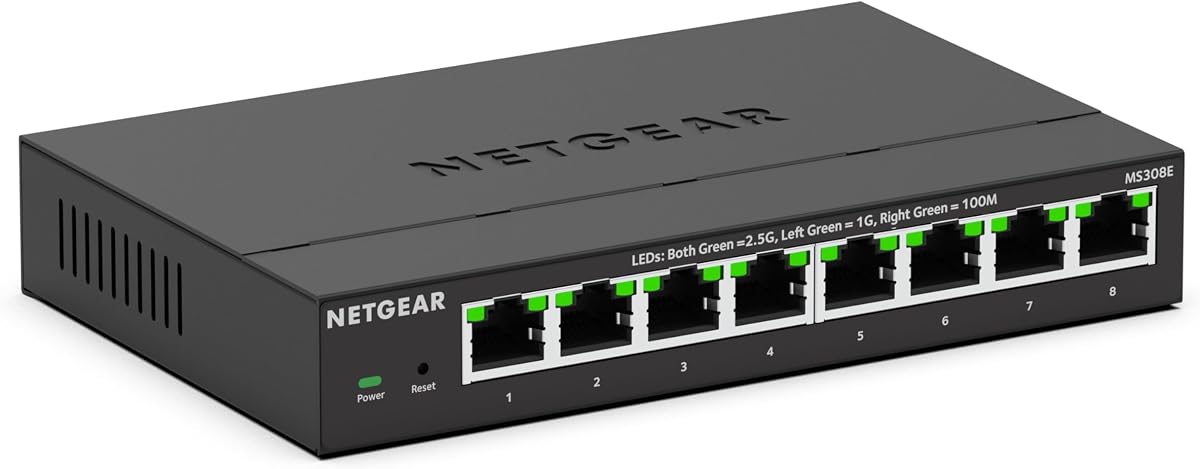
The NETGEAR MS308E brings Multi-Gigabit speed to your network. It is perfect for high bandwidth internet plans. Its rating suggests good performance for modern data needs.
We may earn a commission when you buy through this link, at no additional cost to you.
Eight ports support speeds up to 2.5 Gbps. You can use existing Cat5e or Cat6 cables. This makes upgrading your network cost-effective and simple.
It includes Easy Smart Managed features for control. Traffic prioritization helps ensure smooth video streaming. The design is compact and supports wall mounting.
Best for users needing faster wired connections. It works well with Eero systems requiring speed. This switch is a strong choice for future-proofing.
Delivers faster data transfer than standard Gigabit. This is ideal for large file sharing.
Provides access to VLAN and QoS settings. You can manage traffic without complex tools.
We may earn a commission when you buy through this link, at no additional cost to you.
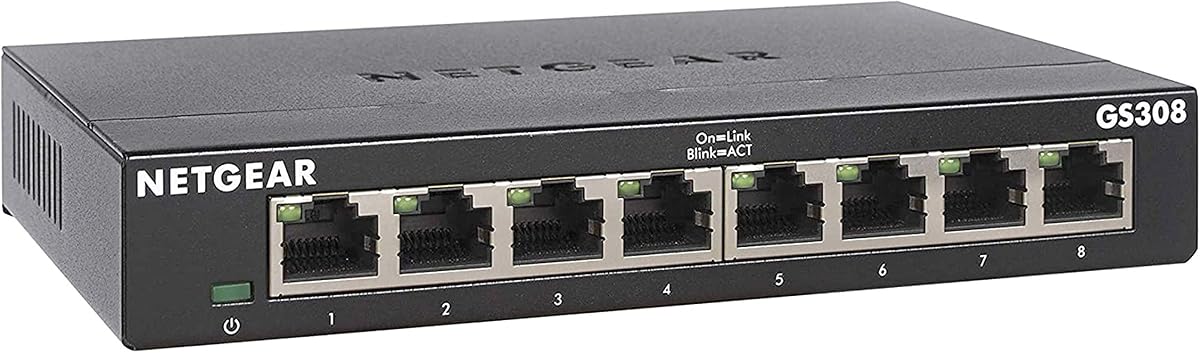
The NETGEAR GS308 is a simple and reliable switch. It has a very high rating for dependability. It is perfect for users wanting a set and forget device.
We may earn a commission when you buy through this link, at no additional cost to you.
It features eight ports for high speed connectivity. Auto-negotiating ports detect optimal speeds automatically. The fanless design ensures it stays quiet and cool.
It is fully unmanaged meaning no software is needed. You simply plug in your cables to connect. The metal design helps it last longer.
Ideal for home offices or small networks. It integrates seamlessly with Eero routers. This switch provides solid performance for the price.
Requires no technical knowledge to install. Just connect cables and power the unit.
Uses IEEE 802.3az standards to save power. This helps reduce your energy bill.
We may earn a commission when you buy through this link, at no additional cost to you.
The NETGEAR GS305E is a small managed switch. It is rated highly for its performance and features. It is great for expanding networks with control.
We may earn a commission when you buy through this link, at no additional cost to you.
Five ports support Gigabit speeds. You can prioritize traffic using QoS settings easily. The interface is intuitive for basic network management.
It is compact and easy to mount anywhere. The design is energy efficient and quiet. It offers more flexibility than unmanaged switches.
Best for users needing some network control. It works well with Eero systems. This switch balances port count and management well.
Provides essential management tools without complexity. You can configure VLANs quickly.
Fits in tight spaces or drawers. Ideal for desks and small areas.
We may earn a commission when you buy through this link, at no additional cost to you.
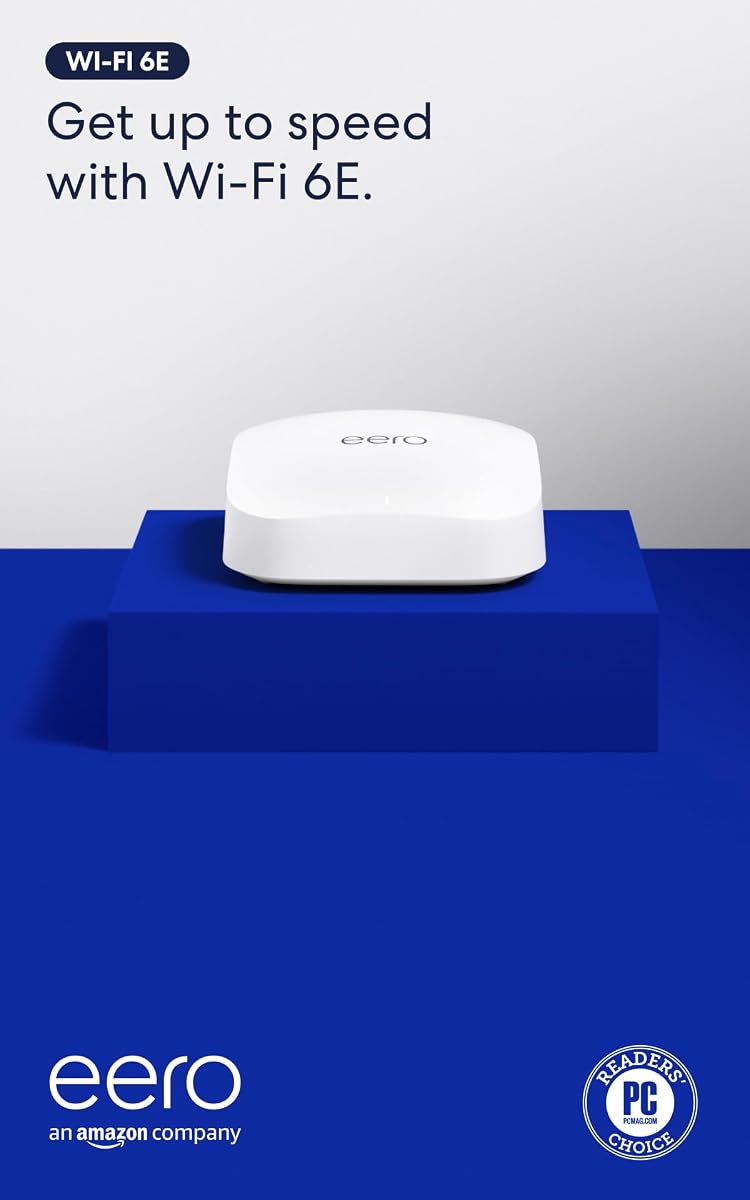
The Amazon eero Pro 6E is a top router. It supports the latest Wi-Fi 6E standards. It is highly rated for its speed and coverage.
We may earn a commission when you buy through this link, at no additional cost to you.
It connects over 100 devices without dropping signals. Wired speeds reach a gigabit for fast data. The 6 GHz band reduces congestion.
It works best with eero networks for TrueMesh. Setup is quick and easy. Automatic updates keep the network secure.
Best for homes needing robust Wi-Fi. It is an upgrade for existing systems. This router delivers excellent coverage and speed.
Access to a less congested band. This means better speeds for compatible devices.
Routes traffic intelligently to avoid drops. You get consistent speeds everywhere.
We may earn a commission when you buy through this link, at no additional cost to you.
The Amazon eero 6 is a reliable Wi-Fi 6 router. It is rated highly for eliminating dead spots. It is perfect for medium-sized homes.
We may earn a commission when you buy through this link, at no additional cost to you.
It supports up to 75 devices easily. You get speeds up to 900 Mbps. The Zigbee hub removes the need for extra smart home hubs.
It works with the eero app for management. Setup takes only minutes. Automatic updates keep it secure.
Best for upgrading older systems. It integrates with existing eero networks. This router provides strong value for Wi-Fi 6.
Connects smart home devices directly. This reduces the need for separate hubs.
Ensures reliable traffic routing. You get smooth streaming without lag.
We may earn a commission when you buy through this link, at no additional cost to you.
The Amazon eero PoE 7 is the newest tech. It offers Wi-Fi 7 speeds for future proofing. It is a high-end access point for serious users.
We may earn a commission when you buy through this link, at no additional cost to you.
It supports 200+ devices easily. Wireless speeds reach 3.9 Gbps. The 10 GbE ports allow fast wired backhaul.
It uses PoE to reduce cable clutter. You can mount it anywhere easily. It stays backward compatible with older devices.
Best for advanced networks needing speed. It integrates with eero systems. This access point delivers top-tier performance.
Uses MLO for better reliability. This reduces interference and drops.
Connects to high speed networks. This ensures no bottlenecks.
We may earn a commission when you buy through this link, at no additional cost to you.
The Amazon eero 7 brings Wi-Fi 7 affordably. It is rated well for its reliability. It is a top choice for future proofing.
We may earn a commission when you buy through this link, at no additional cost to you.
It supports 120+ devices without issues. You get speeds up to 2.5 Gbps. The software ensures you stay on the best path.
It covers up to 2000 sq ft easily. Backward compatibility means it works with old gear. Updates keep it secure over time.
Best for upgrading to Wi-Fi 7. It fits easily into eero systems. This router offers great value and performance.
Uses latest features like MLO. This ensures compatibility with new devices.
Backed by a three year warranty. Support is available for help.
We may earn a commission when you buy through this link, at no additional cost to you.
Selecting the right network hardware requires understanding your specific needs. We break down the key factors to consider for your setup.
Consider how many devices you need to connect. Most switches offer five or eight ports. A higher count prevents the need for extra hardware.
Choose a port count that matches your current devices plus future needs.
Switch speeds vary from standard Gigabit to Multi-Gig. Higher speeds allow faster data transfer between devices. Ensure your cables support the desired speed.
Select a speed that matches your internet plan and internal needs.
Unmanaged switches are plug and play with no settings. Managed switches allow traffic control and VLANs. Choose based on your technical requirements.
Opt for unmanaged for simplicity and managed for control.
Power over Ethernet sends power and data over one cable. This is essential for access points and cameras. Check the power budget to match your devices.
Ensure the switch provides enough power for your connected hardware.
Fanless designs are common in consumer switches. They run silently which is better for home offices. Avoid models with fans if noise is a concern.
Look for fanless models to ensure a quiet environment.
Eero systems work best with compatible switches. Some models integrate directly for easier management. Check if the switch fits your specific ecosystem.
Verify compatibility with your existing Eero router setup.
Metal cases offer better protection than plastic. They dissipate heat and resist wear. Choose durable models for long-term reliability.
Prioritize metal builds for a longer lifespan.
Network switches range from budget to high-end. Higher prices often bring more features and speed. Balance your budget with performance needs.
Select a price point that meets your features requirements.
Connect your internet modem to the switch's main port. Then plug your devices into the remaining ports. Ensure all cables are securely seated.
Keep the switch in a well ventilated area. Dust can cause overheating. Clean vents regularly with a dry cloth.
Update firmware when available. This ensures security and performance. Check the app for any system notifications.
Yes, standard switches work well with Eero routers. For best results, check compatibility with your specific model. Some Eero specific switches integrate deeper into the ecosystem.
No, unmanaged switches are usually sufficient. Managed switches offer extra control but are not required. Choose based on your need for traffic prioritization.
Power over Ethernet supplies power to devices over cable. You need it for access points or cameras. If you only connect computers, you do not need it.
Most consumer switches handle dozens of devices easily. Performance depends on traffic. For 100 devices, use a switch with higher capacity.
It improves wired device speed. It can offload traffic from Wi-Fi. It may help overall network efficiency by reducing wireless congestion.
They are quieter and more reliable. Fans can fail over time. Fanless designs are better for living spaces and home offices.
We reviewed ten top products for Eero networks. The TP-Link TL-SG105 is great for budget. The eero PoE Gateway is ideal for a complete system.
Focus on port count and speed for your needs. Choose managed options only if you need control. Consider PoE if you have powered devices.
Prices and stock change frequently. Check current listings to find the best deal. Our guide helps you pick the right hardware.