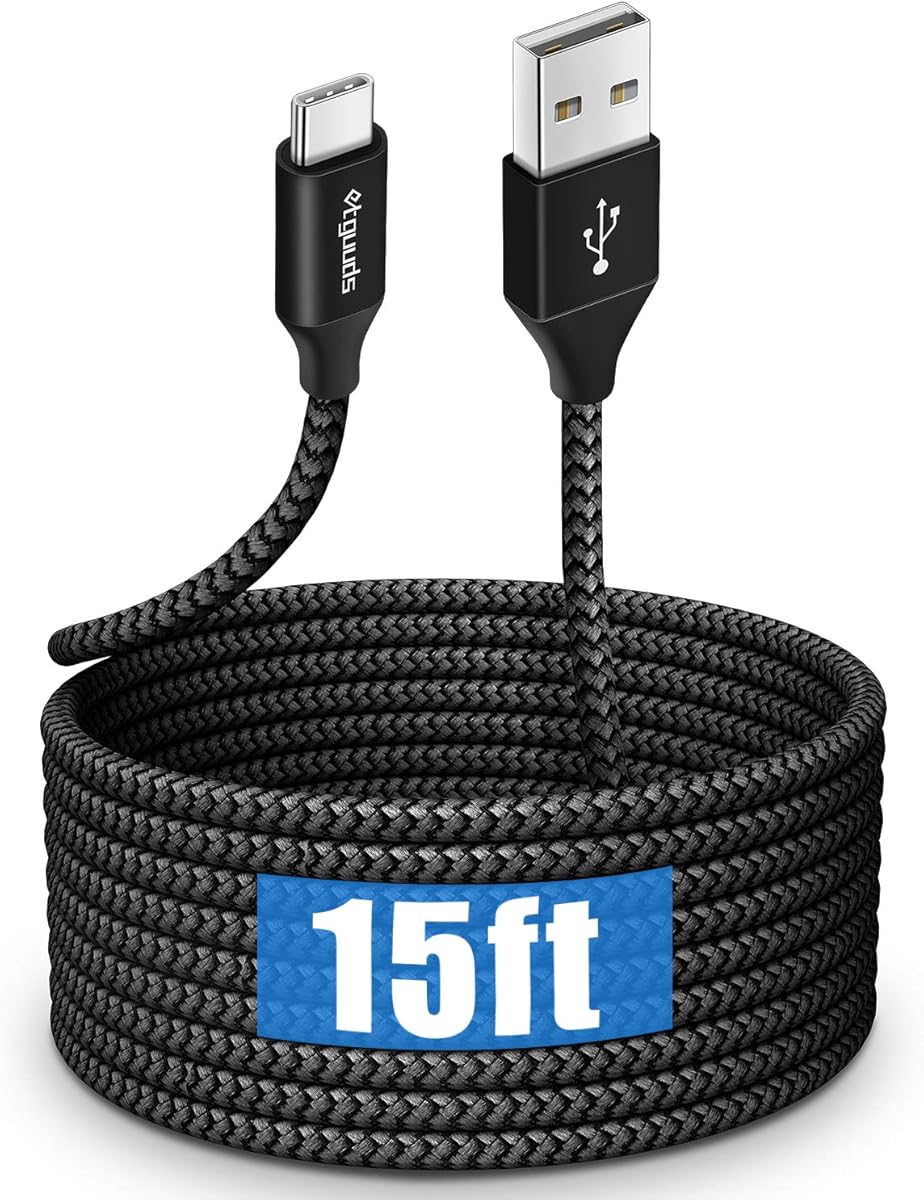
etguuds Long USB C Cable
4.6Editor score
15ft Reach Length
3A Fast Charging
Affordable Price Point
This guide compares the top 10 Long USB Cable options for speed, durability, and connectivity across USB 3.0, C, and legacy types.
Finding the right long USB cable ensures seamless data transfer and reliable charging across your devices. Quality cables prevent signal loss and physical wear. Selecting the correct connector type is essential for compatibility.
We analyzed durability, transfer speed, and real-world performance across ten top-rated models. Each pick balances cost with premium features like reinforced connectors and flexible jackets for everyday use.
Read through each detailed review to see key specs and ideal use cases. Prices change frequently, so check current listings before purchasing to ensure you get the best value today.
4.6Editor score

4.7Editor score

4.7Editor score
The following table summarizes the key specifications and capabilities of all ten selected cables to help you find the perfect match for your setup.


This 20ft USB 3.0 cable delivers high-speed data transfer with a robust braided design. It holds a strong 4.7 star rating for its reliable performance across various peripherals and hard drives.
We may earn a commission when you buy through this link, at no additional cost to you.
The standout feature is its 5Gbps transfer rate, which is ten times faster than USB 2.0. Gold plated connectors and an aluminum alloy shell ensure stable signal transmission and long-term physical durability.
While it is an excellent data cable, note that it is not designed for charging purposes. The male-to-male configuration is specific to data sync, which limits its use for power supply.
This cable is ideal for users needing to connect external drives or consoles over long distances. It remains the top choice for anyone prioritizing data integrity and physical build quality.
The USB 3.0 architecture ensures quick backups and syncing without signal lag during heavy data loads.
Multiple shielding layers protect against interference while the nylon jacket prevents everyday wear and tear.
We may earn a commission when you buy through this link, at no additional cost to you.
This 20ft CLEEFUN cable offers an affordable way to reach outlets while charging modern Android phones or tablets. It supports fast charging standards up to QC3.0 for reliable power delivery.
We may earn a commission when you buy through this link, at no additional cost to you.
It excels in length and convenience, allowing users to use devices freely from the couch or bed. The heavy-duty nylon braid prevents tangling and ensures the cable survives frequent movement and bends.
The trade-off is a USB 2.0 data rate of 480Mbps, which is slower than premium options. However, for charging focused tasks, this speed is perfectly adequate and saves significant cost.
Perfect for general home or office use where charging speed and cable length are more important than rapid file transfers. It is a smart pick for budget-conscious buyers.
The 20ft length removes the constraint of needing an outlet right next to your seating area.
Built-in resistors ensure safe and fast charging for compatible smartphones and tablets.
We may earn a commission when you buy through this link, at no additional cost to you.
This active cable solves the distance problem for large setups by offering a full 40ft of reach with active signal amplification. It is rated at 4.7 stars for its stability and printer compatibility.
We may earn a commission when you buy through this link, at no additional cost to you.
The internal amplifier ensures that data signals remain strong even at such extreme lengths. It is perfect for connecting printers or scanners located far from the computer in large offices or homes.
While it uses the older USB 2.0 speed standard, the active technology makes it reliable for low-bandwidth peripheral tasks. It is not suitable for high-speed data transfer but excellent for connectivity.
Choose this if you need to place equipment at the far end of a room without signal loss. It is a specialized premium solution for unique spatial requirements.
Active circuitry compensates for resistance and interference over the 40ft length.
Optimized for reliable connection with printers, scanners, and MIDI keyboards.
We may earn a commission when you buy through this link, at no additional cost to you.
The etguuds 15ft cable balances length and performance for everyday charging. It features a durable nylon braid and supports high-speed 3A charging for compatible smartphones and tablets.
We may earn a commission when you buy through this link, at no additional cost to you.
Its build quality is impressive with a focus on reliability through reinforced connectors and internal safety resistors. The 56k ohm resistor protects devices from damage during the charging process.
Data transfer speeds are standard at 480Mbps, which is sufficient for syncing but not for large file moves. This is a typical compromise for budget friendly long length charging cables.
Ideal for users who need to reach a wall outlet from a sofa or bed while charging an Android device. It offers a solid middle ground for durability and price.
Internal resistors prevent overcharging and protect your device and charger adapter from damage.
The nylon braided jacket ensures the cable remains tangle-free and resistant to daily wear.
We may earn a commission when you buy through this link, at no additional cost to you.
This 10ft cable is designed for standard desktop or bedside use without excessive slack. It supports 3A fast charging and features a durable nylon braid for reliable daily use.
We may earn a commission when you buy through this link, at no additional cost to you.
It is a straightforward solution for devices that need to reach a nearby power source. The build is sturdy enough for regular plugging and unplugging cycles in a home office.
Data transfer is limited to standard USB 2.0 speeds, which is acceptable for basic syncing. The focus here is clearly on providing convenient power delivery at a reasonable price.
Great for users who do not need extreme lengths but want a reliable upgrade from short standard cables. It fits well in setups where space is moderate but convenience is key.
The 10ft length is perfect for standard desk to wall connections without clutter.
Premium nylon braiding ensures the cable remains flexible and tangle free.
We may earn a commission when you buy through this link, at no additional cost to you.
This option provides two 15ft cables in one package for excellent value. It features advanced transmission technology for efficient data flow and charging across a wide range of devices.
We may earn a commission when you buy through this link, at no additional cost to you.
Safety mechanisms prevent overheating and overcharging, ensuring long device life. The cables are built with thickened cores and reinforced connectors to withstand daily handling and bending.
While it works with many devices, it is optimized for standard charging and sync needs. The dual pack allows you to keep one in the bedroom and one in the living room.
Perfect for households with multiple devices that need reliable connections. It offers a balanced mix of safety, durability, and value for general consumers.
Compatible with phones, tablets, and other USB C devices for versatile use.
Built-in protections ensure safe charging and prevent voltage issues.
We may earn a commission when you buy through this link, at no additional cost to you.
This heavy-duty extension cable adds 20ft to your existing setup using a male to female connector. It is designed for extending connections to remote peripherals like webcams or external drives.
We may earn a commission when you buy through this link, at no additional cost to you.
The 22AWG wire ensures robust power delivery and the triple-layer shielding minimizes signal loss. It delivers high-speed USB 3.0 performance over a long distance effectively.
While excellent for data peripherals, it is not designed for direct burial or outdoor use. It should be used indoors where the cable can be protected from environmental damage.
Ideal for users who need to move devices away from their computer without sacrificing speed. It is a practical solution for extending your existing short cables.
Heavy duty wiring ensures stable power for connected devices.
Multiple shielding layers reduce interference for stable data transfer.
We may earn a commission when you buy through this link, at no additional cost to you.
Amazon Basics delivers a simple and reliable 16ft cable for printers and hard drives. The gold plated connectors help ensure an optimal signal and resist corrosion over time.
We may earn a commission when you buy through this link, at no additional cost to you.
It is a straightforward tool for connecting peripherals without unnecessary features. The build is durable enough for office use and focuses on providing a stable link.
The USB 2.0 speed is standard for printers which do not require high bandwidth. It is not the fastest option but it is dependable for its intended purpose.
Great for users who trust major brands and need a no fuss cable. It is an excellent choice for standard office equipment that stays in place.
Designed to work seamlessly with common printers and external drives.
Gold plated connectors maintain a clean connection over years of use.
We may earn a commission when you buy through this link, at no additional cost to you.
This 20ft cable supports high-speed USB 3.0 data transfer at 5Gbps and 18W charging. It features a double braided layer and high-strength alloy for increased service life.
We may earn a commission when you buy through this link, at no additional cost to you.
It is suitable for moving large files over long distances without significant lag. The reinforced ports and strain relief add to the durability of the build.
Note that long cable length naturally reduces charging power slightly. The 18W rate is theoretical and may vary based on resistance losses in the long wire.
Choose this if you need high-speed data transfer over 20ft. It is a good fit for SSDs and cameras that require faster throughput.
USB 3.2 Gen 1 chip ensures fast file transfers.
Double braiding protects the internal wires from damage.
We may earn a commission when you buy through this link, at no additional cost to you.
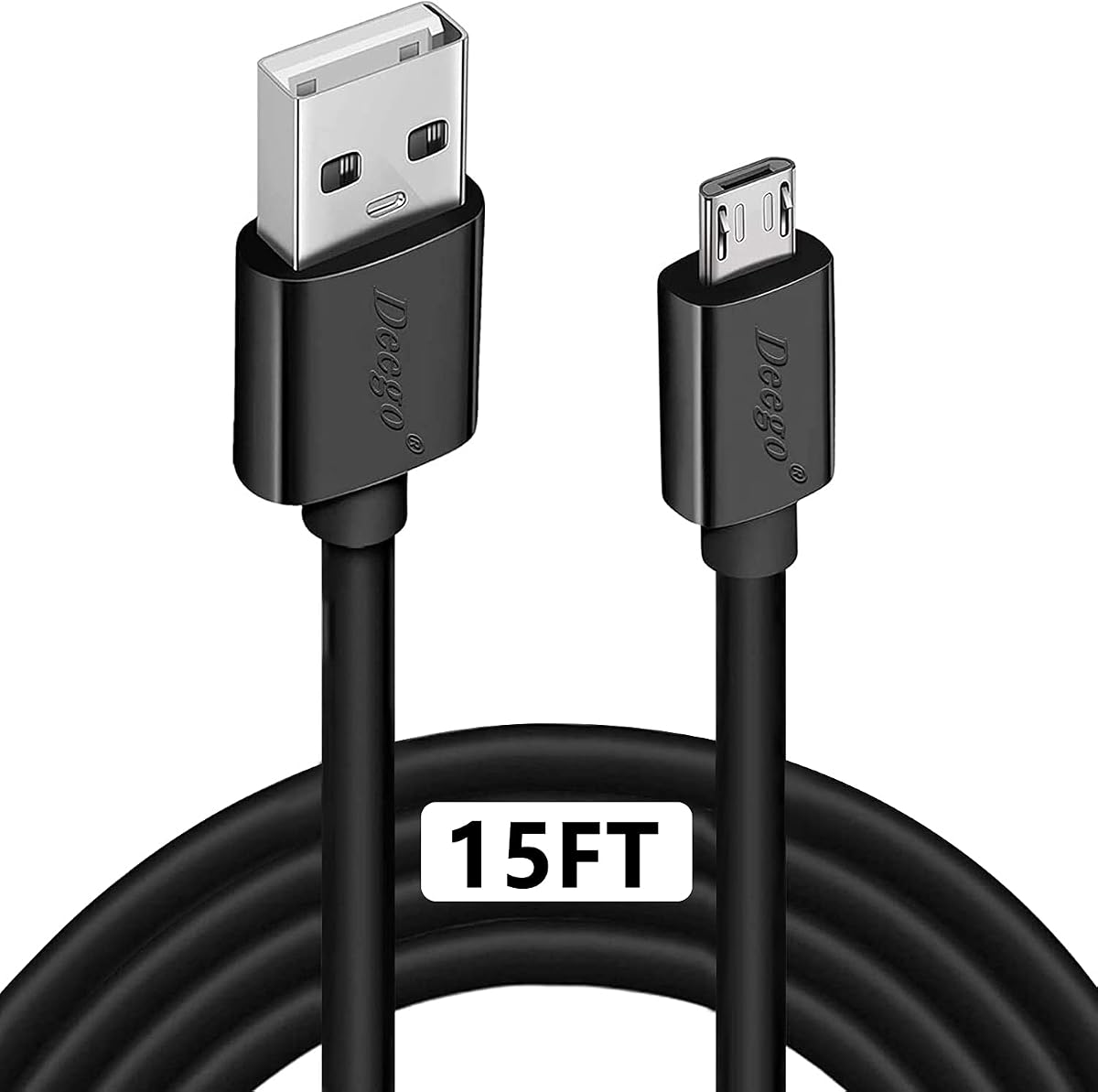
This 15ft cable is designed for legacy devices and game controllers. It supports 2.4A charging and data transfer up to 480Mbps for older electronics.
We may earn a commission when you buy through this link, at no additional cost to you.
It is a great choice for connecting PS4 controllers or Echo Dots that still use Micro USB. The stainless steel head ensures a tight fit and prevents loosening.
While Micro USB is older, many devices still rely on it for charging and sync. This cable provides the reach needed to use these devices comfortably.
Perfect for gamers or households with older devices. It fills a niche need for specific legacy connectors that modern USB-C cables cannot replace.
Ideal for gaming controllers and other peripherals with Micro USB ports.
Stainless steel connectors ensure the cable stays locked in place.
We may earn a commission when you buy through this link, at no additional cost to you.
Choosing the right long USB cable depends on your device port, required speed, and length needs.
Identify the port on your device. Common types include USB A to A for hard drives, A to C for phones, and A to B for printers.
Always match the connector types to avoid needing adapters that add failure points.
Measure the distance between your device and the power source or port. Standard options range from 10ft to 40ft.
Longer cables can cause signal loss without active boosting so choose carefully.
USB 3.0 supports up to 5Gbps while USB 2.0 supports 480Mbps. Check if your device requires high speed for syncing.
For charging only USB 2.0 is usually sufficient and costs less.
High wattage charging requires cables rated for higher amperage like 3A. Lower rated cables may slow down charging times.
Ensure the cable supports your device's max charging speed for best performance.
Look for nylon braided jackets and reinforced connectors. These features prevent fraying and improve lifespan.
High quality materials protect the internal wires from damage over time.
Multiple shielding layers reduce signal interference from other electronic devices.
Better shielding ensures stable data transfer especially for long cables.
Basic cables are affordable while active boosters and premium materials cost more.
Balance your budget with your specific needs for speed and reliability.
A warranty indicates the manufacturer stands behind their product quality.
Check return policies to ensure you can swap defective units easily.
Connect the cable firmly to your device and the port. Ensure both ends are fully seated to avoid intermittent signal loss.
Avoid wrapping the cable tightly around sharp objects or edges. This can damage the internal wires and reduce lifespan.
Keep the cable away from heat sources and direct sunlight. High temperatures can degrade the insulation over time.
Yes, longer cables can have higher resistance which may slightly reduce power delivery. Using high quality cables with thicker wires minimizes this effect.
USB 3.0 is backwards compatible with USB 2.0. The device will simply run at the slower USB 2.0 speed.
Most USB A to A cables are for data only. Check the product description to ensure it supports charging if needed.
Active cables boost the signal to maintain speed and power over very long distances like 30ft or more.
Nylon braided cables are generally more durable and resistant to fraying. They are less prone to tangles.
Most desktop printers use USB 2.0 A to B cables. 10ft to 16ft is usually sufficient for home offices.
The top picks cover a wide range of needs from budget charging to high-speed data transfer.
Prioritize connector type and length before looking at speed specs to ensure compatibility.
Always check current pricing and availability as deals change regularly.