
Video Conference Lighting & Computer Light
4.1Editor score
Plug-and-play USB connection
3 color modes available
Magnetic and clip mount
Internal PC work lights are essential for modern setups, providing focused illumination without cluttering your desk. They reduce eye strain during long hours of computer use and ensure your workspace remains productive and comfortable.
We evaluated ten leading models based on brightness, adjustability, eye care features, and mounting options. Our comparison covers monitor bars, clamp lamps, and webcam lights to help you find the perfect fit for your specific needs.
Each pick highlights key strengths and ideal use cases so you can decide quickly. Remember that availability and pricing can fluctuate, so check current listings before making your final purchase decision today.
4.1Editor score

4.2Editor score

4.5Editor score
As an Amazon Associate we earn from qualifying purchases.
The following table provides a side-by-side overview of all ten selected internal PC work lights, highlighting their key specifications and unique features to help you compare them easily.
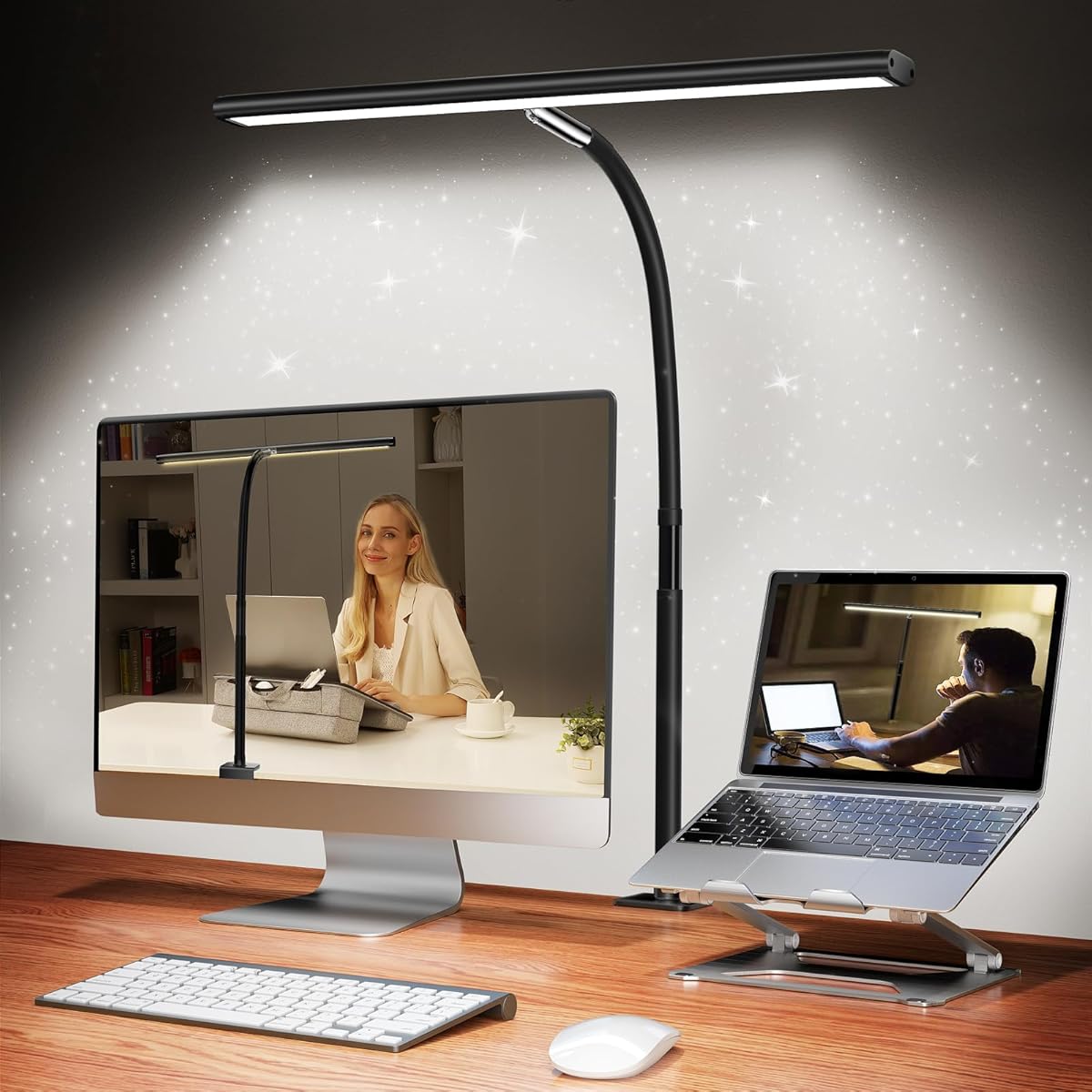




This monitor light bar delivers wide and even illumination that covers large desk areas effectively. It holds a strong rating and stands out for its ability to minimize eye strain during long sessions.
We may earn a commission when you buy through this link, at no additional cost to you.
The 11.8-inch LED bar provides up to 800 lux of brightness without casting glare directly into your eyes. Its asymmetric design ensures light is focused on the desk and screen only.
While it lacks a wireless remote, the mechanical switch offers quick access to color temperature and brightness changes. The built-in memory function recalls your last setting for convenience.
Ideal for home office or gaming setups where space is limited, this light is a reliable choice for anyone seeking focused desk lighting without clutter.
The patented counterweight clip installs instantly without tools and fits most screen thicknesses securely.
A 45-degree beam angle directs light onto your workspace while avoiding direct exposure to your eyes.
We may earn a commission when you buy through this link, at no additional cost to you.
This desk lamp offers a long flexible gooseneck that allows for precise light positioning across your workspace. It receives high marks for its stepless dimming capabilities and wide coverage.
We may earn a commission when you buy through this link, at no additional cost to you.
The 17-inch lamp bar provides enough brightness for large tasks like drafting or reading. Its aluminum body helps with heat dissipation and ensures a long lifespan of up to 60,000 hours.
While the clamp is sturdy, it may not fit thinner desks comfortably. The included wire management feature helps keep your setup organized and free from tangled cables.
Choose this lamp if you need an adjustable light that can cover a large area and adapt to different work heights throughout the day.
Stepless dimming and color temperature switching give you full control over your lighting environment.
Using LED beads, this lamp consumes significantly less energy than traditional incandescent bulbs.
We may earn a commission when you buy through this link, at no additional cost to you.
Designed for streamers and video creators, this light delivers cinematic color accuracy and a flattering look for your camera. It is highly rated for its TrueSoft technology that ensures even illumination.
We may earn a commission when you buy through this link, at no additional cost to you.
The frameless diffuser radiates soft light that avoids harsh shadows on your face. You can adjust brightness and color temperature to match your desired on-camera appearance quickly.
While primarily intended for video conferencing, it does not provide broad desk lighting. The free G HUB desktop app adds convenience by letting you control settings and save presets.
If your priority is looking your best on video calls or streams, this portable light offers professional quality without taking up much desk space.
TrueSoft technology ensures balanced, full-spectrum LED light for natural skin tones.
A 3-way monitor mount allows precise positioning on desktop computers or laptops.
We may earn a commission when you buy through this link, at no additional cost to you.
This architect-style lamp offers versatile lighting options with 25 combination modes to suit various tasks. It is designed for those who need flexible illumination for drafting or detailed work.
We may earn a commission when you buy through this link, at no additional cost to you.
With 360-degree standing and foldable swing arms, you can direct light exactly where it is needed. The wireless remote makes switching modes convenient without reaching for the lamp.
Some users report issues with the remote control functionality, but replacements are offered. The eye-friendly LED technology ensures even illumination without glare or flicker.
Pick this lamp if you need a highly adjustable lighting solution that can cover multiple screens or workspaces simultaneously.
Choose from 25 light combination modes including night light and reading settings.
A smart remote allows easy adjustment of brightness and color temperatures from a distance.
We may earn a commission when you buy through this link, at no additional cost to you.
This unique light combines a focused front light for tasks with a vibrant RGB backlight for atmosphere. It is rated well for creating a comfortable gaming or work environment.
We may earn a commission when you buy through this link, at no additional cost to you.
The 45-degree beam angle protects your eyes while lighting up your desk. Meanwhile, the 9-mode RGB backlight enhances the mood behind your screen without adding clutter.
While great for gaming setups, the RGB feature may not be desired for quiet office work. The USB-C power and intuitive dual buttons make control simple and flexible.
Choose this hybrid lamp if you want both productivity lighting and dynamic ambient effects in one compact unit.
Front light eliminates screen glare while RGB backlight creates a vibrant gaming atmosphere.
Plug-and-play USB-C connectivity ensures easy power from laptops or adapters.
We may earn a commission when you buy through this link, at no additional cost to you.
With an expandable dual-head design spanning 31.5 inches, this lamp offers wide illumination for large desks. It is designed for dual monitor setups and extensive workspaces.
We may earn a commission when you buy through this link, at no additional cost to you.
You can choose from 50 lighting modes to match your exact needs. The auto-off timer adds convenience by turning off the light after reading or working at night.
The sturdy metal clamp secures desks up to 2.9 inches thick, ensuring stability. However, the large size may not suit smaller or thinner desks.
Ideal for users needing extensive coverage across multiple screens, this lamp balances power and flexibility well.
10 and 45-minute timers help save energy and avoid forgetting lights on at night.
Saves your last color and brightness settings for instant use upon restart.
We may earn a commission when you buy through this link, at no additional cost to you.
This pack offers two video lighting units, perfect for multi-device setups or backup. They are designed to minimize harsh glare and ensure natural face visibility on camera.
We may earn a commission when you buy through this link, at no additional cost to you.
With a high CRI value, the lights provide true color accuracy for your video. The edge-lit technology avoids direct exposure to the light source, protecting your eyes.
The stretchable plate fits various screen types safely without damage. While lightweight and portable, they rely on USB power and may need multiple ports for dual use.
Choose this pack if you need reliable lighting for video calls on multiple devices or want a spare unit for travel.
A CRI value above 97 ensures vivid and clear features on camera.
Compact weight and foldable bracket make it easy to carry to different locations.
We may earn a commission when you buy through this link, at no additional cost to you.
This premium bar offers a sleek metal design and asymmetric optics to prevent screen glare. It includes a 2.4GHz wireless remote for effortless adjustment of color and brightness.
We may earn a commission when you buy through this link, at no additional cost to you.
The Ra95 color rendering index ensures objects appear in their true natural color. A USB Type-C port allows the light to turn on automatically with your computer.
While expensive, the build quality and convenience features justify the cost for many users. The remote allows control without touching the light itself.
Ideal for those seeking a premium aesthetic and wireless convenience, this bar elevates your workspace efficiently.
Optical glass and a textured hood ensure no screen reflection during work.
Connects to your computer and turns on automatically when you start your work.
We may earn a commission when you buy through this link, at no additional cost to you.
The Litra Beam delivers professional lighting effects with TrueSoft technology for a natural look. It is designed to fit where other lights cannot, making it ideal for tight gaming setups.
We may earn a commission when you buy through this link, at no additional cost to you.
Adjustable color temperature and brightness let you shape the light precisely to your gameplay. The G HUB desktop app provides advanced control and preset customization.
While the price is higher, the build quality and positioning flexibility justify it for serious streamers. Its design ensures safe, all-day usage without overheating.
Choose this premium option if you need top-tier lighting performance and customization for streaming and gaming.
Innovative design lets you shape and direct light for a unique gameplay look.
Three mount points and a 3-way adjustable stand offer endless positioning flexibility.
We may earn a commission when you buy through this link, at no additional cost to you.
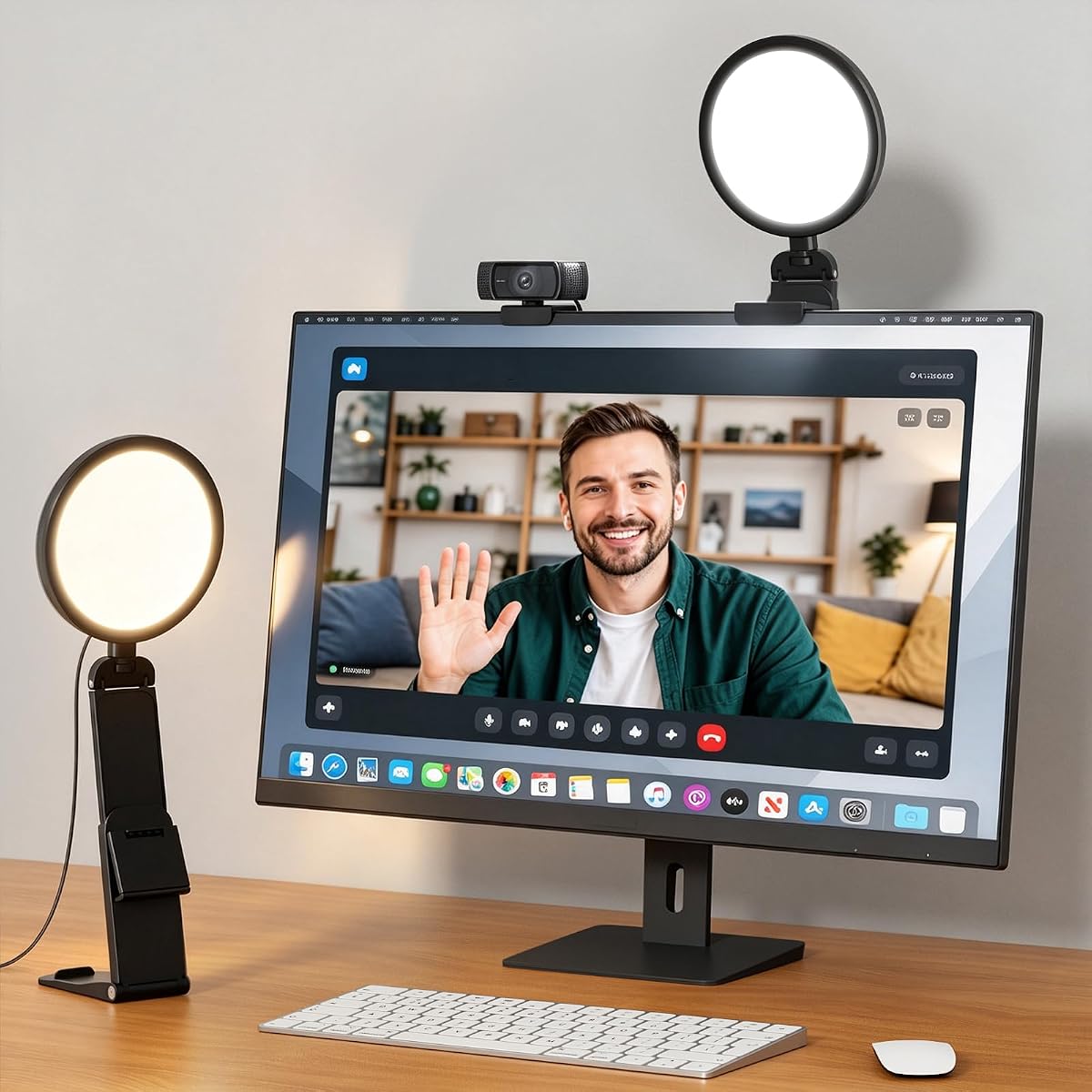
This compact LED panel offers basic but effective lighting for video calls. It is an excellent budget choice for students or remote workers needing simple illumination.
We may earn a commission when you buy through this link, at no additional cost to you.
You can choose from three color modes and ten brightness levels to suit your needs. The clip-on design ensures it attaches easily to monitors or laptops without tools.
While lacking advanced features, it provides flicker-free light that enhances your appearance on camera. It is easy to use with no driver installation required.
Pick this if you need a simple, affordable lighting solution for Zoom meetings or online classes.
Simply plug into a USB port to start using it immediately without software.
A magnetic base allows it to mount to any webcam for a cleaner look.
We may earn a commission when you buy through this link, at no additional cost to you.
Choosing the right light involves considering your workspace size, intended use, and budget. This section outlines key factors to help you make an informed decision.
Consider the physical size of your desk and monitor. Larger setups benefit from wide bars or dual-head lamps, while compact spaces require smaller units that do not obstruct view.
Select a light that covers your task area without creating shadows.
Most lights use clips, magnetic bases, or monitors. Ensure the clamp fits your desk thickness and the mount is stable enough to hold the unit securely.
Check weight and stability requirements before purchase.
Adjustable color temperatures allow you to switch between warm and cool light. Cool light is better for focus, while warm light is ideal for evening relaxation.
Look for models offering 3000K to 6500K ranges for versatility.
Dimming controls range from simple buttons to remote controls or app integration. Choose a system that is easy to use during work without interrupting your flow.
Wireless or touch controls add convenience for frequent adjustments.
Flicker-free technology and proper beam angles help reduce eye strain. Asymmetric designs or diffusers minimize glare and direct light exposure to your eyes.
Prioritize models with eye-safe certifications for long hours.
Most internal lights use USB power for convenience. Ensure you have available USB ports or include adapters for plug-in use.
USB-C is becoming standard for better connectivity.
LED technology offers long lifespan and low power consumption. Look for lights with high efficiency ratings to save on energy costs over time.
Longer LED lifespans reduce replacement frequency.
Features like auto-off timers, memory settings, or RGB backlighting add value. Decide which extras align with your needs before buying.
Memory functions simplify daily use significantly.
Install the light securely on your monitor or desk using the provided clips or brackets. Ensure it is stable and does not wobble during use.
Adjust the angle and height to direct light evenly across your workspace. Avoid positioning it to reflect directly into your screen or eyes.
Clean the light regularly with a soft, dry cloth to remove dust. Avoid harsh chemicals that could damage the LED lens or housing.
Internal PC Work Lights are specialized lamps designed to illuminate computer workspaces without taking up desk space. They typically mount to monitors or desks to provide focused lighting for tasks and reduce eye strain.
Regular lamps often cast shadows or glare on screens. Internal lights focus on the work area and screen surface, offering more uniform illumination and saving valuable desk space.
Most models use USB power from your computer, but some include adapters. Check the specifications to ensure you have the right port available.
Yes, many models offer RGB modes or adjustable brightness suitable for gaming. They help maintain focus while adding ambient lighting for immersion.
They use LED technology and diffusers to provide flicker-free, glare-free light. Asymmetric designs prevent direct light from shining into your eyes.
Some larger models and dual-head options are designed to cover multiple screens. Ensure the coverage width matches your setup size for best results.
The right light can transform your workspace, improving comfort and productivity. Our top picks cover various needs from budget-friendly to premium professional options.
Prioritize features like eye comfort and adjustability that match your daily workflow. Consider mounting options and power requirements before deciding on a model.
Remember to check current availability and details before purchasing. Investing in a quality light is a small change that brings long-term benefits to your daily tasks.