
HS Programmable Scrolling Led sign
4.4Editor score
WiFi connectivity
Outdoor waterproof
High brightness
Digital marquees for schools provide dynamic ways to share announcements, event details, and emergency alerts instantly. These LED displays replace static signs with flexible messaging that updates remotely through apps or web interfaces.
We evaluated ten leading programmable LED signs based on brightness, connectivity options, durability, and ease of use. Each model offers unique strengths for campus communication needs ranging from hallway notices to outdoor stadium displays.
Every selection below includes detailed specifications and real-world application insights to help you choose the right display. Prices and availability change frequently so verify current offers before making your final purchasing decision today.
4.4Editor score
4.3Editor score
4.4Editor score
As an Amazon Associate we earn from qualifying purchases.
The following table provides a side-by-side comparison of all ten digital marquee models evaluated in this guide. Review the key specifications for each unit to identify the best fit for your specific school environment needs.


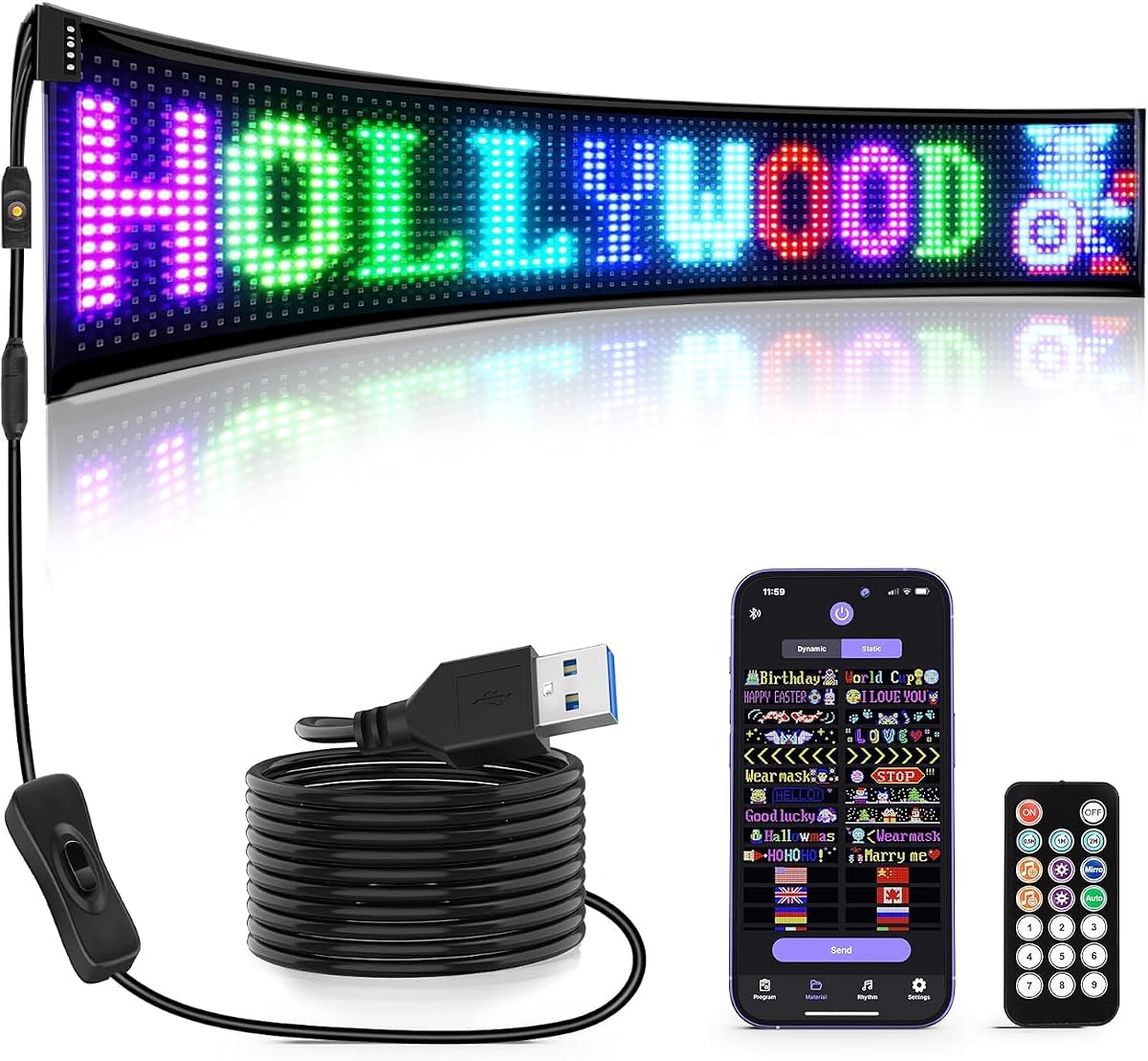
The Rayhome Large Programmable LED Sign is an excellent choice for school hallways and indoor bulletin boards. It holds a strong rating among users for its clarity and user-friendly Bluetooth app control.
We may earn a commission when you buy through this link, at no additional cost to you.
Its standout quality is the flexible design that allows easy mounting on curved surfaces. The app lets staff create custom patterns and scroll messages effortlessly without needing technical expertise.
Trade-offs include the lack of outdoor weatherproofing and WiFi connectivity. For interior spaces these limitations are acceptable given the affordable pricing and intuitive setup process for daily use.
Ideal for schools needing quick updates on events or announcements. This sign balances performance and ease of use making it a reliable tool for effective internal communication.
Staff can update content instantly using a smartphone app without extra cables or hardware.
Password protection prevents unauthorized changes to critical school announcements or alerts.
We may earn a commission when you buy through this link, at no additional cost to you.
The KJOY model stands out with its massive 77-inch width making it perfect for long school corridors. Its high brightness ensures messages are visible even in well-lit indoor areas.
We may earn a commission when you buy through this link, at no additional cost to you.
The flexible panel design allows for unique mounting options like wrapping around pillars. Users appreciate the strong adhesive tape that simplifies installation without drilling holes in walls.
The built-in microphone feature is rare but not always practical for quiet school environments. Bluetooth connectivity is convenient but may struggle in areas with high signal interference.
This sign is best suited for large campuses needing prominent displays. Its robust construction and wide viewing area make it a practical investment for high traffic zones.
The extended width ensures messages are readable from multiple angles across long corridors.
3M tape enables quick installation without tools or damage to school surfaces.
We may earn a commission when you buy through this link, at no additional cost to you.
The P6 Programmable Led Sign offers a premium experience for schools requiring outdoor visibility. Its full-color capability supports detailed graphics and emergency video alerts effectively.
We may earn a commission when you buy through this link, at no additional cost to you.
The integrated WiFi module allows content updates from laptops or phones without extra dongles. This connectivity makes it easier to manage urgent announcements across campus remotely.
Graininess at close range is a trade-off for its high brightness and outdoor durability. Schools placing it near buildings might prefer indoor units but it excels for distant viewing.
This model is ideal for main gates or stadium entrances where durability is key. Its advanced features justify the cost for institutions needing professional-grade outdoor communication tools.
IP65 protection ensures reliable operation during rain or snow without maintenance issues.
WiFi connectivity allows staff to update schedules or alerts from any device nearby.
We may earn a commission when you buy through this link, at no additional cost to you.
The dual row structure of this sign allows schools to display two separate messages at once. This is useful for showing event dates alongside contact info without scrolling delays.
We may earn a commission when you buy through this link, at no additional cost to you.
Full color LED beads create vibrant visuals that stand out in busy school environments. The USB connectivity provides a backup option if Bluetooth pairing is difficult on school networks.
The compact height might limit text size for distant viewers but works well for counters. It is a versatile option for offices or classrooms needing frequent content changes.
Schools looking for flexible messaging without complex wiring will appreciate this unit. Its balance of color quality and connectivity options makes it a strong contender for indoor spaces.
The split display allows simultaneous updates for different departments or classes.
USB or Bluetooth options ensure compatibility with various school devices.
We may earn a commission when you buy through this link, at no additional cost to you.
This model offers an affordable entry point for schools needing outdoor LED signage. Its high brightness ensures clear visibility even under direct sunlight for sports fields or gates.
We may earn a commission when you buy through this link, at no additional cost to you.
The standalone WiFi feature allows quick updates without needing a separate server. Teachers can edit schedules on phones or laptops making content management straightforward for small teams.
The software is designed for simplicity though it excludes macOS which limits some user options. However the energy efficiency and bright display make it a practical choice for tight budgets.
It is an excellent budget pick for schools prioritizing visibility over advanced features. The durability and ease of use provide great value for regular outdoor information display.
High nits rating ensures text remains legible even in bright outdoor conditions.
Elementary level software allows staff to update messages with minimal training.
We may earn a commission when you buy through this link, at no additional cost to you.
The nano coating on this sign provides exceptional protection against rain and dust. This makes it suitable for school entryways or covered areas where moisture might accumulate.
We may earn a commission when you buy through this link, at no additional cost to you.
A dedicated WiFi hotspot ensures stable connectivity even if school networks are congested. This independence from main IT systems simplifies setup for individual departments or offices.
The lower user rating reflects occasional connectivity issues but the warranty covers concerns. For environments with harsh weather conditions the protective features remain a significant advantage.
Schools needing a reliable sign for covered outdoor use will find this unit solid. The included tutorials help overcome initial setup hurdles for new administrative staff members.
Built-in hotspot ensures stable connection without relying on school IT infrastructure.
Advanced coating safeguards internal components against moisture and dust exposure.
We may earn a commission when you buy through this link, at no additional cost to you.
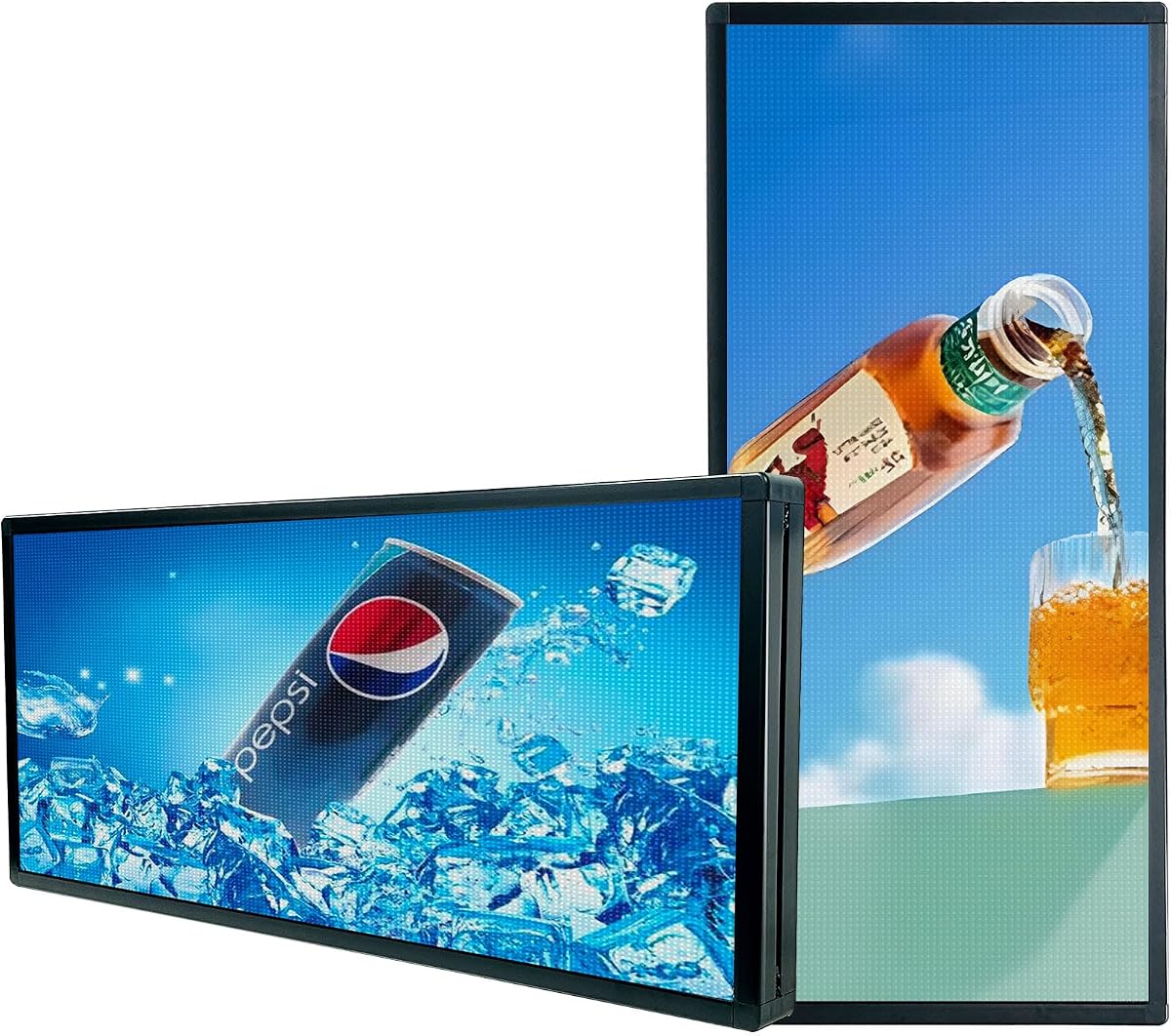
This model supports both video and text allowing dynamic welcome screens for visitors. The ability to switch between portrait and landscape modes adds flexibility for different mounting spots.
We may earn a commission when you buy through this link, at no additional cost to you.
The triple epoxy resin coating ensures the sign withstands temperature swings common in outdoor sheds. This durability is vital for signs exposed to seasonal weather changes or storage shifts.
Programming requires a Windows PC which restricts Mac users but covers most school staff. The optimal viewing distance makes it better for gates than immediate entry walls.
Ideal for schools wanting a multimedia display for events or safety info. Its robust build and format variety provide comprehensive communication tools for diverse campus needs.
Combined video and text allow engaging announcements for campus events.
Triple resin protection extends lifespan in varying outdoor temperatures.
We may earn a commission when you buy through this link, at no additional cost to you.
With a massive 77 by 20-inch display this sign dominates stadium entrances or main parking lots. Its scale ensures messages are read from far distances in large outdoor venues.
We may earn a commission when you buy through this link, at no additional cost to you.
The modular design simplifies shipping and allows partial repairs without replacing the whole unit. Lifetime technical support adds peace of mind for large institutions relying on daily updates.
Assembly requires effort and the price point is higher than smaller options. However the sheer visibility and professional impact justify the cost for major school events.
Best for large districts needing prominent outdoor signage. Its performance and support structure make it a top choice for high-exposure school locations.
The extra-large screen ensures readability across extensive outdoor school grounds.
Modular construction allows targeted maintenance without full unit replacement.
We may earn a commission when you buy through this link, at no additional cost to you.
This ultra-thin sign fits into tight spaces like bulletin boards or display cases. Its flexible silicone body allows wrapping around irregular shapes found in older school buildings.
We may earn a commission when you buy through this link, at no additional cost to you.
Bluetooth 5.0 connectivity provides stable connections for nearby smartphones. The pre-loaded animations add fun flair for holiday events or club meetings without custom setup.
The low profile limits text length but works for short greetings or notices. It is a versatile option for departments needing subtle but effective messaging tools.
Schools needing a flexible or space-saving display will find this unit useful. Its unique shape options make it ideal for creative signage in restricted areas.
Silicone surface adapts to curved or unusual mounting locations easily.
Built-in patterns add visual interest for school celebrations instantly.
We may earn a commission when you buy through this link, at no additional cost to you.
This P10 model offers a balanced approach for both indoor and outdoor school needs. Its dual connectivity options ensure compatibility with various school computer systems.
We may earn a commission when you buy through this link, at no additional cost to you.
Adjustable brightness lets staff control visibility levels for different times of day. This flexibility helps manage power use and prevents glare in quiet areas.
User ratings are modest which may indicate occasional software quirks. However for general announcements where budget is key it delivers essential functionality effectively.
Schools needing a straightforward reliable sign for daily messages will appreciate this pick. Its versatility across environments makes it a dependable choice for administrative use.
USB and WiFi options provide flexible control depending on network setup.
Manual control allows optimal visibility from sunrise to sunset.
We may earn a commission when you buy through this link, at no additional cost to you.
Choosing the right digital marquee for a school environment involves assessing technical requirements alongside practical needs. This guide outlines the critical factors that determine performance and longevity.
The physical dimensions of the LED sign dictate how far the message can be seen. Larger displays like the 77-inch options offer broad visibility across fields but require more mounting space. Pixel density determines text sharpness especially when viewed up close by students.
Select a size that matches your viewing distance to ensure readability without unnecessary bulk.
Most signs rely on Bluetooth or WiFi for content updates. Bluetooth works well for close-range smartphone access while WiFi allows updates from laptops across wider areas. Consider network security policies when integrating these devices into school IT systems.
Choose the connectivity method that aligns with your staff's devices and network infrastructure.
Signs for outdoor environments need weatherproof ratings like IP65 to resist rain and dust. Indoor signs often lack this protection but may offer higher brightness for bright corridors. Confirm the specific weather requirements of your placement location before purchasing.
Always verify waterproof ratings if the sign will be exposed to the elements.
Intuitive software ensures staff can update content quickly without technical training. Some apps support scheduling and animations while others are basic text editors. Check operating system compatibility especially for Mac users as many devices only support Windows or Android.
Prioritize user-friendly interfaces to ensure consistent and timely content updates.
LED technology is generally energy-efficient but consumption rates vary by size and brightness. Signs with timers or auto-sleep features help reduce electricity costs during non-use periods. Look for models with low-wattage specifications to lower operational expenses over time.
Opt for energy-saving features to minimize long-term power costs for school budgets.
School environments can be high-traffic making durability a priority. Flexible silicone panels or aluminum frames help withstand accidental bumps or temperature swings. Check the material thickness and mounting points to ensure the sign lasts for years.
Choose robust construction materials that can endure daily wear and environmental stress.
A solid warranty protects your investment against defects or hardware failures. Some models include lifetime technical support which is valuable for non-technical staff. Review the warranty terms to understand what parts are covered and the duration of protection.
Ensure the product comes with reliable customer service for prompt issue resolution.
Advanced signs support full color graphics and multiple lines of text. This flexibility is vital for displaying varied content like sports scores or safety alerts. Simpler models may only allow basic scrolling text which limits visual impact.
Assess your content needs to decide if advanced graphics or simple text is sufficient.
Install the sign in a protected location to avoid excessive exposure to sun or rain. Ensure mounting surfaces are clean and dry to secure adhesive backing or screws properly. Align the screen so text is visible from the primary approach path for maximum impact.
Update content regularly to keep information current and engaging for students. Use the app to schedule messages in advance so updates occur automatically at set times. Avoid leaving static text on high-brightness settings for days to prevent image retention.
Clean the exterior with a soft dry cloth to remove dust or dirt. Do not use harsh chemicals that could damage the waterproof coating or display pixels. Regularly check connections and cables to ensure the device remains powered on correctly.
Most units connect via Bluetooth or a dedicated WiFi hotspot. For WiFi, open the device app and select the sign's SSID to pair it. If using Bluetooth ensure your phone is close to the sign during pairing. Once connected you can update content via the app without needing school IT approval for network access.
Yes many models store content locally on internal memory. This means updates can be sent via USB or direct app connection without requiring active internet. The display will continue showing stored messages even if the network goes down temporarily.
High-quality LED signs can operate for over 10 years or around 100,000 hours. Lifespan depends on usage patterns and environmental exposure. Proper maintenance and avoiding extreme temperatures help ensure the sign lasts for many years without significant brightness loss.
Many outdoor models are rated for temperatures ranging from freezing to hot conditions. Check the operating temperature range listed in the specs to confirm it matches your local winter lows. Waterproof ratings ensure snow and rain won't damage internal components during cold weather.
Most signs come with free mobile apps for iOS and Android devices. Some also support PC software for Windows systems for more advanced editing. These apps are usually intuitive and do not require technical coding skills to operate effectively for daily updates.
Advanced models support full color images and video clips in addition to scrolling text. Basic models might only handle text and simple animations. Check the product specifications to confirm if image or video uploads are supported before purchasing.
Power consumption varies by size but most efficient models use less than 0.06 degrees per hour. They are designed to be energy-efficient and often include sleep modes to save electricity. This makes them a cost-effective choice for schools with budget constraints.
Many units come with adhesive tape or mounting brackets for simple wall installation. The flexible designs allow wrapping around pillars without special hardware. Follow the included instructions for securing the sign to ensure it remains stable in place.
The Rayhome Large Programmable LED Sign and P6 Programmable Led Sign lead the list for indoor and outdoor needs respectively. Each offers distinct strengths in connectivity durability and ease of use for campus communication.
Prioritize waterproof ratings and connectivity options that match your school's specific environment. Budget models offer good value but premium units provide better long-term performance for high-traffic areas.
Remember to verify current prices and availability before making your decision. Technology evolves quickly so checking the latest deals ensures you get the best value for your school's communication needs today.