
Square Reader for magstripe (USB-C)
4.6Editor score
Fast next day payouts
Free POS app included
Works with Apple devices
This guide compares the top credit card readers for phones to help you accept payments securely with features like chip support and mobile integration.
Modern businesses need flexible payment solutions that work wherever you are. Credit card readers for phones allow entrepreneurs to accept transactions instantly using smartphones or tablets. These devices transform mobile devices into powerful point of sale systems for retail and service industries.
We evaluated ten top models based on connectivity, security, ease of use, and compatibility with major platforms. Our analysis considers real-world performance, battery life, and the range of payment methods supported. This ensures you find a reliable tool for your specific business needs without unnecessary complexity.
Each pick highlights key strengths and ideal use cases to simplify your decision process. Prices and availability change frequently so check current listings before purchasing. Use this guide to identify the reader that best aligns with your operational requirements and budget constraints today.
4.6Editor score

4.5Editor score

5.0Editor score
This side by side comparison highlights key specifications and capabilities across all ten selected models to help you quickly identify the right fit for your mobile payment needs.




The Square Reader for contactless and chip (2nd Generation) stands out as a top choice for mobile merchants needing versatile payment acceptance. With a solid 4.5 rating from users, it balances affordability with advanced features like contactless and chip card support. Its improved connectivity ensures stable pairing with your device for smooth transactions anywhere.
We may earn a commission when you buy through this link, at no additional cost to you.
Key strengths include enhanced security with 24/7 fraud prevention and dispute management at no extra cost. You can accept Apple Pay, Google Pay, and physical cards seamlessly while benefiting from offline payment capability for up to 24 hours. The customizable POS app allows you to track sales and manage inventory all in one place.
Trade-offs involve reliance on Square's ecosystem and the need to keep the device charged for full functionality. However these are minor given the lack of long-term commitments and low processing rates. The extended battery life addresses most concerns about running out of power during busy shifts.
This reader is ideal for small businesses and service providers who want a reliable secure payment tool without monthly fees. It pairs well with smartphones for on-the-go selling and offers excellent value for its feature set. We recommend it for anyone seeking a balanced modern payment solution.
Built-in security measures protect both merchant and customer data during every transaction to reduce risk significantly.
Continue accepting payments even without internet access for up to 24 hours to avoid missing sales opportunities.
We may earn a commission when you buy through this link, at no additional cost to you.
The Square Reader for magstripe (USB-C) offers an entry-level solution for businesses needing basic payment acceptance at minimal cost. With a high 4.6 rating it delivers reliable performance for straightforward transactions. It connects via USB-C and works seamlessly with Apple devices running the free Square Point of Sale app.
We may earn a commission when you buy through this link, at no additional cost to you.
Its main advantage is speed and simplicity enabling you to start accepting payments immediately after downloading the app and creating an account. Funds are available as soon as the next business day. You can also manage inventory and send digital receipts without additional tools.
The limitation to magstripe readers means it lacks modern chip or contactless support which may affect security and convenience. For some users this trade-off is acceptable given the low price point and ease of use. It suits businesses with low transaction volumes or limited budgets.
We recommend this reader for startups or seasonal sellers who need a no-frills payment tool without upfront investment. It provides essential functionality to get transactions processing quickly. Choose this if your primary focus is on cost efficiency and rapid deployment.
Access your earnings quickly with funds available as soon as the next business day after transactions complete.
Track sales and manage inventory within the same app to streamline daily operations and reporting tasks.
We may earn a commission when you buy through this link, at no additional cost to you.
The Clover GO (3rd Generation) earns a perfect 5.0 rating as a premium mobile POS system designed for full business control on the go. It connects wirelessly via Bluetooth to any smartphone enabling seamless transactions anywhere. The device offers end-to-end security to protect sensitive customer and merchant data throughout every payment.
We may earn a commission when you buy through this link, at no additional cost to you.
Its strengths include customizable settings for tips and multiple tax rates to match your specific product needs. You can email or text paperless receipts directly to customers enhancing convenience. The system also supports employee permission management ensuring only authorized staff access sensitive information or settings.
The main consideration is the requirement for SwyftPAY processing which limits flexibility for businesses using other processors. Additionally the initial cost is higher than basic readers but reflects the comprehensive feature set. This premium investment pays off through efficiency and control.
Ideal for growing businesses needing advanced features like employee management and tailored tax handling this device delivers top-tier performance. It transforms your phone into a robust retail station without bulky hardware. We recommend it for those prioritizing security and customization in their payment workflow.
Limit access to sensitive data by assigning specific permissions to individual employees for better oversight.
Send digital receipts via email or text to reduce paper waste and improve customer experience.
We may earn a commission when you buy through this link, at no additional cost to you.
The 2-in-1 Smart Card Reader is purpose-built for military and government professionals needing secure identity verification and card authentication. With a 4.3 rating it handles CAC, PIV, and contactless smart cards alongside standard bank cards. It connects via dual USB-A and USB-C ports ensuring compatibility with various devices without adapters.
We may earn a commission when you buy through this link, at no additional cost to you.
Key features include full certification across standards like ISO7816 and EMV for high security. It works plug and play on Windows, Mac, Linux, and Android without requiring drivers. The compact body with reinforced cable supports daily field use and business trips reliably.
Limitations involve the absence of included middleware software for decoding which users must source separately. Also it does not support health insurance cards restricting some use cases. These constraints are minor for its intended military and government audience.
Best suited for defense contractors, veterans, or officials requiring portable secure card reading this reader delivers essential functionality. Its broad OS support and warranty add value. Choose this if you need authenticated identity verification beyond standard retail payments.
Use seamlessly across Windows, Mac, Linux, and Android devices without installing additional drivers.
Meet high security standards with ISO compliant modules for government and military identity verification.
We may earn a commission when you buy through this link, at no additional cost to you.
Square Terminal combines payment processing, card acceptance, and receipt printing into one standalone device ideal for retail counters. Rated 4.5 stars it accepts all major credit and debit cards with fast chip processing in just two seconds. The built-in battery supports cordless use throughout the day without plugging in.
We may earn a commission when you buy through this link, at no additional cost to you.
Its strengths lie in simplicity and efficiency allowing you to ring up sales and print receipts without multiple devices. You get your money as soon as the next business day with no hidden fees or contracts. This all-in-one design reduces clutter and setup time significantly.
The larger size and higher cost compared to small readers mean it fits fixed locations better than mobile selling. However the convenience of integrated printing and battery life offsets this for many retailers. It remains a strong choice for in-store operations.
We recommend this Terminal for small shops needing a reliable self-contained POS without monthly fees. It streamlines checkout and payment handling effectively. Choose it if you want a dedicated unit that handles both transactions and customer receipts seamlessly.
Print physical receipts instantly without needing external printers or additional hardware accessories.
Use anywhere with built-in battery life designed to last through full business days without interruption.
We may earn a commission when you buy through this link, at no additional cost to you.
The SumUp Plus Card Reader offers a straightforward mobile payment solution with Bluetooth connectivity for smartphones and tablets. Rated 3.8 stars it accepts all major credit and debit cards using NFC technology. Users pay a single transparent rate with no hidden fees or long-term contracts.
We may earn a commission when you buy through this link, at no additional cost to you.
Its main strength is simplicity allowing you to start accepting transactions instantly with the free SumUp App. You can process payments anywhere and anytime without complex setup. This makes it suitable for freelancers or small vendors needing basic card acceptance quickly.
The lower rating suggests potential issues with connectivity or features compared to competitors. However for those needing minimal functionality it delivers acceptable performance. It lacks advanced tools like inventory tracking or employee management.
We suggest this reader for users prioritizing ease of use and low commitment over advanced features. It works well for occasional transactions. Choose it if you want a no-fuss device to accept card payments via Bluetooth.
Pay a flat rate per transaction without surprise fees or monthly subscription costs.
Accept all major credit and debit cards with NFC technology for quick contactless payments.
We may earn a commission when you buy through this link, at no additional cost to you.
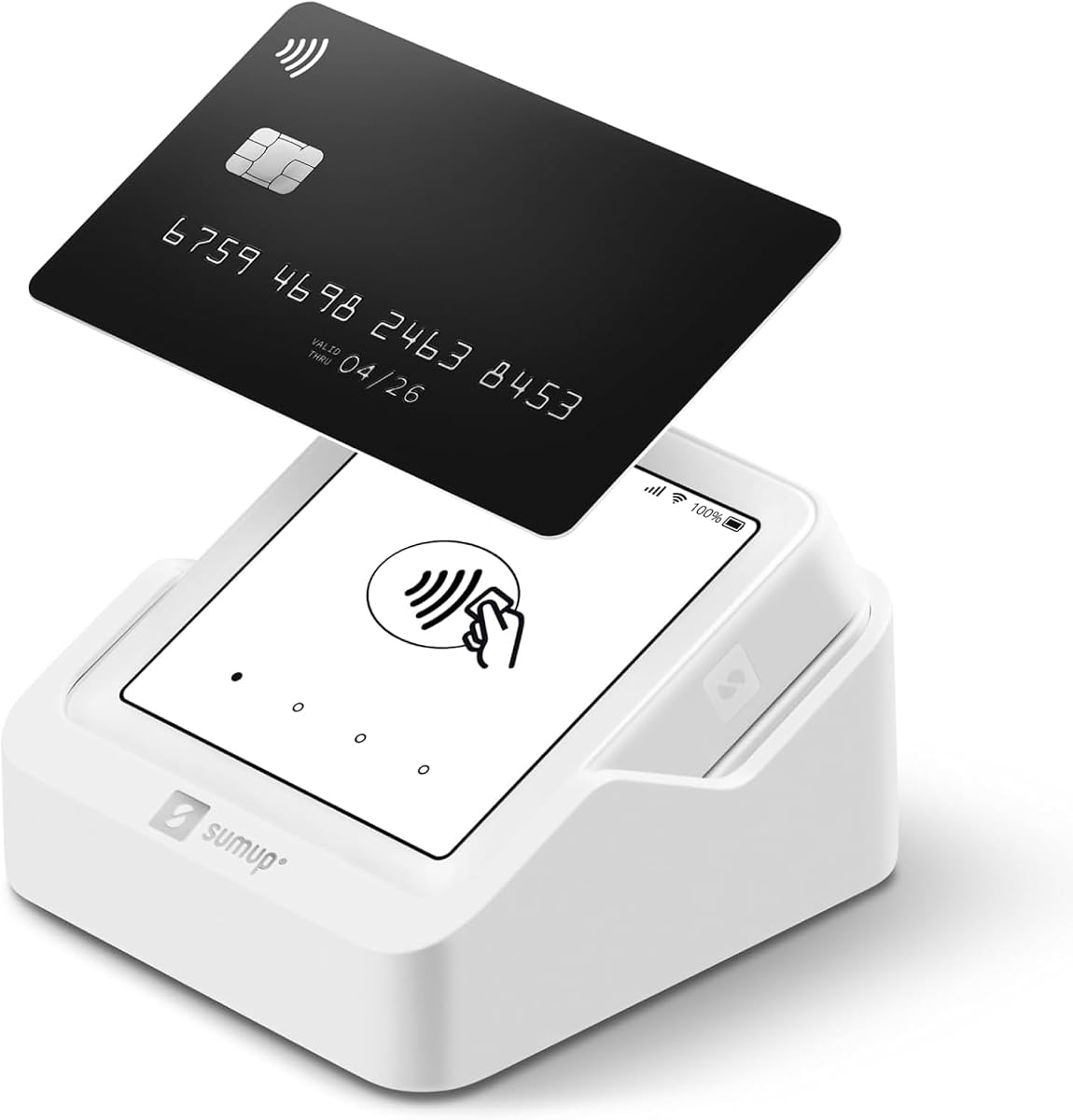
The SumUp Solo provides a self-contained payment solution with a full touch-screen interface and included SIM card for mobile data. Rated 3.5 stars it allows you to accept payments anywhere without relying on a separate phone. A charging station ensures strong battery capability for extended use throughout your shifts.
We may earn a commission when you buy through this link, at no additional cost to you.
Its strengths include independence from smartphone dependency and a strong Wi-Fi connection for reliable transaction processing. The intuitive interface simplifies sales management and payments. US-based support is available via phone, email, and chat for assistance when needed.
The lower rating points to setup complexities or connectivity issues some users face. Registration on the website or app is required before use. Despite this it offers portability and convenience for independent sellers.
Ideal for those wanting a standalone unit without phone pairing this reader handles basic payment needs. We recommend it if you value a screen and data connection on the device itself. Choose it for portable independent sales operations.
Process transactions anywhere with included SIM card and mobile data without needing a phone.
Manage sales and accept payments easily with a full touch-screen display designed for simplicity.
We may earn a commission when you buy through this link, at no additional cost to you.
The Clover GO (Newest Model) delivers a portable POS experience with wireless Bluetooth pairing for any smartphone. With a 3.6 rating it supports end-to-end security and flexible settings for tips and tax rates. You can manage employee permissions and send paperless receipts via email or text easily.
We may earn a commission when you buy through this link, at no additional cost to you.
Key advantages include robust security and business tools that streamline operations beyond simple payments. The system allows tailored tax settings and secure data protection throughout transactions. This suits businesses needing more control over staff and sales tracking.
Limitations involve the requirement for Powering POS processing which limits compatibility with other services. It also restricts use to US-based businesses only. These factors may reduce appeal for international or multi-processor needs.
We recommend this for US merchants seeking modern mobile POS features without dedicated terminals. It balances flexibility and security well. Choose it if you want a smartphone-based system with management capabilities.
Control access to sensitive data and functions by assigning roles and permissions to staff members.
Set multiple tax rates based on products sold to ensure accurate calculations for every item.
We may earn a commission when you buy through this link, at no additional cost to you.
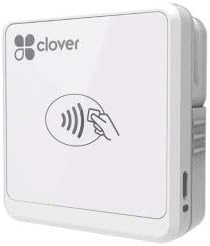
The Clover Go Contactless Reader offers EMV chip and contactless payment support without needing a traditional merchant account. Rated 4.0 stars it works with iOS and Android devices for mobile payments. While quantities are limited it remains a viable option for chip card acceptance.
We may earn a commission when you buy through this link, at no additional cost to you.
Its strengths include no merchant account requirement which simplifies onboarding for new sellers. You can accept chips and contactless taps using modern standards. It fits basic mobile POS needs without complex setups or contracts.
The end-of-life status means you may receive the most current version depending on stock. This can lead to uncertainty about features or support longevity. It remains a solid choice for quick deployment.
We suggest this for users needing chip-ready payments without merchant account hassles. It suits small businesses starting out. Choose it if availability allows and you prioritize chip support.
Accept payments without setting up a traditional merchant account for faster onboarding.
Process chip cards and contactless payments securely with compliant technology.
We may earn a commission when you buy through this link, at no additional cost to you.
The Clover Go Bluetooth Reader (3rd Gen) enables secure payments on the go with end-to-end encryption and flexible tax settings. Rated 3.6 stars it works with any Clover Go account without needing a separate merchant account. It supports custom tips and tax rates tailored to your sales.
We may earn a commission when you buy through this link, at no additional cost to you.
Its strengths include robust security and seamless integration with existing Clover systems for reliable transaction handling. You can email or text receipts and manage employee permissions. This suits small business owners already in the Clover ecosystem.
The requirement for a Clover Go account may limit use for those outside this platform. Additionally it offers fewer features than full terminal systems. It remains a practical tool for mobile acceptance.
We recommend this for Clover users needing portable Bluetooth payments with security. It balances cost and convenience. Choose it if you are already using Clover services and want to expand mobility.
Protect customer and merchant data throughout the entire transaction process with encryption.
Create multiple tax rates for different products to ensure accurate billing for all items.
We may earn a commission when you buy through this link, at no additional cost to you.
Selecting the right payment device involves evaluating connectivity, features, costs, and compatibility with your business setup to ensure smooth transactions.
Check whether the reader accepts chip cards, contactless taps, or magnetic stripes since modern transactions favor secure EMV and tap payments for protection and speed.
Prioritize devices that support chip and contactless methods to meet customer expectations and reduce fraud risks.
Bluetooth allows wireless pairing with smartphones while USB or USB-C connections need physical plugging and may limit mobility during busy periods.
Choose Bluetooth for flexibility and USB if you prefer direct connections without battery concerns.
Ensure the reader works with your operating system and required POS apps since some tools only support iOS or specific Android versions for full functionality.
Verify compatibility before purchase to avoid setup issues or limited features on your device.
Compare transaction rates and any monthly fees or contracts since some providers offer flat rates while others charge per swipe with hidden costs over time.
Select a plan matching your volume to minimize expenses and maintain predictable costs.
Look for end-to-end encryption and fraud prevention tools to safeguard sensitive customer data and reduce liability for chargebacks or breaches.
Prioritize readers with built-in security measures to protect transactions and build customer trust.
If you sell on the go, consider device weight and battery duration to ensure you can operate all day without interruption or need for charging.
Choose models with long battery life and lightweight designs for mobile sellers.
Review available support channels and warranty terms since responsive help and coverage protect your investment if hardware fails or issues arise during use.
Opt for brands offering clear warranties and accessible support teams for peace of mind.
Consider features like inventory tracking, employee permissions, or receipt printing which can streamline operations and reduce the need for separate software or hardware.
Select readers that integrate useful tools to simplify your daily business management.
Begin by downloading the associated mobile app and creating an account with your payment processor following setup instructions provided on their website or documentation.
Pair the reader with your device via Bluetooth or physical connection ensuring compatibility with your smartphone model and operating system version for stable communication.
Keep the device clean and dry while charging it regularly to maintain battery health and avoid damage from moisture or extreme temperatures during daily use.
Most modern readers do not require a traditional merchant account since they integrate directly with payment processors like Square or SumUp for instant setup. These services handle the backend so you can accept payments right away without bank approvals or lengthy applications. Check specific provider terms as some options may still involve account creation.
Mobile card readers typically use end-to-end encryption to protect card data during transactions reducing risks of fraud or data breaches. Many also include tokenization and compliance with PCI DSS standards to ensure secure handling. Look for models with built-in security features and fraud prevention tools.
Yes many models support contactless payments including Apple Pay and Google Pay through NFC technology for quick tap transactions. Ensure you select a reader that explicitly mentions contactless or tap support since magstripe-only models do not offer this. Most modern devices include this feature as standard.
Some readers like Square offer offline payment capability allowing transactions to queue and process once connectivity returns within a limited timeframe such as 24 hours. This feature ensures you can accept payments even in areas with poor signal or temporary network outages. Verify offline support before purchasing if needed.
Many providers charge no monthly fees and only require per-transaction processing rates making costs predictable for small businesses and seasonal sellers. However some plans may include optional subscriptions for advanced features like inventory or employee management. Review pricing structures carefully to avoid unexpected charges.
Most credit card readers support both Android and iOS devices though compatibility depends on the specific app and connection type like Bluetooth or USB-C. Check product details to confirm support for your phone model before buying since some options may favor one platform. Universal support is common across major brands.
Funds are typically deposited into your linked bank account automatically after transactions settle often available the next business day for standard plans. You can usually adjust payout schedules or request instant transfers for an additional fee through the app. Ensure your bank details are correct in your processor dashboard.
Advanced systems allow multiple users to log in with separate credentials and permissions to track individual sales and restrict access to sensitive data. This helps maintain accountability and security within your team. Check if your chosen reader supports employee management features before purchasing.
The top picks include Square Reader for contactless and chip for its balance of features and reliability along with Clover GO for premium mobile POS functionality.
Prioritize compatibility with your devices and processing needs while weighing factors like security and support to find a solution that grows with your business.
Always check current prices and availability since offers change frequently and selecting the right model ensures smooth payment acceptance for your operations.