
Blackmagic Design Mini Converter Audio to SDI CONVMCAUDS
4.5Editor score
Auto switching SD HD video formats
Redundant SDI input support
Universal international power supply included
This guide compares the top audio to SDI embedder models for professional broadcast and production workflows, evaluating features, reliability, and video
Audio to SDI embedders are essential tools for professionals who need to integrate high-quality audio into serial digital interface video signals efficiently. These devices ensure synchronized delivery of sound and picture across various production environments including live broadcasting and post production facilities.
We evaluated ten top rated models based on their video format support, audio input options, reliability features like redundant inputs, and overall build quality. Our analysis focuses on real world performance and compatibility with modern SDI standards from SD up to 12G rates.
Each pick highlights specific strengths such as ultra high definition support or balanced analog inputs. Note that product availability and pricing can fluctuate over time so verify current listings before making your final purchase decision for your workflow.
4.5Editor score

4.9Editor score

3.8Editor score
The following table provides a side by side comparison of all ten models reviewed in this guide. Use this to quickly identify key specifications like video support and audio channels for your specific production requirements.




This unit is a highly rated converter designed to embed audio into SDI signals with exceptional reliability. Its redundant input feature ensures continuous operation even if the primary cable fails.
We may earn a commission when you buy through this link, at no additional cost to you.
The compact design makes it ideal for rack mounting or desktop use in studio environments. Users appreciate the simple settings adjustment method and the included universal power supply.
While it does not support the latest 12G rates it handles standard and high definition formats effectively. This makes it suitable for many existing broadcast setups needing basic embedding without extra complexity.
Buy this if you need a reliable compact embedder for SD or HD workflows. It is a solid choice for professionals valuing uptime and ease of use.
The second input automatically takes over if the main signal is lost preventing broadcast interruptions.
International adapters allow global use while pen adjustments simplify configuration without software.
We may earn a commission when you buy through this link, at no additional cost to you.
This classic mini converter offers essential embedding features at an accessible price point. It supports automatic switching between SD and HD video formats making setup straightforward for mixed environments.
We may earn a commission when you buy through this link, at no additional cost to you.
Its 3 Gb/s SDI technology ensures compatibility with most modern equipment. The redundant input adds reliability for critical tasks while the universal power supply supports international travel.
It lacks some newer features found in ultra high definition models but excels in standard workflows. The USB connection allows for future upgrades enhancing long term utility.
Choose this for budget conscious productions needing reliable SDI embedding. It provides excellent value for basic professional broadcast and post production tasks.
The unit detects input changes and adjusts automatically reducing manual intervention.
New video standards can be added via USB ensuring long term compatibility.
We may earn a commission when you buy through this link, at no additional cost to you.
The Teranex mini series brings high speed 12G SDI capability to a compact unit. It handles SD HD 2K and 4K formats automatically ensuring seamless integration into modern workflows.
We may earn a commission when you buy through this link, at no additional cost to you.
Professional four channel AES EBU input provides high fidelity audio embedding. The optical S/PDIF input adds flexibility for consumer or intermediate audio sources.
While powerful this unit is priced higher than standard converters. It is best suited for projects requiring ultra high definition resolution and robust audio handling.
Invest in this if your workflow demands 4K compatibility and professional audio inputs. It delivers premium performance for advanced broadcast and production environments.
Automatic switching between SD HD 2K and 4K supports versatile resolutions.
Balanced digital and optical inputs cover diverse source equipment needs.
We may earn a commission when you buy through this link, at no additional cost to you.
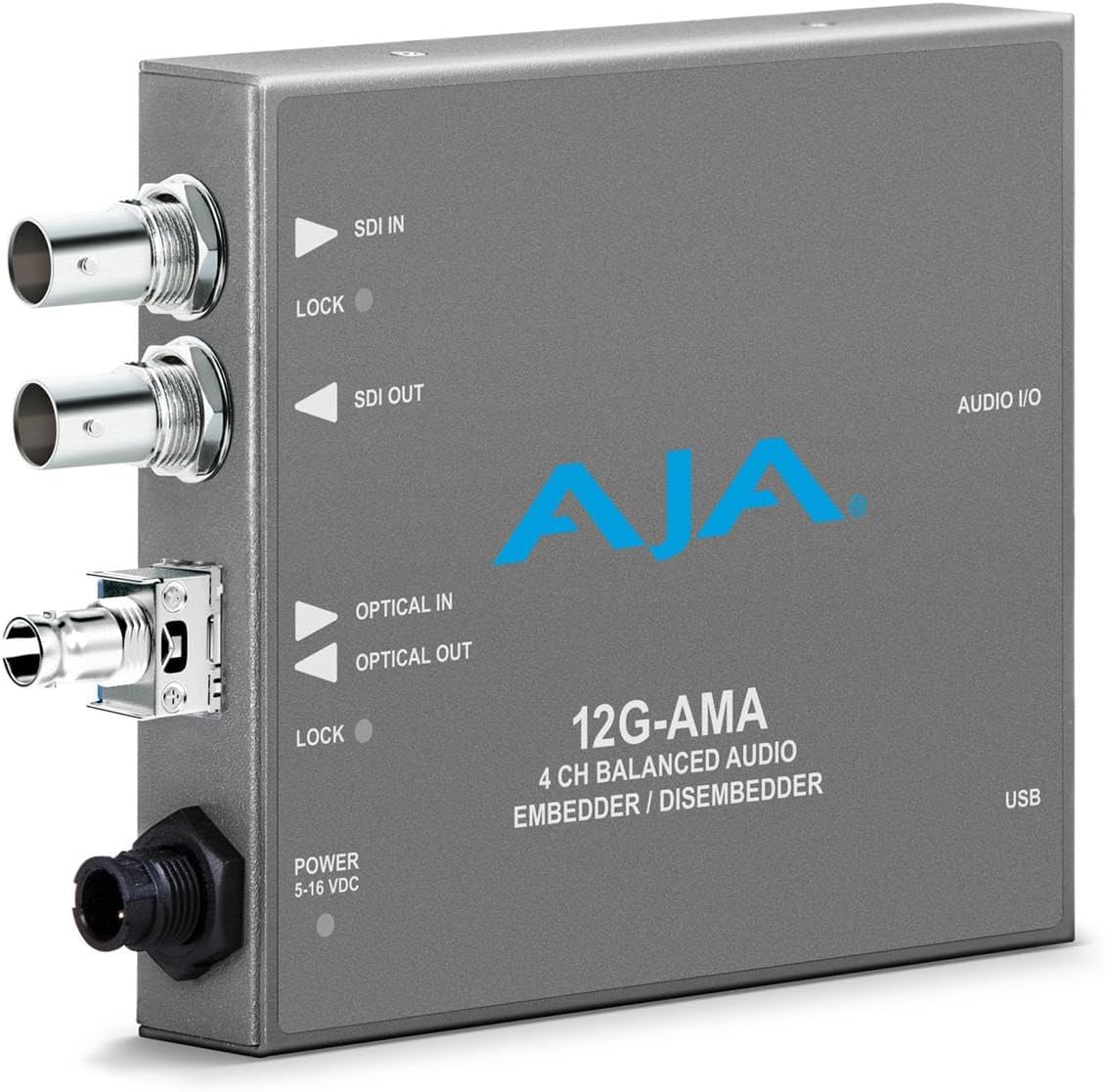
This AJA unit focuses on high speed audio embedding and disembedding with advanced fiber options. It is designed for facilities requiring long distance signal transmission and robust handling.
We may earn a commission when you buy through this link, at no additional cost to you.
The 12G SDI capability ensures compatibility with modern ultra high definition workflows. Balanced audio inputs provide the fidelity required for professional broadcast applications.
As a premium option it targets specific infrastructure needs rather than general use. The fiber support distinguishes it from standard desktop converters.
Consider this for advanced infrastructure requiring fiber optic transmission. It suits large scale production environments needing reliable high bandwidth signal processing.
Fiber options enable long distance signal transport without quality loss.
Dual function allows both adding and removing audio from SDI streams.
We may earn a commission when you buy through this link, at no additional cost to you.
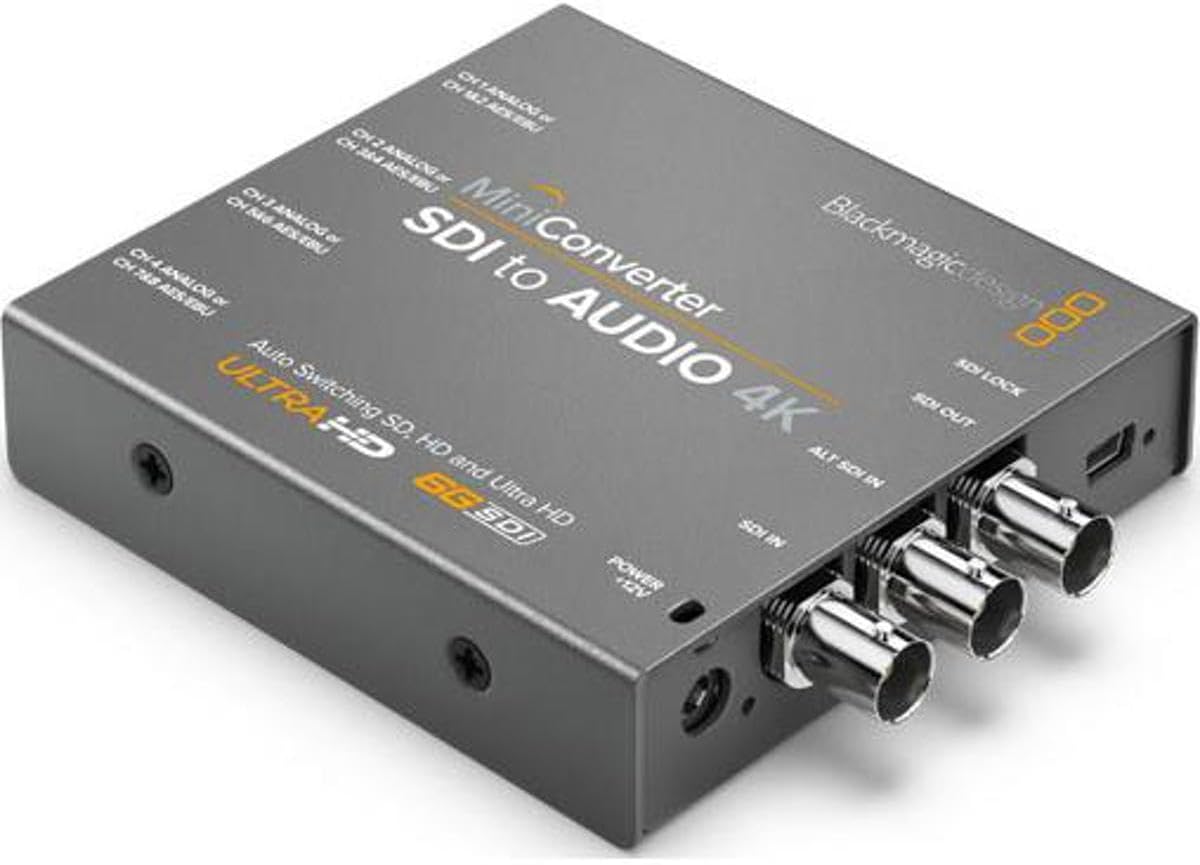
This converter focuses on extracting audio from SDI signals for monitoring or recording. It is part of the reliable Mini Converter range known for consistent performance.
We may earn a commission when you buy through this link, at no additional cost to you.
It includes a universal power supply with multinational adapters supporting global use. The compact design fits easily into any workflow without taking up much space.
While primarily an audio extractor it complements embedding workflows. It is ideal for control rooms or post production setups needing clean audio separation.
Choose this for reliable SDI to audio conversion. It pairs well with embedding units for comprehensive signal handling.
International adapters ensure operation anywhere without local adapters.
Small footprint allows flexible placement in rack or desktop environments.
We may earn a commission when you buy through this link, at no additional cost to you.
This unit converts SDI signals to analog video while extracting audio. It is useful for legacy monitor connections and balanced audio monitoring.
We may earn a commission when you buy through this link, at no additional cost to you.
It supports de embedding to balanced analog or AES EBU. This flexibility makes it suitable for diverse monitoring needs in broadcast or production.
As a converter it complements embedding devices by allowing downstream monitoring. It maintains signal quality during conversion.
Buy this for monitoring SDI on analog equipment. It provides reliable conversion for legacy workflows.
Balanced analog and AES EBU options suit different monitoring setups.
Enables use with older displays lacking SDI inputs.
We may earn a commission when you buy through this link, at no additional cost to you.
Designed for 4K workflows this unit extracts audio from high definition SDI signals. It offers extensive channel options for complex production needs.
We may earn a commission when you buy through this link, at no additional cost to you.
It supports eight channel AES EBU and four channel balanced analog outputs. The redundant input enhances reliability for critical monitoring tasks.
As an extractor it pairs with embedding units for full control. Reclocking ensures stable signal quality.
Select this for 4K audio extraction needs. It supports high channel counts and reliability.
Eight channel digital audio handles complex production mixes.
Switches automatically if main input fails ensuring continuous monitoring.
We may earn a commission when you buy through this link, at no additional cost to you.
This unit converts analog video to SDI while embedding audio from balanced or analog inputs. It is ideal for modernizing legacy video sources.
We may earn a commission when you buy through this link, at no additional cost to you.
It accepts component NTSC and PAL signals and converts them to SDI. Embedded audio options include AES EBU or balanced analog.
It bridges the gap between older cameras and modern SDI infrastructure. It maintains compatibility with various standards.
Use this to bring analog sources into SDI workflows. It supports audio embedding effectively.
Handles component NTSC and PAL ensuring legacy camera integration.
Allows audio to be added during conversion for complete signal.
We may earn a commission when you buy through this link, at no additional cost to you.
This AJA converter supports 3G-SDI and four channel balanced analog audio embedding. It prioritizes professional quality and low latency for live production.
We may earn a commission when you buy through this link, at no additional cost to you.
Configuration is handled via MiniConfig software on PC or Mac. This allows precise control over audio levels and settings.
As a high end option it suits demanding environments. It ensures synchronization and quality.
Choose this for professional live workflows needing low latency. It offers robust control and audio quality.
Minimizes delay ensuring real time synchronization critical for live video.
MiniConfig software allows detailed audio configuration on desktop.
We may earn a commission when you buy through this link, at no additional cost to you.
This converter embeds audio into 4K SDI signals with high precision. It supports four channel analog or eight channel AES EBU inputs.
We may earn a commission when you buy through this link, at no additional cost to you.
The redundant input ensures reliability by switching automatically if the main signal is lost. It handles various formats including 2K and HD.
Ideal for 4K productions needing flexible audio options. It provides high fidelity sampling.
Buy this for 4K embedding with redundancy. It supports diverse audio and video formats.
Supports 4096x2160p30 for high resolution workflows.
High precision audio sampling ensures fidelity.
We may earn a commission when you buy through this link, at no additional cost to you.
Selecting the right audio to SDI embedder depends on your video resolution requirements and audio input needs. The following factors will help you identify the best model.
Ensure the embedder supports the video formats you use such as SD HD 4K or 12G. Mismatched formats can lead to signal loss or quality degradation.
Choose a model that matches your highest resolution workflow.
Check the number of audio channels supported. Professional setups often require balanced analog or AES EBU inputs for better fidelity.
Select a unit with enough channels for your mixing needs.
Redundant SDI inputs ensure continuous operation if a cable fails. This is crucial for live broadcasts and critical events.
Prioritize models with redundant inputs for reliability.
Universal power supplies with international adapters allow global use. This reduces the need for extra adapters in travel situations.
Confirm the power supply matches your region.
Some units offer software control for detailed audio settings. Others use manual controls like pen adjustments.
Consider your preference for software vs manual setup.
Compact designs are easy to integrate into racks or desks. Ensure the size fits your workspace.
Check for optional rack kits if needed.
Prices vary by features and brand. Entry models cover basic needs while premium units offer advanced resolution support.
Balance your budget with required features.
Live workflows require ultra low latency. Check specs for delay to ensure synchronization.
Prioritize low latency for live production.
Connect your audio source to the embedder inputs using the appropriate cables such as balanced analog or AES EBU. Ensure all connectors are secure to prevent signal loss during operation.
Link the embedder output to your video workflow using high quality SDI cables. If redundant inputs are available connect a backup cable to ensure uninterrupted signal path.
Keep the unit in a cool ventilated area to maintain performance. Avoid overloading power sources and use provided adapters for safe operation.
An audio to SDI embedder combines audio signals into a serial digital interface video stream. This allows synchronized delivery of sound and picture over a single cable in professional broadcast and production environments.
Yes 4K signals require at least 3G rates and typically 12G for full resolution. Ensure your embedder supports the specific 4K format you use.
Professional embedders support balanced analog AES EBU digital and sometimes optical inputs. Check your source equipment connectors before purchasing.
Redundant inputs allow the unit to switch to a second cable if the main one fails. This prevents signal loss during critical tasks like live broadcasting.
Some units use software control via USB while others use manual switches. Refer to the manual for specific configuration steps.
Yes some models convert analog video to SDI and embed audio. Ensure the unit supports your camera format.
This guide reviewed ten models covering diverse needs from budget to premium. Top picks include the Mini Converter Audio to SDI 2 for reliability and the Teranex Mini for 4K support.
Prioritize format compatibility and redundancy for critical workflows. Ensure audio input types match your equipment to avoid extra adapters.
Prices and availability change so check current listings before purchasing. Verify specs align with your production requirements.