
Thermalright TL-C14C-S X3 CPU Fan
4.7Editor score
S-FDB Bearing Technology
Low Noise Operation
PWM Speed Control
This guide compares the top ARGB 140mm fans for cooling and aesthetics, reviewing specs, airflow, noise levels, and lighting sync features for PC builders.
Building a powerful PC requires careful attention to airflow and thermal management. ARGB 140mm fans offer an excellent balance of performance and visual appeal for modern gaming rigs and workstations.
We analyzed ten top-rated models based on airflow capacity, noise levels, bearing technology, and lighting customization. Our comparison focuses on value, reliability, and compatibility with standard motherboards.
Each pick highlights specific strengths like silent operation, high static pressure, or unique reverse airflow designs. Please note that product availability and pricing can change frequently on retailer sites.
4.7Editor score

4.8Editor score

4.6Editor score
This table provides a side-by-side comparison of the ten selected ARGB 140mm fans, highlighting their key specifications, ratings, and unique features to help you make an informed decision.
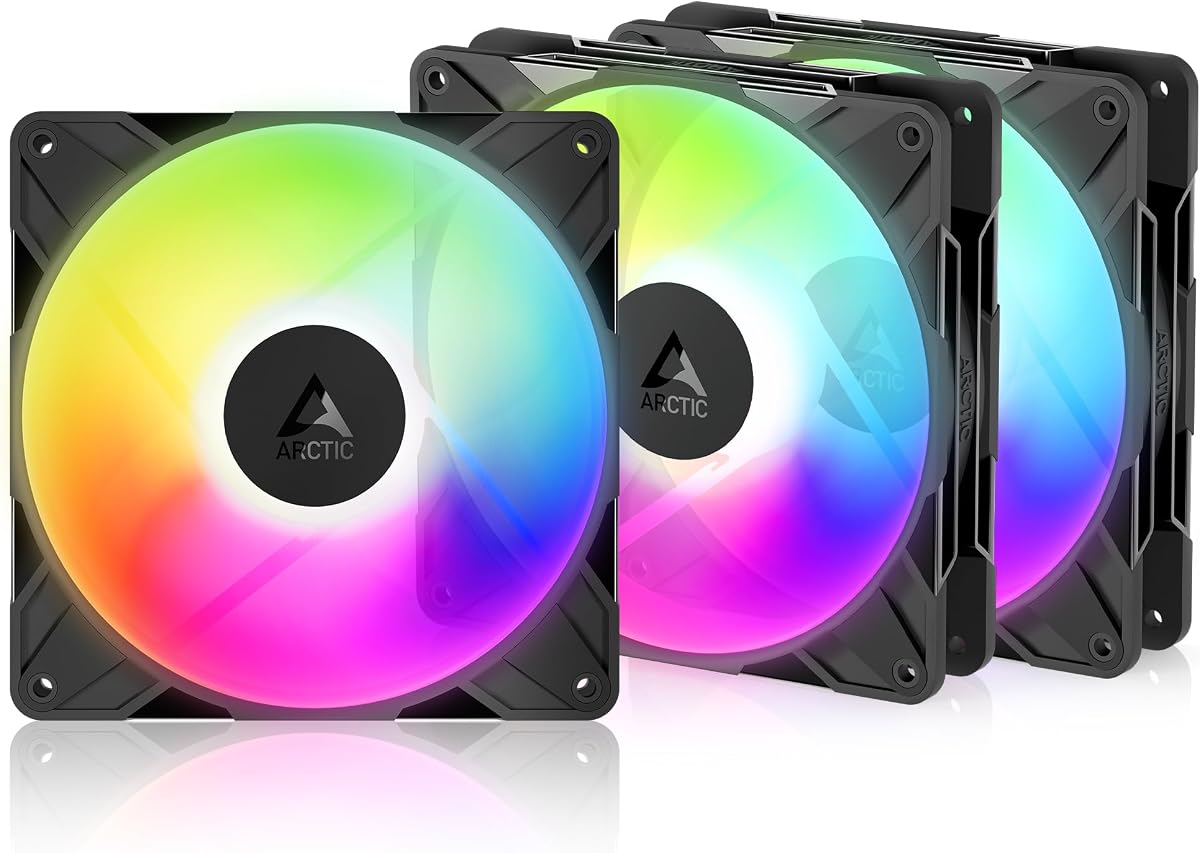


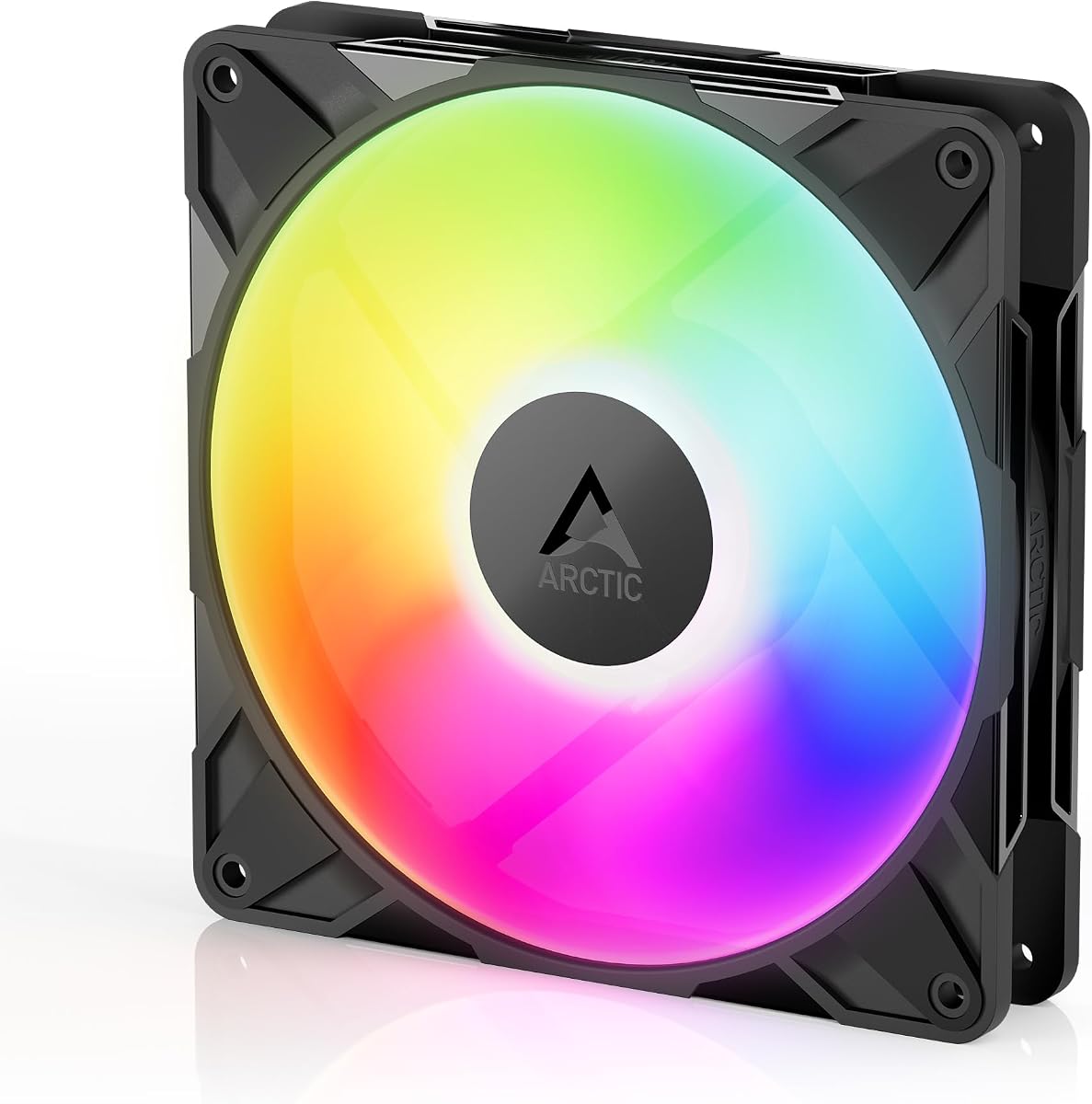


The Cooler Master MasterFan MF140 Halo stands out as the top choice for builders seeking both performance and style. With a high rating of 4.8 stars, it delivers exceptional airflow while maintaining whisper-quiet operation through advanced noise reduction technology.
We may earn a commission when you buy through this link, at no additional cost to you.
Its hybrid static pressure blade design tackles resistance in radiators and mesh panels efficiently. The duo-ring ARGB lighting offers 24 individually controlled LEDs for customizable visuals that sync with major motherboard software like Mystic Light and Polychrome.
While it lacks an included RGB header extender in some packages, the fan itself supports standard 4-pin PWM and 3-pin ARGB connections. The sound absorbing materials ensure minimal vibration, making it ideal for quiet gaming setups or professional workstations.
We recommend this fan for users who prioritize balanced cooling and aesthetics. It performs reliably in both case intake and exhaust roles, offering a premium experience that justifies its position as our editor's choice for 2026.
The duo-ring lighting design allows for complex color patterns that enhance any PC build theme.
Hybrid blades provide sufficient static pressure to push air through dense radiator fins effectively.
We may earn a commission when you buy through this link, at no additional cost to you.
The Thermalright TL-C14C-S X3 offers incredible value with a pack of three fans. Rated at 4.7 stars, it provides solid cooling performance and decent ARGB lighting without breaking the bank for budget-conscious builders.
We may earn a commission when you buy through this link, at no additional cost to you.
S-FDB bearing technology ensures smooth operation and longevity. The 1500 RPM limit keeps noise under 26.4dBA, making it suitable for quiet rooms. PBT+PC material blades reflect light softly for an aesthetic appeal.
While it lacks premium features like anti-vibration mounts, the soft silicone feet help reduce direct contact noise. The 55cm cables provide flexibility for routing in standard PC cases.
This pick is perfect for those needing multiple fans for a complete loop. Its affordability makes it a top contender for entry-level builds where performance per dollar is the primary concern.
Getting three fans in one package significantly lowers the cost per unit for full case coverage.
The atomizing fan blades create a softer glow that avoids harsh LED points often seen in cheaper models.
We may earn a commission when you buy through this link, at no additional cost to you.
The CORSAIR RS140 ARGB represents premium quality with its magnetic dome bearing and AirGuide technology. With a 4.6 rating, it delivers high performance and clean cable management through daisy-chain connections.
We may earn a commission when you buy through this link, at no additional cost to you.
AirGuide vanes concentrate airflow on hot components, maximizing cooling efficiency. The 95.5 CFM airflow is robust for demanding cooling setups. Magnetic bearings ensure quiet and long-lasting operation even at high speeds.
Cable clutter is minimized since multiple fans connect through one PWM and one ARGB header. This makes installation cleaner and easier. The static pressure rating of 3.46mm-H2O ensures air pushes through obstructions effectively.
Best for users who want top-tier build quality and simplified installation. While the price is higher, the performance and reliability justify the investment for high-end gaming rigs or professional workstations.
Daisy-chain connections reduce cable count, creating a cleaner interior build aesthetic.
Anti-vortex vanes direct air more precisely to where cooling is needed most.
We may earn a commission when you buy through this link, at no additional cost to you.
The ARCTIC P14 Pro Reverse is a unique choice for glass front case builds. With a 4.6 rating, it draws air from the back to avoid visible fan spokes, maintaining a clean aesthetic look.
We may earn a commission when you buy through this link, at no additional cost to you.
Its hydrodynamic bearing ensures quiet operation while high static pressure penetrates dense radiators. The wide speed range allows precise control down to zero RPM for silent idle conditions.
A Y-cable splitter is included for PWM control on multiple fans. The automatic balancing reduces vibration, extending the fan's service life. This pack of three offers significant cooling capacity.
Best for builders who want a seamless look without compromising thermal performance. It solves the common issue of ugly fan grilles on intake spots while delivering strong airflow where needed.
Reverse airflow design keeps the front of the case looking clean and uncluttered.
PWM control allows the fan to stop completely at low loads for silent computing.
We may earn a commission when you buy through this link, at no additional cost to you.
The Thermaltake CT140 EX ARGB features MagForce 2.0 for simplified magnetic connections. With a 4.6 rating, it reduces wiring complexity while offering vibrant lighting with 9 addressable LEDs per fan.
We may earn a commission when you buy through this link, at no additional cost to you.
Anti-vibration mounting systems ensure stable operation even under high load. The hydraulic bearing contributes to noiseless performance. These fans are compatible with major motherboard RGB sync software.
Three fans are provided to cover intake and exhaust needs efficiently. The magnetic design makes assembly quicker and less frustrating compared to traditional cable clips. This reduces installation time significantly.
Recommended for users who value ease of installation and cable management. The combination of aesthetics, cooling capability, and magnetic convenience makes it a standout choice for modern case setups.
Magnetic connections allow quick fan attachment without tedious wire routing.
16.8 million color possibilities allow for custom lighting themes matching PC themes.
We may earn a commission when you buy through this link, at no additional cost to you.
The AsiaHorse Amici 140mm offers an impressive 50,000-hour lifespan. With a 4.5 rating, it uses hydraulic bearings to minimize wear and maintain smooth performance over years of use.
We may earn a commission when you buy through this link, at no additional cost to you.
It delivers nearly 90 CFM airflow with 3.24mmH2O pressure, ensuring effective cooling. The infinity mirror effect creates a striking visual appeal. Noise levels are kept low with precision balancing.
Rubber pads dampen vibrations to reduce overall system noise. Compatible with major sync software, it allows easy color and brightness adjustments. The fan speed ranges from 800 to 1800 RPM.
Ideal for users seeking long-term reliability at an affordable price. The high hour rating ensures longevity, making it a solid choice for builds that require consistent performance without frequent replacements.
Closed-loop lubrication ensures the bearings last for decades of continuous operation.
The infinity mirror design adds a premium aesthetic touch to standard PC cases.
We may earn a commission when you buy through this link, at no additional cost to you.
The ARCTIC P14 Pro single fan offers maximum performance for cooling focused builds. With a 4.6 rating, it features a fluid dynamic bearing and redesigned blades for low noise even at 3000 RPM.
We may earn a commission when you buy through this link, at no additional cost to you.
High static pressure ensures air flows through dense heat sinks and radiators. Precise manufacturing reduces gaps and vibrations for a smooth, efficient experience. It stops completely below 5% PWM duty cycle.
Although it lacks RGB lighting in this specific model, the airflow efficiency is unmatched. The automatic balancing minimizes mechanical noise. It is perfect for users prioritizing raw cooling power.
Best for those needing a replacement or extra spot cooling with minimal noise. The design optimization ensures high efficiency at low speeds, making it versatile for various thermal management needs.
Reaches 3000 RPM allowing maximum airflow for aggressive cooling requirements.
Optimized rotors balance performance and noise for silent operation at moderate speeds.
We may earn a commission when you buy through this link, at no additional cost to you.
The Thermalright TL-C14C-S X3 Black prioritizes silence and performance. Rated 4.6 stars, it uses soft silicone feet and PBT+PC material to reduce noise transmission effectively.
We may earn a commission when you buy through this link, at no additional cost to you.
With 1500 RPM speed, it keeps noise under 26.4dBA. The 7-blade design improves heat dissipation while minimizing vibration. It works well on CPU coolers or radiators.
The 55cm cable length aids in flexible mounting. It supports PWM series control for efficient motherboard integration. A practical choice for those who prefer a clean black aesthetic.
Recommended for users building silent PCs. It offers a reliable solution without flashy lights, focusing purely on airflow and low acoustic output for professional or quiet environments.
Soft feet prevent vibration from transferring to the case chassis reducing rattling sounds.
PBT+PC material provides insulation and structural integrity for long-term durability.
We may earn a commission when you buy through this link, at no additional cost to you.
The ARCTIC P14 Pro Reverse Single carries a 4.9 rating for quality. It draws air from the back ensuring a clean front aesthetic for glass case builders.
We may earn a commission when you buy through this link, at no additional cost to you.
High static pressure allows it to handle dense panels effectively. The fluid dynamic bearing ensures low noise. It stops completely at low PWM to reduce idle sound.
Precision manufacturing reduces gaps and vibrations significantly. It is compatible with most standard motherboards for control. This model offers the reverse design in a single unit.
Best for adding a clean intake fan to an existing build. The high rating confirms reliability and performance. It solves the problem of ugly front intake fans elegantly.
Blades are optimized for reverse airflow, ensuring better aesthetics on the front of your case.
High RPM range ensures robust cooling without sacrificing quiet operation at idle.
We may earn a commission when you buy through this link, at no additional cost to you.
The Thermalright TL-C14C-S Single is an affordable choice for single spot cooling. With a 4.7 rating, it features atomizing ARGB blades for soft lighting effects without harsh glare.
We may earn a commission when you buy through this link, at no additional cost to you.
It supports 17 light modes for customization. S-FDB bearings ensure durability and quiet operation. The 1500 RPM limit balances airflow and noise for standard use.
The fan connects via standard 4-pin PWM and 5V 3-Pin ARGB headers. Soft silicone feet reduce vibration transfer. It matches coolers and case panels perfectly.
Ideal for users needing one replacement fan with lighting. The soft glow makes it a favorite for those avoiding aggressive RGB. It delivers reliable performance at a budget price.
Atomizing blades diffuse LED light for a glowing effect rather than sharp points.
Low cost makes it an easy choice for adding RGB to existing builds cheaply.
We may earn a commission when you buy through this link, at no additional cost to you.
Selecting the right fan involves balancing performance metrics like airflow and static pressure with aesthetic features like ARGB lighting.
Airflow measured in CFM indicates how much air the fan moves. Static pressure in mmH2O determines its ability to push through obstructions like radiators. High airflow is for open cases; high static pressure is for radiators.
Look for high CFM for case intake and high static pressure for heatsinks.
Noise levels measured in dBA determine how quiet the fan is. Lower decibels mean a quieter experience especially at night. Vibration dampening features help reduce noise further.
Prioritize models with dBA ratings below 25 for silent builds.
Bearings affect lifespan and noise. Fluid Dynamic Bearings (FDB) and Magnetic Dome Bearings offer long life and smooth operation. Sleeve bearings are cheaper but may wear faster.
Choose FDB or magnetic bearings for longevity and quiet performance.
Ensure the fan uses 5V 3-Pin ARGB to match your motherboard. Some fans require specific software like Aura Sync or Mystic Light for color control. Check connection types before buying.
Verify 5V 3-Pin headers are present on your motherboard.
Fans often come in single or multi-packs. Buying a 3-pack is usually cheaper per unit than singles. Consider how many fans your case supports before purchasing.
Opt for 3-packs if you need full case coverage.
PWM (Pulse Width Modulation) allows dynamic speed control based on temperature. Ensure the fan has a 4-Pin connector for this feature. It helps balance cooling and noise automatically.
Always choose fans with 4-Pin PWM for efficiency.
Reverse fans draw air from the back to hide blades on glass cases. These are ideal for front intakes to maintain a clean look. Standard fans blow from front to back.
Buy reverse airflow fans for glass front case aesthetics.
Connect the 4-pin PWM plug to a SYS_FAN header and the 3-pin ARGB to a 5V header for control. Ensure the daisy chain cables are connected securely to reduce clutter.
Use motherboard software to sync lighting with your system components for a unified look. Check that the fan rotates in the correct direction for intake or exhaust.
Clean the blades regularly with compressed air to prevent dust buildup. Dust reduces airflow and increases noise. Inspect cables annually for wear to ensure safety.
ARGB stands for Addressable RGB, meaning each LED can be controlled individually for custom effects. Standard RGB lights up the entire fan in one color. ARGB offers more versatility and visual options.
Yes, ARGB fans require a 5V 3-pin header on your motherboard for proper lighting control. Connecting to a 12V RGB header can damage the fan. Check your motherboard specs before purchasing.
Most daisy-chain capable fans support 2 to 3 units per chain. Connecting too many may reduce brightness or cause power issues. Use a splitter if you need to extend the chain.
No, 140mm fans are larger and will not fit into 120mm mounting spots. You must match the fan size to your case mounting holes. Some cases support only one size for specific slots.
Reverse airflow fans are designed to pull air from the back so the motor hub and blades are hidden on the front. This is useful for glass panel cases to maintain a clean look.
For 140mm fans, 1500 RPM is a balanced speed offering good airflow with low noise. Higher RPM means more noise. Modern fans often adjust speed automatically via PWM to stay quiet.
We found the Cooler Master MasterFan MF140 Halo to be the top overall choice for its balance of style and cooling. The Thermalright TL-C14C-S X3 offers incredible budget value for a 3-pack.
Consider your case layout and lighting goals before buying. Reverse airflow fans are great for glass panels while standard fans work well on radiators.
Always check current prices and availability as deals change frequently. Investing in quality fans ensures your PC runs cool and looks stunning for years to come.