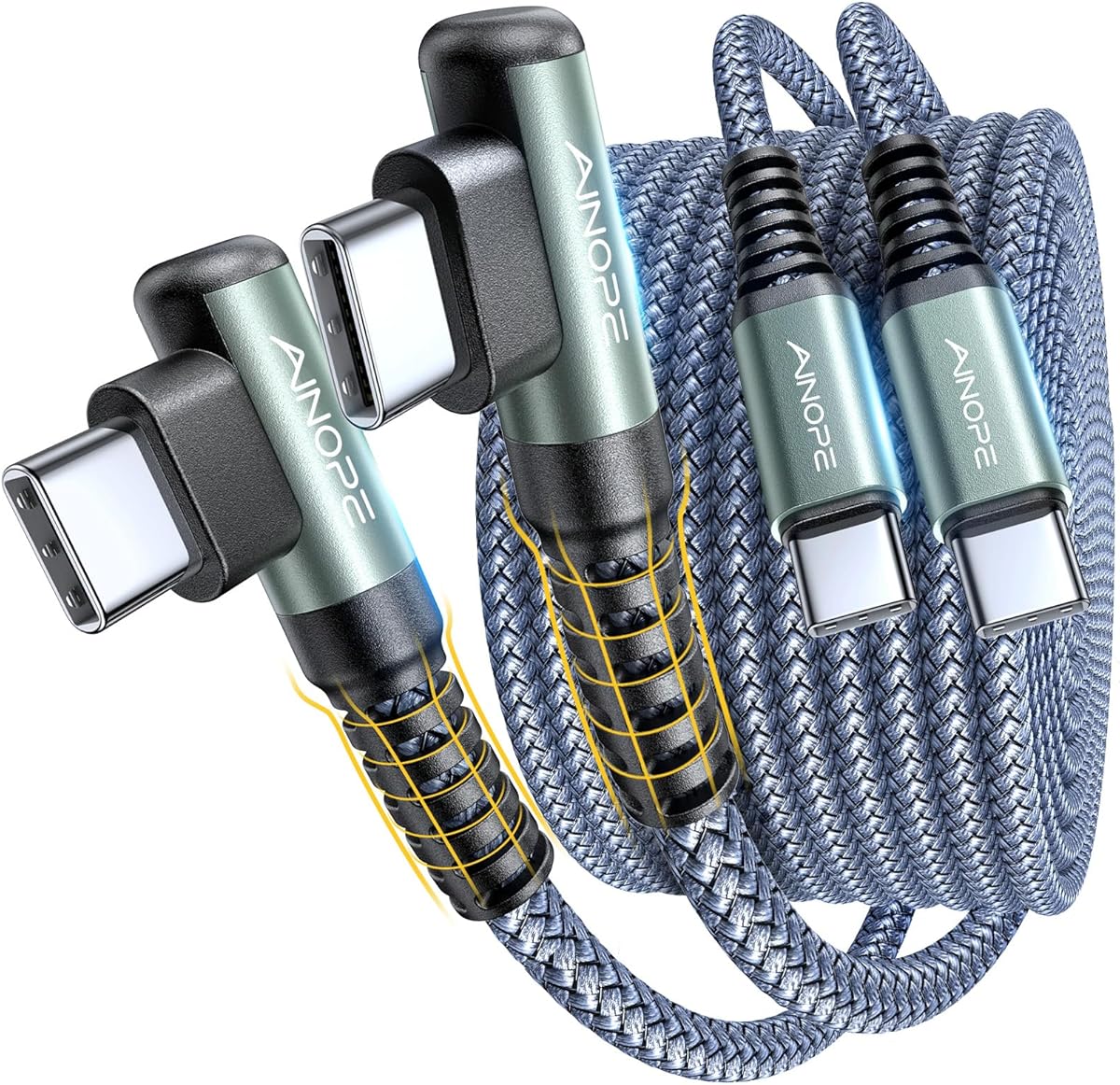
AINOPE USB C to USB C Cable
4.7Editor score
60W Fast Charging
Military Grade Build
6.6 Foot Length
This guide compares the top 90 Degree USB C Cable options for charging and durability. Find the best right angle connector for your phone or laptop today.
Finding the right cable can transform how you use your devices daily. A 90 Degree USB C Cable offers unique ergonomic benefits. It reduces strain on ports and fits better in tight spaces while charging.
We analyzed ten top rated options based on durability and speed. Each product was reviewed for build quality and connector design. Our list covers various lengths and power delivery capabilities for all needs.
Every pick highlights specific strengths for different users and scenarios. Some focus on gaming while others prioritize long reach. Prices change often so check current listings before you buy now.
4.7Editor score

4.6Editor score

4.6Editor score
This table shows key specifications for every model in our review. Compare power ratings and lengths side by side to find the right fit for your setup and devices quickly.


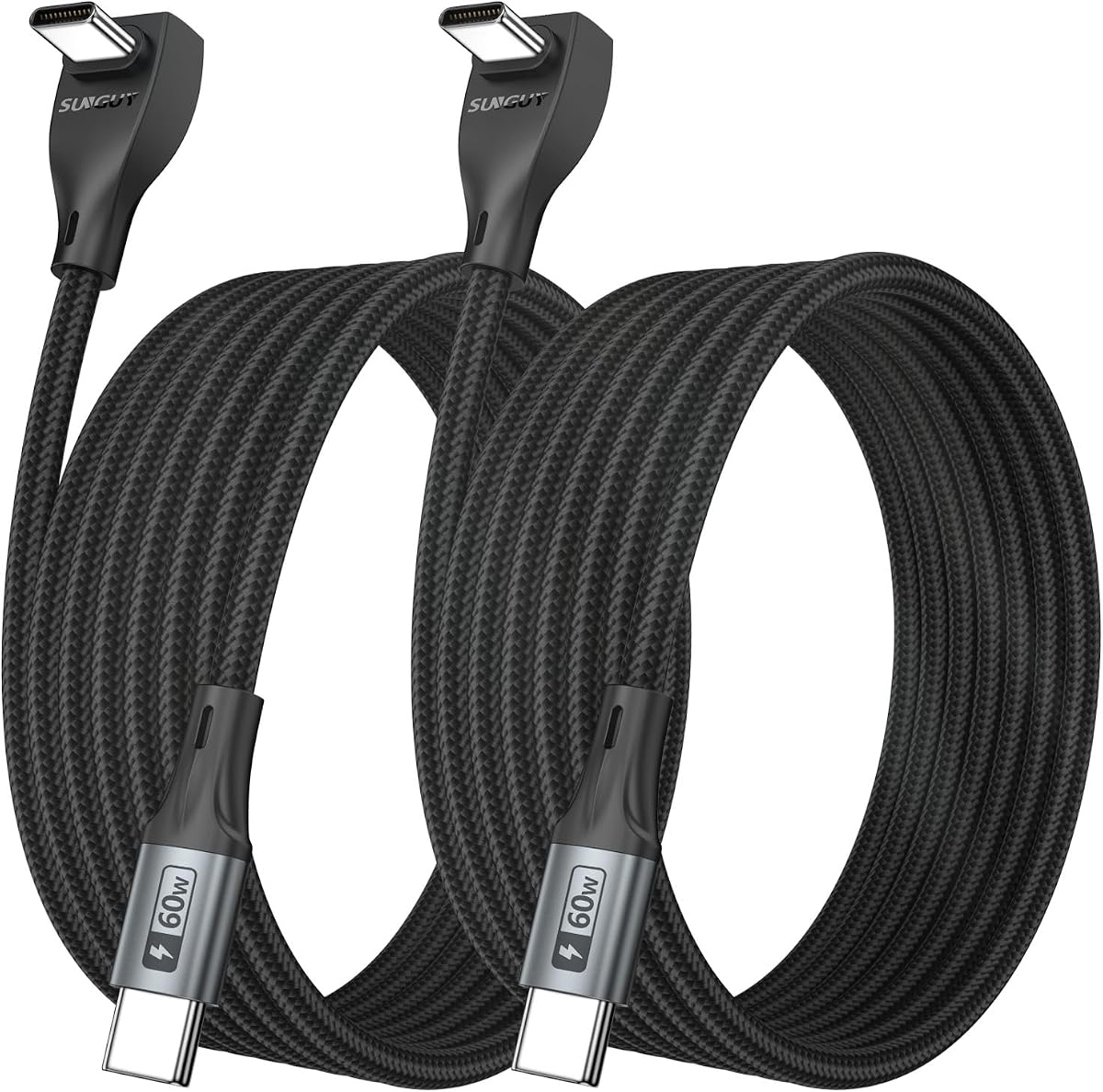


This cable leads our list with top power delivery and build quality. It holds a high user rating and features a robust design. The right angle connector makes daily charging much easier for most setups.
We may earn a commission when you buy through this link, at no additional cost to you.
Its 240W capability ensures fast charging for laptops and phones alike. The braided exterior prevents tangles and adds lasting strength. Users appreciate the ergonomic angle that keeps hands free while playing games.
Some users note it may not fit very thick phone cases easily. The price reflects premium materials but costs more than budget options. These trade-offs are acceptable given the performance and reliability.
Choose this if you need reliable power for heavy devices. It suits professionals and gamers needing consistent charging. The two pack ensures you always have a backup ready.
Supports up to 240W for rapid device charging.
90 degree angle reduces port strain during use.
We may earn a commission when you buy through this link, at no additional cost to you.
This option offers exceptional value for money with strong durability. It has a high rating for reliability and cost efficiency. The right angle end prevents wear at the connection point effectively.
We may earn a commission when you buy through this link, at no additional cost to you.
Its military grade braiding withstands frequent bending over time. Fast charging speeds keep devices ready for daily tasks. The ergonomic design allows comfortable use during media consumption.
It does not support video output which limits monitor usage. The length can be too long for some desk setups. These are minor issues for the low cost and performance.
Ideal for students or home use needing multiple cables. It balances quality and price well for general charging. The two pack ensures you have spare units handy.
Tested for over 400000 bends for longevity.
L shaped end keeps cable out of your way.
We may earn a commission when you buy through this link, at no additional cost to you.
This long cable delivers power with flexibility for various setups. It features a robust build designed for frequent use. The right angle connector protects the port from bending stress.
We may earn a commission when you buy through this link, at no additional cost to you.
Its ten foot length allows charging across rooms or beds. High speed charging keeps devices operational without delay. The braided exterior adds resistance to daily wear and tear.
The length may create excess slack on smaller desks. It costs slightly more but justifies with extended reach. These factors suit users needing distance for power.
Perfect for large rooms or shared workspaces. It provides freedom to move while staying connected. The two pack offers ample supply for different locations.
Ten foot cord allows flexible placement anywhere.
Angled tip prevents strain on the USB port.
We may earn a commission when you buy through this link, at no additional cost to you.
This model works with older USB A chargers for compatibility. It shares the durable design of other top picks. The right angle end helps in tight spaces easily.
We may earn a commission when you buy through this link, at no additional cost to you.
Its build quality resists fraying at the joint. Fast charging supports daily device usage efficiently. The ergonomic shape aids comfort during long sessions.
You need a USB A adapter for use which is separate. It lacks video out capabilities for monitors. These limits are minor for standard charging tasks.
Useful if you have existing USB A power blocks. It extends your current charger options effectively. The value pack makes it a smart buy.
Works with standard USB A power adapters.
L shape minimizes port wear during charging.
We may earn a commission when you buy through this link, at no additional cost to you.
This short cable suits desktops or portable needs well. It supports fast power delivery for modern devices. The flat right angle reduces clutter in tight spots.
We may earn a commission when you buy through this link, at no additional cost to you.
Its design fits easily into pockets or bags. Charging speed meets standard daily requirements effectively. The compact size prevents excess cable management issues.
Limited reach restricts use away from the outlet. Some users report mixed experiences on durability. These factors suit portable scenarios more than home use.
Choose this for travel or desktop setups. It provides a simple solution for close range charging. The low cost makes it an easy trial.
Short length reduces cable clutter everywhere.
Flat 90 degree design fits low profile.
We may earn a commission when you buy through this link, at no additional cost to you.
Designed with comfort in mind for active users. The right angle keeps cable away from your hands. It supports fast charging for handheld devices effectively.
We may earn a commission when you buy through this link, at no additional cost to you.
Its low profile design sits flat on surfaces. Safety protections prevent overheating during heavy use. The nylon braiding adds strength against daily wear.
Short length may not reach far from outlet. Video output support is absent for displays. These limits suit charging and media usage primarily.
Ideal for console or handheld gaming setups. It keeps your setup tidy and safe. The two pack offers spare units for backup.
Angle design keeps cord out of play.
Built in protection prevents overheating risks.
We may earn a commission when you buy through this link, at no additional cost to you.
This option combines durability with practical design. It supports fast charging with a standard adapter. The right angle helps in tight car or desk spots.
We may earn a commission when you buy through this link, at no additional cost to you.
Its aluminum alloy build resists corrosion and wear. Nylon braiding adds flexibility and strength. The ergonomic shape aids daily usage comfort.
Uses USB A so you need matching charger. Short length limits room for movement. These factors work for fixed location charging well.
Good for car or office desk setups. It provides reliable power for daily devices. The value is strong for the build quality.
Aluminum housing resists corrosion effectively.
Right angle eases connection in tight spots.
We may earn a commission when you buy through this link, at no additional cost to you.
Ideal for setups needing significant distance from power. It supports fast charging for most modern devices. The right angle protects the port from strain.
We may earn a commission when you buy through this link, at no additional cost to you.
Its nylon braiding resists tangles and wear. Safety features ensure secure charging during use. The ten foot length offers ample flexibility.
Extra length requires management to avoid clutter. Cost is higher but justified by reach. These limits are minor for flexible setups.
Best for large rooms or car use. It allows device use away from the outlet. The two pack ensures you have backup units.
Ten foot length reaches across rooms.
Built in features protect against overcurrent.
We may earn a commission when you buy through this link, at no additional cost to you.
Perfect for travel due to its minimal size. It supports standard charging needs for phones. The right angle helps avoid tangle in bags.
We may earn a commission when you buy through this link, at no additional cost to you.
Its small form fits easily into pockets. Flexible material resists bending stress over time. The brand reputation suggests reliable performance.
Limited power speed may not suit tablets. Length restricts use to close proximity only. These limits suit travel or short connection needs.
Great for carry on bags or laptops. It provides reliable backup charging on the go. The compact size makes it very portable.
Small size fits easily in carry on bags.
Right angle reduces bulk in cases.
We may earn a commission when you buy through this link, at no additional cost to you.
A balanced choice for general daily desktop use. It offers good reach and charging speed. The right angle helps keep cable tidy on surfaces.
We may earn a commission when you buy through this link, at no additional cost to you.
Its nylon braiding adds strength for regular use. Charging speed keeps devices ready for tasks. The two pack provides backup when needed.
No video output limits monitor connectivity. Shorter length limits bed use from outlet. These are minor trade-offs for desk usage.
Best for office or desk charging needs. It keeps your workspace organized efficiently. The two pack ensures spare units are always available.
3.3 foot length suits most desks.
Two pack ensures you have a backup.
We may earn a commission when you buy through this link, at no additional cost to you.
Selecting the right cable depends on power needs and length requirements. Consider build quality and connector design to avoid frequent replacements.
Ensure the cable supports enough watts for your device. High power delivery charges laptops faster than standard options. Look for 60W or higher if using larger devices.
Check the wattage rating matches your charger and device needs for optimal performance.
Choose a length that reaches your power source comfortably. Shorter cables work for desks while longer ones suit beds or travel. Excess length can create clutter if not managed.
Select a length that fits your specific environment to avoid excess slack or strain.
Right angle connectors reduce strain on device ports. They help prevent bending and improve comfort during use. A low profile design keeps cables out of your way.
Pick a 90 degree angle to protect ports and improve ergonomics.
Look for nylon braiding or metal shielding for strength. High bend resistance ensures the cable lasts longer. Laser welded joints protect weak points from breaking.
Prioritize durable materials to extend the lifespan of your cable.
Verify the cable matches your device port type. Some support only data while others support video output. Check specifications to ensure your laptop or tablet works.
Confirm the cable supports your device functions to avoid compatibility issues.
Two packs offer better value and backup availability. Compare cost per unit when buying multiple items. A higher upfront cost can save money long term.
Buy in packs to ensure you have spares ready at any time.
Check for overcurrent or temperature protection features. Safe cables prevent overheating during fast charging. Built in chips help regulate power delivery effectively.
Choose cables with safety features to protect your devices from damage.
Consider where you will use the cable most. Gaming needs ergonomic shapes while travel needs compact sizes. Desktop use benefits from longer lengths to reduce clutter.
Match the cable features to your daily usage scenarios for best results.
Always plug the cable in gently to avoid damaging the connector pins. Ensure the angle aligns with your device port to prevent stress.
Avoid bending the cable sharply near the connector during storage. Coil it loosely to maintain the internal wires and durability.
Clean the connector with a dry cloth to remove dust. Keep moisture away from the contact points for safety and longevity.
Most standard charging cables do not support video output. Check product specifications carefully before connecting to a monitor. Only cables labeled for video support will work for displays.
Yes they reduce strain on the device port. The angled design prevents bending during active use. This helps extend the lifespan of your device.
Many cases block standard connectors but right angle helps. Check case thickness limits before buying. Some models may not fit bulky covers well.
For phones 60W is sufficient. Laptops need higher ratings like 100W or more. Match the cable to your device requirements for fast charging.
High quality cables last years with proper care. Replace if fraying or connection issues occur. Durability ratings can help estimate replacement cycles.
Most work with standard charging but not all features. Check compatibility lists for specific models. Some may not support data or video.
The Anker and AINOPE models lead with performance and value. They offer durability and ergonomic designs that users appreciate for daily use.
Prioritize power rating and length to match your specific needs. A right angle connector adds comfort and protection for long term use.
Always check current pricing and availability before buying. Prices can fluctuate so finding the best deal matters for your budget.