
acer SB240Y G0bi
4.6Editor score
Zero frame design
120Hz refresh rate
IPS panel technology
This guide compares the top edge to edge monitors for productivity and gaming, featuring ultrawide screens, high refresh rates, and immersive viewing experience
Edge to edge monitors redefine workspace efficiency by minimizing bezels and maximizing screen real estate. These displays offer seamless visuals that enhance productivity and immersion for professionals and gamers alike.
We evaluated ten top models based on resolution, refresh rate, panel technology, and connectivity. Our analysis highlights standout features like OLED clarity, USB-C docking, and adaptive sync support for diverse needs.
Each pick showcases key strengths and ideal use cases to help you decide. Prices and availability change frequently, so verify current details before purchasing to ensure you get the best value for your setup.
4.6Editor score

4.4Editor score

4.3Editor score
Explore our detailed side-by-side comparison of the leading edge to edge monitors available today. We break down specifications, panel types, and unique features to help you find the perfect match for your workflow.





The Dell 34 Monitor S3425DW stands out as a top choice for professionals seeking a balance of comfort and performance. With a WQHD VA panel and ComfortView Plus, it reduces eye strain while maintaining color accuracy for long work sessions.
We may earn a commission when you buy through this link, at no additional cost to you.
Its 120Hz refresh rate ensures smooth visuals for both work and casual gaming. The USB-C connection with 65W power delivery simplifies desk clutter by charging laptops while transferring data and video through a single cable.
While it lacks some advanced gaming features found in dedicated monitors, its focus on ergonomic design and sound quality makes it ideal for hybrid work environments. The VA panel delivers deep blacks, enhancing media consumption.
Buyers looking for a reliable daily driver should prioritize this model. It offers a polished experience with minimal setup hassle, making it a strong recommendation for those valuing comfort and connectivity over high-end gaming specs.
ComfortView Plus reduces blue light emissions to less than 35 percent without affecting color quality, ensuring prolonged viewing comfort.
The USB-C port supports up to 65W power delivery, allowing users to charge compatible devices while connecting video and data simultaneously.
We may earn a commission when you buy through this link, at no additional cost to you.
This Z-Edge monitor delivers a true cinematic experience with its 49-inch curved display and 32:9 aspect ratio. The dual QHD resolution provides immense screen real estate, effectively replacing two QHD monitors for multitasking workflows.
We may earn a commission when you buy through this link, at no additional cost to you.
Gaming performance is robust with a 165Hz refresh rate and 1ms response time. Features like PIP and PBP allow users to manage multiple input sources simultaneously, which is excellent for streamers or multi-device professionals.
The KVM switch enhances productivity by allowing control of two computers with one keyboard and mouse. However, the large footprint requires a spacious desk, and the stand lacks extensive ergonomic adjustments compared to higher-end models.
Ideal for users needing expansive workspace without bezel interruptions. This monitor bridges the gap between productivity and entertainment, offering versatile features that justify its mid-range positioning in the market.
Picture-in-Picture and Picture-by-Picture modes enable seamless switching between devices, making it easy to reference multiple screens simultaneously.
Built-in tools like Crosshair and Shadow Balance improve accuracy and visibility during competitive gameplay sessions without external software.
We may earn a commission when you buy through this link, at no additional cost to you.
The Dell UltraSharp U4924DW is engineered for enterprise environments requiring reliable, high-resolution displays. Its 49-inch DQHD screen offers sharp visuals suitable for detailed design work and extensive data analysis.
We may earn a commission when you buy through this link, at no additional cost to you.
USB-C connectivity allows for efficient data transfer and docking capabilities. The edge WLED backlight ensures consistent brightness across the panel, making it suitable for professional settings where color and clarity matter.
Response time is slower at 5ms, which may not suit fast-paced gaming. However, this is acceptable for business use where stability and reliability take precedence over speed. The VESA mount support adds flexibility.
Professionals needing a trustworthy workspace expansion tool should consider this model. It balances performance with durability, offering a polished solution for corporate or creative professionals requiring consistent output.
Dual Quad HD resolution ensures visual clarity, making it ideal for professionals handling large datasets or complex design projects.
VESA mount compatibility allows the display to be mounted on walls or specialized stands, saving valuable desk space.
We may earn a commission when you buy through this link, at no additional cost to you.
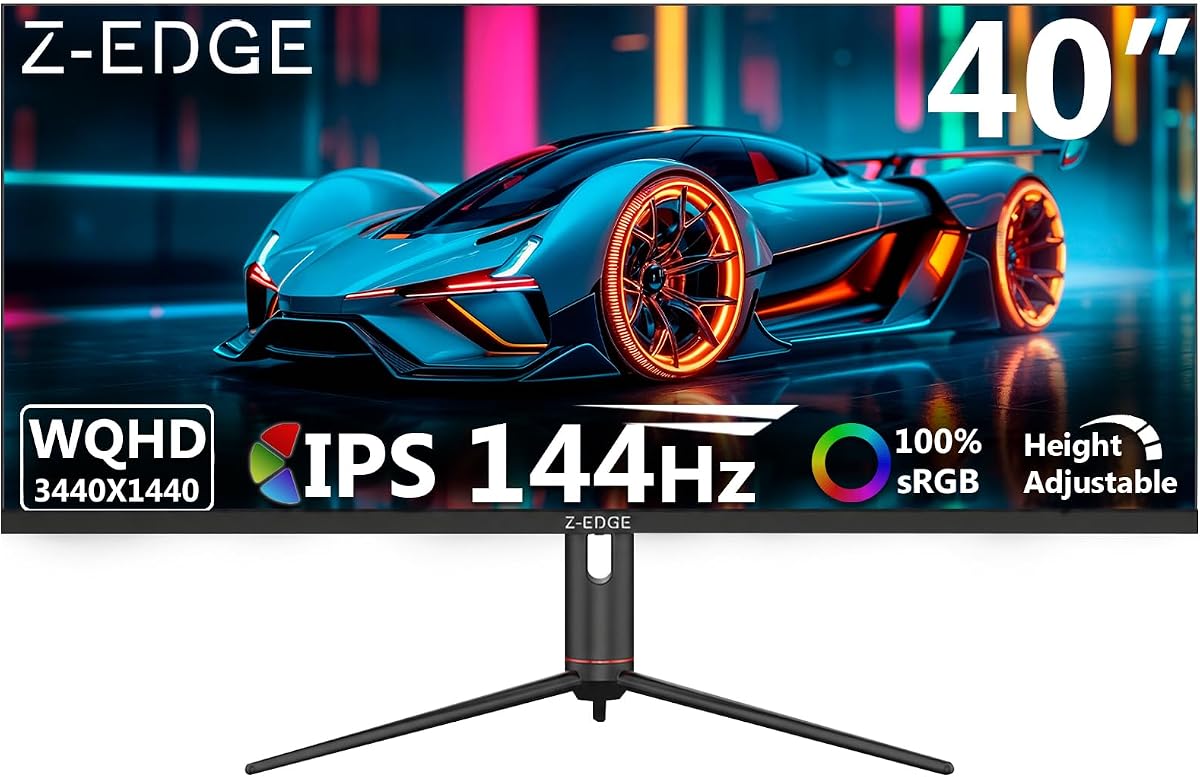
This 40-inch monitor balances immersion with desk space efficiency. The IPS panel ensures consistent colors across wide viewing angles, making it suitable for collaborative work and immersive gaming sessions alike.
We may earn a commission when you buy through this link, at no additional cost to you.
Performance is strong with 144Hz refresh rates over DisplayPort. Features like PIP and PBP modes enhance multitasking capabilities, allowing users to view multiple content sources simultaneously without clutter.
The ergonomic stand supports height, tilt, and swivel adjustments, improving comfort during long sessions. Built-in speakers provide basic audio, though external options are better for serious gaming audio requirements.
Users seeking a balanced ultrawide for gaming and work will appreciate this monitor. It offers solid specifications at a reasonable price, making it an attractive option for mid-range buyers.
Wide 178-degree viewing angles maintain color accuracy from any perspective, ensuring consistent visuals across different viewing positions.
Features like Shadow Balance and Game Timer help gamers maintain focus and visibility during competitive matches.
We may earn a commission when you buy through this link, at no additional cost to you.
The Corsair XENEON Edge is a niche product designed for PC enthusiasts looking to integrate a secondary display inside their case. Its unique installation method allows for monitoring system stats directly within the chassis.
We may earn a commission when you buy through this link, at no additional cost to you.
With 2K resolution and touchscreen capability, it offers interactive control for widgets or chat apps. The flexibility to mount it vertically or horizontally outside the case adds versatility for streaming or monitoring tasks.
While not designed for primary gaming or high-refresh workflows, it serves a specific purpose well. The magnetic housing simplifies installation, though it requires compatible case features to function as an internal display.
Buyers looking for innovative PC customization should consider this monitor. It transforms system monitoring into an engaging experience, adding value for enthusiasts who want integrated feedback without external clutter.
Eighteen magnets and corner screws allow secure installation inside cases with 360mm fan mounting positions for integrated monitoring.
The included stand enables flexible mounting outside the case, making it useful for standalone secondary displays or dashboards.
We may earn a commission when you buy through this link, at no additional cost to you.
This Sceptre monitor delivers impressive gaming performance at a budget-friendly price. The 240Hz refresh rate ensures ultra-smooth motion, making it an ideal choice for competitive gamers seeking responsiveness without breaking the bank.
We may earn a commission when you buy through this link, at no additional cost to you.
With 100% sRGB coverage and 1ms response time, it handles fast-moving content well. Blue-Light Shift technology helps protect eyes during extended sessions, adding a layer of comfort often missing in budget models.
While the stand offers minimal adjustment and build quality is functional, the performance-to-cost ratio remains strong. It serves as an excellent entry point for ultrawide gaming or high-refresh productivity setups.
For budget-conscious gamers prioritizing speed, this model is a top pick. It proves that high refresh rates can be accessible without sacrificing core visual performance or connectivity options.
The 240Hz refresh rate ensures buttery-smooth visuals, reducing motion blur significantly in fast-paced gaming or video playback.
100% sRGB color gamut ensures accurate and vivid visuals suitable for creative tasks and multimedia consumption alike.
We may earn a commission when you buy through this link, at no additional cost to you.
The LG 45GX950A-B redefines gaming with its 5K2K OLED display. The combination of massive resolution and OLED technology delivers stunning clarity and deep blacks, creating an immersive experience unmatched by traditional panels.
We may earn a commission when you buy through this link, at no additional cost to you.
Dual Mode allows switching between 5K2K at 165Hz and Wide Full HD at 330Hz, catering to different game genres. The 0.03ms response time ensures instantaneous reactions, ideal for competitive shooters or racing sims.
Connectivity is top-tier with DisplayPort 2.1 and 90W USB-C power delivery. Despite the premium price, the visual fidelity and performance justify the investment for serious enthusiasts seeking the ultimate setup.
Buyers seeking the pinnacle of gaming visual quality should choose this monitor. It pushes boundaries with resolution and speed, offering a future-proof solution for next-generation gaming consoles and PCs.
World's first 5K2K OLED gaming monitor brings unprecedented detail and contrast, surrounding you with stunning visuals.
Switch seamlessly between ultra-detailed visuals and ultra-responsive gameplay depending on the game genre and performance needs.
We may earn a commission when you buy through this link, at no additional cost to you.
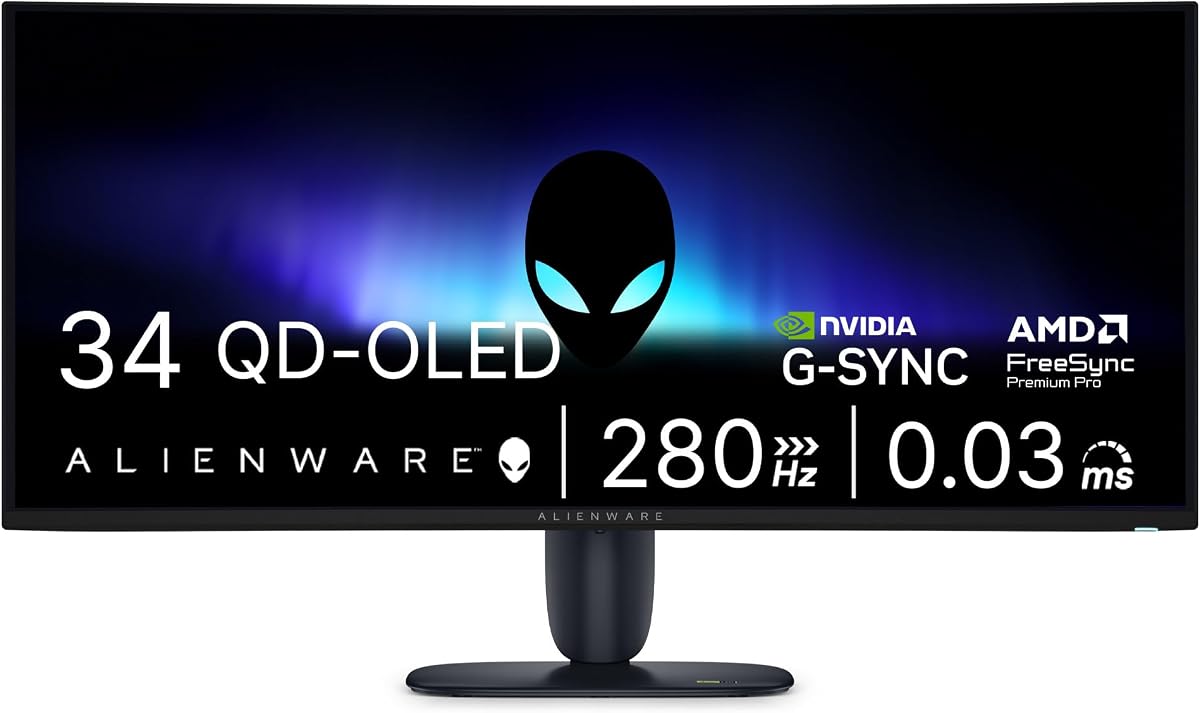
This Alienware monitor combines the vibrant colors of QD-OLED with an ultra-high 280Hz refresh rate. It targets competitive gamers who demand both stunning visuals and maximum responsiveness for peak performance.
We may earn a commission when you buy through this link, at no additional cost to you.
The 0.03ms response time eliminates ghosting effectively, ensuring crisp motion during fast-paced gameplay. G-SYNC compatibility ensures tear-free experiences, making it a reliable choice for high-end PC setups.
While the screen size is smaller than 49-inch rivals, the focus remains on quality and speed. The design is sleek, but potential buyers should consider the investment required for this level of performance.
Enthusiasts seeking the best balance of color and speed should consider this display. It stands out in the high-performance segment, offering a premium experience for those prioritizing gaming fidelity.
QD-OLED panel technology delivers vivid colors and deep blacks, enhancing visual fidelity across all content types.
280Hz refresh rate ensures ultra-smooth motion, giving competitive gamers a clear edge during intense matches.
We may earn a commission when you buy through this link, at no additional cost to you.
The acer SB240Y G0bi offers a compelling edge-to-edge experience at a budget price. Its zero-frame design maximizes visibility, making it ideal for compact setups where space is premium.
We may earn a commission when you buy through this link, at no additional cost to you.
While Full HD resolution is standard, the 120Hz refresh rate and 1ms VRB response time ensure smooth performance for casual gaming and office tasks. Adaptive-Sync support minimizes tearing for consistent visuals.
Ergonomics are limited to tilt adjustments, but this fits the price category well. It delivers reliable performance without unnecessary features, making it a practical choice for cost-conscious users.
For those needing a functional entry-level monitor, this model delivers value. It combines modern refresh rates with sleek design, proving that edge-to-edge visuals can be accessible to everyone.
Maximum visibility of the screen from edge-to-edge offers a cleaner aesthetic and better multi-monitor setup integration.
120Hz refresh rate and Adaptive-Sync support provide smooth visuals and reduced screen tearing for gaming and media.
We may earn a commission when you buy through this link, at no additional cost to you.
The Samsung 57" Odyssey Neo G9 is the ultimate ultra-wide display for those who want the most screen space possible. It offers dual 4K resolution, equivalent to two UHD monitors side-by-side without bezels.
We may earn a commission when you buy through this link, at no additional cost to you.
With Quantum Mini LEDs and 240Hz refresh rate, it delivers impressive brightness and speed. The 1000R curvature wraps around the view, creating an unparalleled level of immersion for simulation or racing games.
Features like CoreSync lighting extend the gaming experience into the room, syncing colors with on-screen content. However, the physical footprint and cost make it a niche product for dedicated enthusiasts.
Buyers seeking the absolute pinnacle of immersive gaming should consider this monitor. It redefines scale and detail, offering a unique experience that few other displays can match in the current market.
WORLD'S 1ST DUAL UHD MONITOR brings a display as wide as 2 UHD monitors with incredibly detailed images.
1000R curvature wraps the display around your field of view, enhancing intensity and presence in games.
We may earn a commission when you buy through this link, at no additional cost to you.
Selecting the right edge to edge monitor involves considering resolution, panel type, and connectivity options that suit your workflow.
Screen size and aspect ratio determine how much real estate you have. Larger screens like 49 inches offer immersive views but require desk space, while 34-inch models fit standard setups.
VA panels offer deep contrast, IPS provides color accuracy and viewing angles, and OLED delivers perfect blacks and speed. Choose based on your need for contrast versus color precision.
Gamers need 144Hz or higher refresh rates and response times under 5ms for smooth motion. For office work, standard 60Hz may suffice, though higher rates improve overall fluidity.
Resolution impacts text sharpness. WQHD and DQHD provide clearer visuals than Full HD. For detailed design work or coding, higher resolutions ensure readability across the wide screen.
Look for USB-C with power delivery to reduce cable clutter. HDMI and DisplayPort options ensure compatibility with various devices. KVM switches allow easy control of multiple systems.
Adjustable stands with height and tilt help maintain healthy posture. VESA compatibility allows for wall or arm mounting if desk space is limited, ensuring optimal viewing height.
Blue light filters and flicker-free tech protect eyes during long sessions. Certifications like ComfortView Plus indicate industry standards for reducing eye strain.
Budget models offer basic functionality while premium options add OLED tech and high refresh rates. Determine which features are essential versus nice-to-have for your specific usage.
Start by adjusting the monitor height to eye level to reduce neck strain. Tilt the screen slightly downward to minimize glare from overhead lights and ensure comfortable viewing angles.
Edge to edge refers to designs with minimal or zero bezels. This maximizes visible screen area and creates a seamless visual experience especially useful for multi-monitor setups.
Ultrawide monitors offer more horizontal space for multitasking. They allow multiple windows side-by-side without bezel interruptions improving workflow efficiency significantly.
Yes for high resolutions like 5K2K you need a powerful GPU. Lower resolutions like 1440p run well on mid-range cards but check requirements for 240Hz refresh rates.
Many models support HDMI 2.1 or FreeSync making them compatible with next-gen consoles. Check input options before buying to ensure console compatibility.
Use a microfiber cloth with distilled water. Avoid alcohol-based cleaners as they can damage the organic layers. Gentle strokes prevent scratches on the sensitive surface.
Curved screens offer better immersion especially for ultrawide displays. They wrap around your field of view reducing eye movement. Flat screens are better for precise alignment in design work.
We reviewed ten standout models ranging from budget options to high-end OLED displays. Each offers unique strengths for gaming productivity or hybrid usage.
Prioritize your needs whether that is refresh rate for gaming or eye comfort for office work. Connectivity options like USB-C can simplify setups significantly.
Prices change frequently so check current availability before purchasing. Ensure the model matches your desk space and hardware capabilities for the best experience.