
Lenovo V15 Business Laptop
4.4Editor score
Intel N-Series Quad-Core Processor
8GB DDR5 RAM and 128GB SSD
Ethernet RJ-45 and HDMI Port
Finding a laptop with Ethernet Port ensures stable wired connections for business and home users who need reliable network access without relying on Wi-Fi signals.
We compared ten top models focusing on processor speed, memory capacity, storage options, and physical port availability to help you choose the right device for your needs.
Each pick shows key features and real-world performance details while noting that availability and pricing can change rapidly so please verify current stock before purchasing today.
4.4Editor score

4.4Editor score

5.0Editor score
As an Amazon Associate we earn from qualifying purchases.
Below is a side-by-side comparison of all ten models including their processors, memory, storage, and key ports to help you make an informed decision quickly.





The Lenovo V15 Business Laptop ranks first as the best budget option offering reliable performance and essential connectivity features for everyday productivity and office work.
We may earn a commission when you buy through this link, at no additional cost to you.
It delivers smooth performance through an Intel N-Series Quad-Core processor paired with 8GB DDR5 RAM ensuring responsive multitasking and quick file access during typical business tasks.
The 15.6 inch Full HD display provides clear visuals while the built-in Ethernet port guarantees stable network connections when Wi-Fi signals are unreliable or congested.
This model suits students and professionals seeking a cost-effective device with secure Windows 11 Pro features and physical port options for peripherals and wired internet access.
The built-in RJ-45 port ensures consistent high-speed network access without relying on wireless signals which is crucial for stable video calls and large file transfers.
Windows 11 Pro and a privacy shutter on the webcam provide enhanced data protection and peace of mind for users handling sensitive information or remote work tasks.
We may earn a commission when you buy through this link, at no additional cost to you.
The Lenovo V15 Gen 4 Business Laptop earns the Editor's Choice award for its balanced mix of performance storage and essential wired connectivity for modern business environments.
We may earn a commission when you buy through this link, at no additional cost to you.
Powered by an AMD Ryzen 3 processor with 16GB LPDDR5 RAM this device handles multitasking efficiently and boots quickly thanks to its generous 512GB storage drive.
Robust security features like TPM 2.0 and a MIL-SPEC tested chassis ensure data protection and durability while the RJ-45 port supports stable wired internet connections.
It is an ideal pick for professionals needing a reliable workhorse with strong security and ample resources for demanding applications and consistent network performance.
TPM 2.0 encryption and military-grade testing provide robust protection against physical threats and cyber attacks making this laptop suitable for enterprise and remote work scenarios.
The 16GB LPDDR5 RAM allows smooth switching between multiple applications while the 512GB SSD offers plenty of space for documents and rapid system responsiveness.
We may earn a commission when you buy through this link, at no additional cost to you.
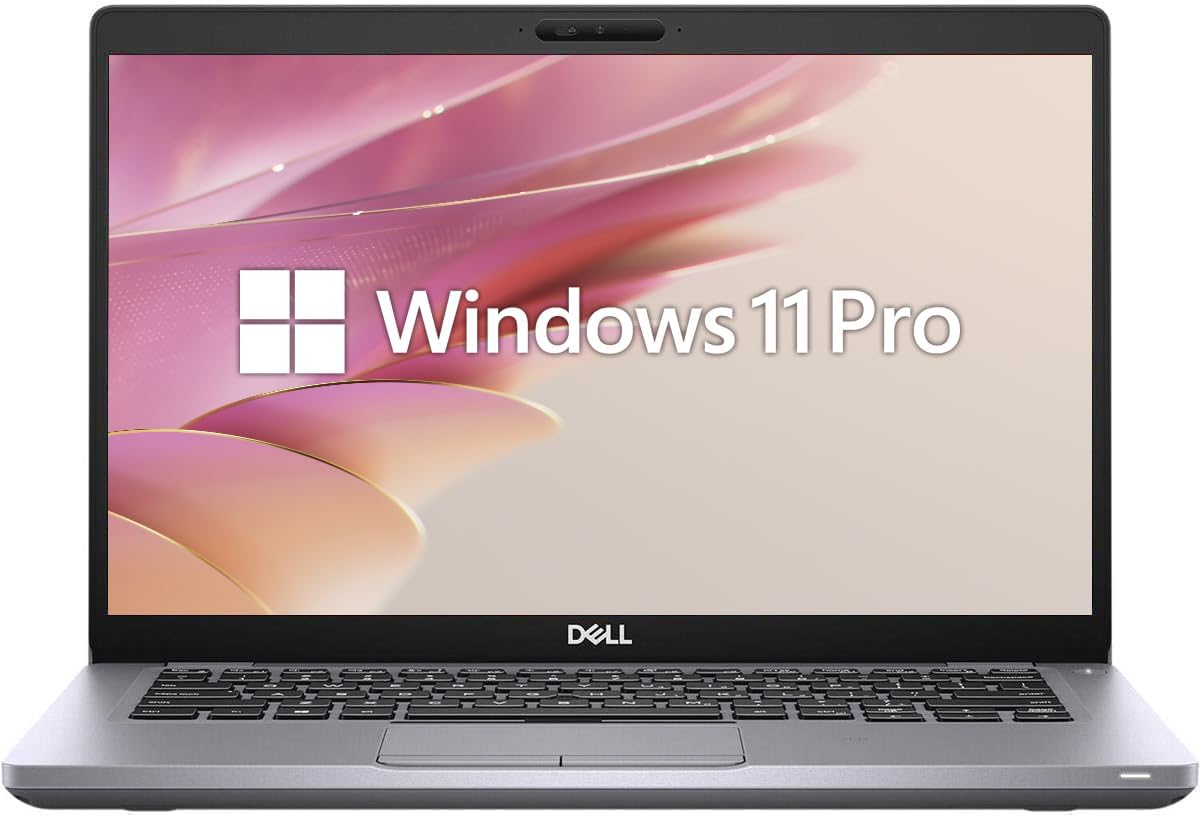
The Dell Latitude 3420 offers solid performance for business users needing a compact device with reliable wired networking and enterprise-grade operating system features.
We may earn a commission when you buy through this link, at no additional cost to you.
Its 11th Gen Intel Core i5 processor paired with 16GB DDR4 RAM ensures smooth performance for office applications web browsing and light content creation tasks.
The laptop includes a physical Ethernet port for stable connectivity and comes with Windows 11 Pro enabling features like BitLocker and Remote Desktop for secure work environments.
This model is well-suited for professionals seeking a trusted business design with essential ports and strong processing power at a competitive price point.
Windows 11 Pro enables advanced security and remote management tools that are essential for corporate IT policies and safe handling of sensitive business data.
The 14-inch display and lightweight chassis make it easy to carry between meetings or offices without sacrificing screen real estate for productivity tasks.
We may earn a commission when you buy through this link, at no additional cost to you.
The Dell Latitude 5410 provides reliable performance and essential connectivity for professionals who need consistent wired internet and solid storage capacity for daily tasks.
We may earn a commission when you buy through this link, at no additional cost to you.
It features an Intel Core i5 processor with 16GB RAM and a 512GB SSD enabling smooth multitasking fast boot times and quick access to files and applications.
The built-in Ethernet port ensures stable network connections while the Windows 11 Pro operating system delivers enhanced security features suitable for business and enterprise users.
This laptop is a practical choice for those seeking a durable device with ample storage and secure networking options at an affordable price point.
The 512GB SSD provides plenty of space for documents and applications ensuring that users can work efficiently without frequent storage management or external drives.
Physical Ethernet connectivity offers a stable and secure alternative to Wi-Fi which is valuable for environments requiring consistent uptime and data protection.
We may earn a commission when you buy through this link, at no additional cost to you.
The Lenovo 15.6 V15 G6 Business Laptop brings modern specifications and essential wired connectivity to users seeking a dependable device for everyday business and home use.
We may earn a commission when you buy through this link, at no additional cost to you.
Powered by an Intel N100 processor with 8GB DDR5 RAM it delivers efficient performance for web browsing document editing and multitasking with quick boot times.
Gigabit Ethernet support ensures fast stable network connections while TPM 2.0 and a camera privacy shutter add layers of security and privacy for remote work.
This model is well-suited for students and professionals who prioritize reliable connectivity and modern security features in a portable and affordable package.
TPM 2.0 and hardware privacy features protect sensitive data and maintain user privacy during video calls and remote sessions in home or office environments.
Gigabit Ethernet support allows for faster data transfers and smoother streaming compared to older Ethernet standards which is beneficial for bandwidth-intensive tasks.
We may earn a commission when you buy through this link, at no additional cost to you.
This Lenovo V15 Gen 4 Business Laptop offers powerful AMD processing and essential wired networking for professionals who value performance and stability in daily operations.
We may earn a commission when you buy through this link, at no additional cost to you.
The AMD Ryzen 3 processor paired with 16GB LPDDR5 RAM handles multitasking and application switching smoothly while the 256GB storage provides adequate space for core files.
Security features like TPM 2.0 and MIL-SPEC testing ensure durability and data protection alongside a physical Ethernet port that guarantees reliable internet connectivity.
It serves as a robust choice for business users needing a reliable workhorse with strong processing power secure networking and enterprise-grade design elements.
The 16GB LPDDR5 RAM supports efficient multitasking and smooth performance across multiple applications making it suitable for demanding workflows and productivity tasks.
Physical Ethernet connectivity ensures consistent network speeds and stability which is critical for uninterrupted work sessions and secure data transmission in any environment.
We may earn a commission when you buy through this link, at no additional cost to you.
The Lenovo ThinkPad P14s stands as the best premium option delivering exceptional performance and extensive connectivity for professionals handling complex data-intensive workflows.
We may earn a commission when you buy through this link, at no additional cost to you.
Equipped with an AMD Ryzen AI 7 Pro processor 32GB RAM and 1TB storage it supports demanding applications like CAD software and AI workloads without performance bottlenecks.
Enterprise-grade security and ISV certification ensure reliability for specialist tasks while Gigabit Ethernet and Thunderbolt 4 ports provide flexible and stable connectivity options.
This model is ideal for engineers architects and data professionals who need a high-end device with top-tier specs and robust networking capabilities.
ISV certification means the laptop is tested and optimized for professional software ensuring stability and performance for critical business and creative applications.
Thunderbolt 4 and Gigabit Ethernet provide high-speed data transfer and stable network connections essential for large file transfers and professional workflows.
We may earn a commission when you buy through this link, at no additional cost to you.
The HP 14 Business Laptop is a budget-friendly option for light users though it lacks a built-in Ethernet port which may require adapters for wired connections.
We may earn a commission when you buy through this link, at no additional cost to you.
Powered by an Intel N150 processor with 4GB RAM it handles basic web browsing and document editing but struggles with heavy multitasking or large file operations.
While it includes useful accessories like earphones and Office 365 the lack of wired networking and limited memory may be a drawback for professional business use.
This device suits casual users or students needing a portable device for simple tasks but may not meet the needs of those requiring stable wired internet.
The processor and memory combination supports everyday tasks like email and web browsing but limits capability for intensive applications or multiple open browser tabs.
Users requiring wired Ethernet must rely on USB adapters which can be inconvenient and less reliable compared to laptops with native RJ-45 ports.
We may earn a commission when you buy through this link, at no additional cost to you.
This Lenovo V15 Gen 4 Business model offers high performance and essential connectivity making it a strong contender for users needing fast processing and wired networking.
We may earn a commission when you buy through this link, at no additional cost to you.
The Intel Core i5-13420H processor paired with 16GB RAM and a 512GB SSD enables seamless multitasking quick boot times and efficient handling of demanding office applications.
A physical RJ45 Ethernet port ensures stable network connections while the numeric keypad aids data entry tasks enhancing productivity for accounting or administrative work.
It is an excellent choice for professionals seeking a balance of power storage and connectivity in a business-oriented laptop designed for consistent daily use.
The latest generation i5 processor delivers performance comparable to higher-end models allowing smooth operation of resource-intensive software and multiple browser tabs.
The numeric keypad and physical Ethernet port cater to business users who frequently enter data or require stable network connections for cloud-based applications.
We may earn a commission when you buy through this link, at no additional cost to you.
The HP 17 Business Laptop offers a large immersive display and strong performance for users who prioritize screen real estate and reliable connectivity for business tasks.
We may earn a commission when you buy through this link, at no additional cost to you.
Its AMD Ryzen 5 processor with 16GB RAM ensures smooth multitasking and responsiveness while the 17.3-inch FHD display provides ample space for spreadsheets and documents.
Physical Ethernet connectivity and Windows 11 Copilot support stable networking and AI-assisted productivity features making this laptop suitable for stationary office environments.
It is ideal for professionals who want a desktop replacement with powerful specs and a large screen without sacrificing essential wired internet access.
The large 17.3-inch FHD display allows multiple windows to be open comfortably which enhances productivity for tasks requiring extensive screen real estate.
Windows 11 Copilot integration helps automate tasks and streamline workflows providing an extra layer of efficiency for daily business operations.
We may earn a commission when you buy through this link, at no additional cost to you.
Selecting a laptop with Ethernet port requires evaluating several factors to ensure reliable connectivity and performance for your specific use case.
Verify the presence of a physical RJ-45 port in the specifications because many modern ultrabooks omit this feature in favor of USB-C or wireless options which may require adapters.
Always check the port layout and confirm wired Ethernet support before purchasing to avoid inconvenience and additional costs for external network adapters.
Choose a processor that matches your workload requirements from entry-level CPUs for basic tasks to high-performance chips for demanding applications and multitasking.
Faster processors ensure smooth operation and reduce lag when running multiple applications simultaneously during business sessions or virtual meetings.
Aim for at least 16GB of RAM for seamless multitasking and a 512GB SSD for fast boot times and sufficient storage capacity for documents and applications.
More RAM and storage allow better long-term usability and reduce the need for external drives or memory upgrades later on.
Windows 11 Pro provides advanced security features like BitLocker and Remote Desktop which are essential for business environments and handling sensitive data.
Ensure the operating system is legitimate and up to date to receive regular security updates and support for enterprise applications.
Look for Full HD resolution and anti-glare coatings to reduce eye strain during long work sessions and improve visibility in various lighting conditions.
Larger screens enhance productivity by allowing multiple windows to be open simultaneously for efficient task management and workflow optimization.
Features like TPM 2.0 fingerprint readers and privacy shutters add layers of protection against unauthorized access and physical threats to your data.
Enterprise-grade security ensures compliance with business policies and protects sensitive information from potential cyber attacks or data breaches.
MIL-SPEC tested chassis and reinforced hinges ensure the laptop withstands daily wear and tear making it suitable for travel or office environments.
A durable build extends the lifespan of the device and reduces the risk of damage from accidental drops or rough handling during commuting.
In addition to Ethernet check for USB-C USB-A and HDMI ports to ensure compatibility with external monitors docks and other peripherals.
Versatile connectivity options future-proof your investment and allow seamless integration into existing office setups without needing additional hubs.
Connect an Ethernet cable securely into the RJ-45 port on your laptop to ensure stable wired internet access especially when Wi-Fi signals are weak or congested.
Keep the ports clean by gently dusting them regularly and avoid forcing cables into the ports to prevent physical damage or loose connections over time.
Update your network drivers regularly through the laptop manufacturer website to maintain optimal performance and compatibility with the latest network standards and protocols.
Ethernet port provides a stable wired connection that reduces latency and improves security compared to Wi-Fi making it essential for business users and remote workers who need reliable internet access for critical tasks and large file transfers.
Not all business laptops include an Ethernet port as many modern models favor wireless connectivity to reduce weight and thickness but essential business models usually retain the RJ-45 port for stable wired network access.
Yes you can use a USB to Ethernet adapter but it may not match the reliability and speed of a native port and could add extra bulk while potentially causing compatibility or driver issues on some systems.
Gigabit Ethernet supports faster data transfer speeds up to 1000 Mbps which is beneficial for high-bandwidth tasks like streaming large file uploads and seamless video conferencing without network congestion or lag.
Check the product specifications or the image gallery to see if a physical RJ-45 port is listed or visible on the side of the laptop before purchasing to ensure it meets your wired connectivity needs.
Ethernet does not improve Wi-Fi performance but provides a direct wired connection that is generally faster and more secure making it ideal for stable connections when Wi-Fi signals are unreliable or congested.
The top picks range from budget-friendly options like the Lenovo V15 Business Laptop to premium models like the ThinkPad P14s catering to different performance and connectivity needs for various users.
Prioritize processors memory storage and port availability based on your daily workload to ensure the laptop meets both current and future productivity and security requirements effectively.
Prices and availability change so always verify current stock and specifications before purchasing to get the best value and ensure the device includes the necessary features you need.