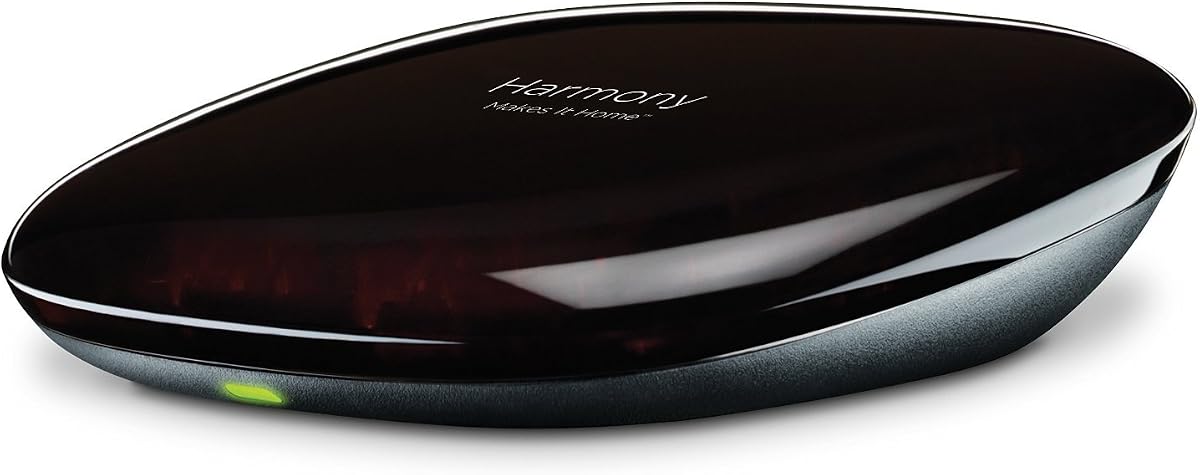
Logitech Harmony Home Hub
3.9Editor score
Smartphone control app
Closed cabinet support
Compatible with Alexa
This guide compares the top Logitech Harmony Home Hub models for seamless control of entertainment and smart home devices across various user needs and budgets.
Finding the right control center for your home entertainment can transform how you interact with your devices daily. A reliable hub simplifies complex setups by unifying remotes and apps into one intuitive interface.
We evaluated ten models based on device compatibility, app integration, voice control support, and ease of use. Each product offers unique strengths for managing TVs, streaming players, and connected home automation systems.
Readers will discover detailed insights into features like touchscreen interfaces, closed cabinet control, and activity automation. Note that availability and pricing may change over time, so always verify current listings before purchasing.
3.9Editor score

3.7Editor score

3.8Editor score
This side-by-side comparison highlights the key specifications and capabilities of each Logitech Harmony model to help you choose the most suitable solution for your home setup.
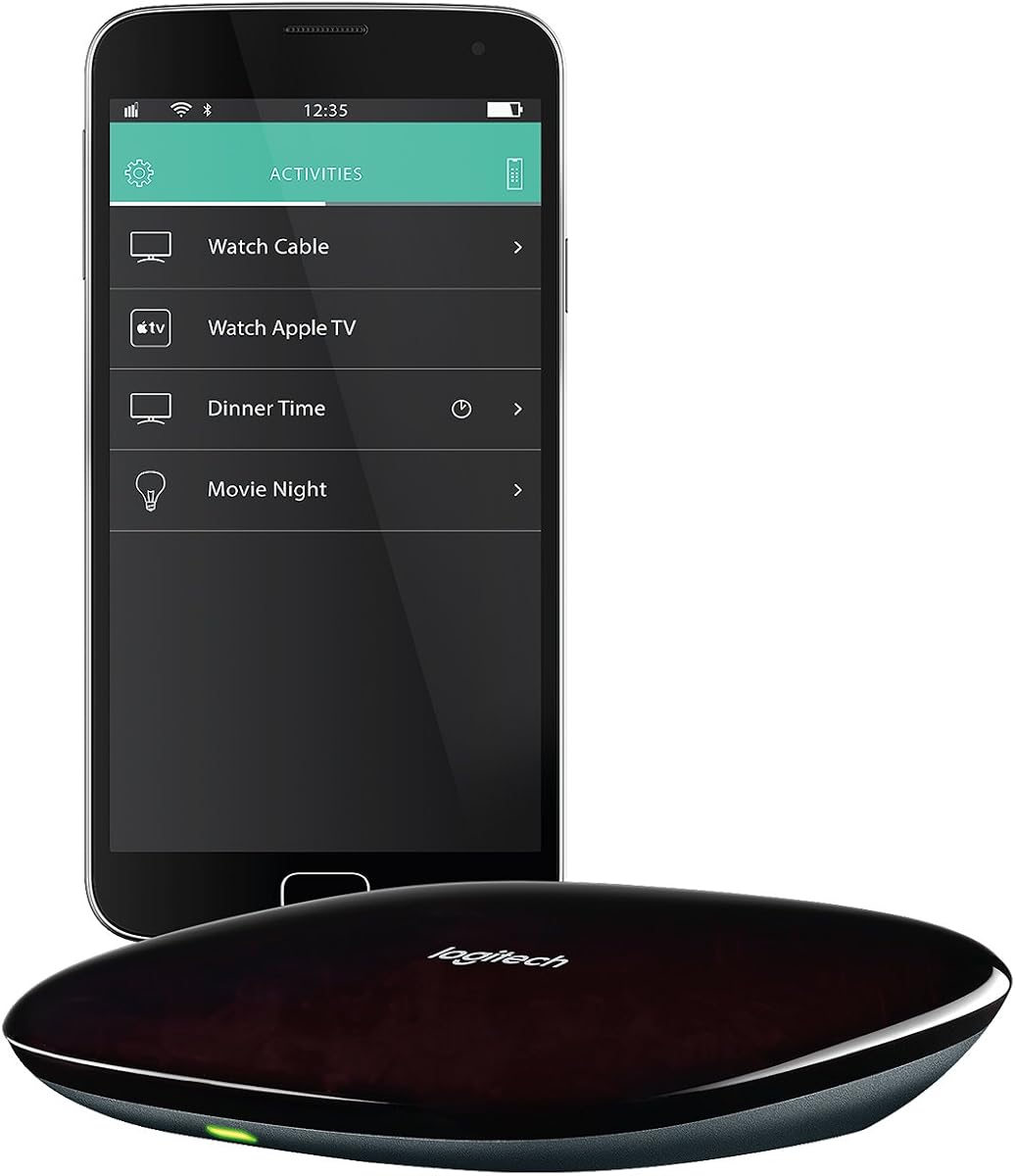


The Logitech Harmony Hub stands as a foundational option for those seeking basic centralized control of their entertainment setup. With a rating of 3.9 stars, it remains a viable choice for users needing to manage up to eight devices through a single interface.
We may earn a commission when you buy through this link, at no additional cost to you.
Its primary strength lies in compatibility with over 270,000 devices, ensuring broad support across brands. The accompanying smartphone app allows for intuitive control, making it easy to manage power, volume, and channel changes without multiple remotes.
However, potential buyers should note that this model is discontinued by the manufacturer. This means parts and future support may be limited. Despite this, existing units often function well for standard home theater needs.
This hub is best suited for smaller setups where complexity is minimal. Users looking for a no fuss way to consolidate remotes will find value here provided they can locate a working unit.
Supports a vast range of brands and device types for versatile integration.
Converts your mobile device into a powerful remote control instantly.
We may earn a commission when you buy through this link, at no additional cost to you.
The Logitech Harmony Elite represents the pinnacle of remote control technology with its sleek design and advanced features. Rated at 3.7 stars, it offers an all encompassing solution for managing both entertainment and smart home devices effortlessly.
We may earn a commission when you buy through this link, at no additional cost to you.
Key features include a full color touchscreen that allows users to swipe and tap for control. It supports voice commands via Alexa and can manage up to 15 devices. This includes TVs, streaming boxes, and smart lighting systems like Philips Hue.
While the price is higher than basic hubs, the convenience of one touch activities justifies the cost. Users can create custom scenes such as Watch a Movie that power on all necessary devices simultaneously. Setup can be detailed but yields powerful results.
Ideal for tech enthusiasts with complex home systems, this Elite version provides centralized control unmatched by simpler remotes. It bridges the gap between traditional IR control and modern smart home automation seamlessly.
Automates multiple device actions with a single tap for convenience.
Works seamlessly with Alexa for hands free operation and control.
We may earn a commission when you buy through this link, at no additional cost to you.
The Logitech Harmony Smart Control balances functionality and cost effectively for most households. With a 3.9 star rating, it provides robust control over up to eight devices including TVs and game consoles without the cost of premium models.
We may earn a commission when you buy through this link, at no additional cost to you.
A unique selling point is the included Hub which allows control of devices hidden behind cabinet doors. The remote features a simple interface with swipe and tap controls mirroring smartphone gestures. This makes it accessible for users of all ages.
Setup involves connecting to Wi Fi and using the app to configure devices. While it lacks the color screen of the Elite, it offers essential features like channel favorites and volume control. The removable battery ensures long term usability.
This model is perfect for users who want app control without the complexity of top tier systems. It delivers reliable performance for standard home theater needs and smart home integrations at a competitive price.
The included Hub can operate devices even when they are stored away.
Uses familiar smartphone gestures to navigate menus and settings easily.
We may earn a commission when you buy through this link, at no additional cost to you.
The Logitech Harmony Ultimate Hub focuses primarily on mobile app control for users who prefer smartphones over traditional remotes. Rated 3.9 stars, it turns iOS or Android devices into powerful universal remotes capable of managing eight entertainment systems.
We may earn a commission when you buy through this link, at no additional cost to you.
Key features include swipe and tap controls that simplify navigation through channels and settings. The Hub supports closed cabinet control when paired with a mini blaster, ensuring hidden devices remain accessible. Streaming services like Netflix are easily managed directly.
While it offers robust functionality, the reliance on a mobile device for control might not suit everyone. The setup process requires initial connectivity to Wi Fi. Once configured, the experience is smooth and responsive for media consumption.
This solution is ideal for tech savvy users who rarely need a physical remote. It keeps the living space clutter free by leveraging existing devices for control while maintaining access to hidden entertainment hardware.
Optimized for users who prefer controlling devices via smartphone or tablet.
Direct access to internet streaming services without external remotes.
We may earn a commission when you buy through this link, at no additional cost to you.
The Logitech Harmony Home Hub Renewed offers a budget friendly entry point into the Harmony ecosystem. With a rating of 3.9 stars, this refurbished unit provides reliable smartphone control for up to eight entertainment and automation devices.
We may earn a commission when you buy through this link, at no additional cost to you.
It supports voice commands through Alexa for convenient operation. Users can create customized activities such as Date Night to control lights, speakers, and TVs automatically. The Hub ensures devices behind closed cabinets remain accessible via included IR blasters.
Buying renewed allows access to premium features at a lower cost. Quality checks are performed before listing, though cosmetic wear may exist. This option is attractive for those wanting advanced automation without the full retail price tag.
Recommended for budget conscious buyers seeking reliable smart home control. It delivers the core benefits of the Harmony system including app integration and voice support in a cost effective package.
Integrates with lights and speakers for a connected home experience.
Allows users to define scenes that trigger multiple device actions.
We may earn a commission when you buy through this link, at no additional cost to you.
The Logitech Harmony Ultimate Home Touch Screen Remote offers a tactile experience through its color display. Rated at 3.7 stars, this renewed model provides intuitive control for managing entertainment and smart home devices from a single device.
We may earn a commission when you buy through this link, at no additional cost to you.
The touchscreen allows for easy navigation and customization of buttons. As a renewed product, it comes at a lower price point while retaining core functionality. Users can control up to 15 devices with visual feedback for each command.
While it lacks some modern features like voice control, it remains effective for standard IR and RF needs. The screen brightness and responsiveness vary depending on unit age. Testing the battery health upon arrival is recommended.
Ideal for users prioritizing touch control over voice features. It suits those who prefer a physical interface with visual cues for managing their media center efficiently.
Users can tailor the remote interface to match their specific needs.
The color screen shows active inputs and device status clearly.
We may earn a commission when you buy through this link, at no additional cost to you.
The Logitech Harmony Elite Renewed brings high end features to a more accessible price point. Despite a 3.5 star rating, it offers the full Elite experience including Alexa compatibility and a full color touchscreen for managing multiple devices.
We may earn a commission when you buy through this link, at no additional cost to you.
This model supports up to 15 entertainment and smart home devices. Activities automate power sequences, reducing the need for manual inputs. The renewed status means potential battery concerns but savings are substantial for budget minded users.
Users should expect standard wear and tear on refurbished items. Functionality remains strong for most users if the hardware is inspected upon receipt. It delivers the premium experience without the full retail investment.
Best for those wanting top tier automation on a budget. It balances performance and affordability effectively for complex home theater setups requiring advanced integration.
Alexa integration allows for hands-free control of your entertainment.
Controls a wide variety of devices including lights and thermostats.
We may earn a commission when you buy through this link, at no additional cost to you.
The Logitech Harmony Elite Kit provides the complete ecosystem for total home control. With a 3.9 star rating, it includes the hub, remote, and app for a comprehensive experience. Users appreciate having everything in one package.
We may earn a commission when you buy through this link, at no additional cost to you.
The setup allows for management of both entertainment and connected home devices. While renewed, the components undergo testing to ensure functionality. This bundle eliminates the need to purchase individual parts separately.
Users should note that pairing requires patience due to device complexity. Battery life may vary based on prior usage. Once configured, the system offers seamless integration that simplifies daily media consumption.
Ideal for users wanting a ready to go setup. The bundle approach ensures compatibility between all parts, making it easier to manage complex home automation systems.
Includes remote, hub, and app for immediate full system setup.
Brings all home devices into one unified control interface.
We may earn a commission when you buy through this link, at no additional cost to you.
The Logitech Harmony Elite Remote focuses on user experience with an intuitive interface. Rated at 3.8 stars, it supports over 270,000 devices and includes features like one touch activities for simplified control. This model is a strong contender for automation.
We may earn a commission when you buy through this link, at no additional cost to you.
It works with smart home devices like Philips Hue to extend control beyond TV and audio. The app transforms smartphones into comprehensive remotes allowing centralized access to all functions. Setup involves Wi Fi and device discovery.
As a renewed product, users may encounter minor cosmetic imperfections. The screen may have wear but functionality typically remains intact. For those prioritizing ease of use, this remote delivers a polished experience.
Best for users seeking simplicity without sacrificing features. It bridges the gap between physical remotes and smart home apps effectively through its design.
Supports connected devices like lights and locks for expanded control.
Instantly sets up your preferred device configuration with one touch.
We may earn a commission when you buy through this link, at no additional cost to you.
The Logitech Harmony 1100 was designed as a high end remote with a large color touchscreen. Rated 3.8 stars, it supports RF wireless signals which control devices hidden in cabinets. This model offers durability and extensive customization options.
We may earn a commission when you buy through this link, at no additional cost to you.
Users can create custom screens and icons to match personal preferences. It supports 5,000 brands ensuring broad compatibility. The included charging stand ensures the remote is always powered and ready for use.
Lack of modern voice assistants is a trade off for its hardware focus. It is robust for traditional IR and RF needs without relying heavily on cloud services. Ideal for those valuing physical control over smart integration.
Best for households preferring a standalone robust device. It offers consistent performance and a tactile experience that modern touch screens sometimes lack.
Sends signals through walls for true hidden device control.
Allows you to change icons and screens to match your preferences.
We may earn a commission when you buy through this link, at no additional cost to you.
Selecting the right Harmony model involves understanding your specific home automation needs and technical preferences. Here are the key factors to consider before making a decision.
Ensure the hub supports your current entertainment devices including TVs and streaming players. Most Harmony units support over 270,000 devices which covers major brands comfortably.
Check device lists carefully to confirm your specific model is recognized for optimal performance.
Decide between IR and RF capabilities based on device placement. IR requires line of sight while RF works through cabinets and doors for hidden setups.
Models with RF or mini blasters are essential if devices are stored in enclosed spaces.
Evaluate the quality of the smartphone app for control. A robust app allows for easy setup and daily management without needing physical remotes constantly.
Look for intuitive interfaces that allow quick access to channels and settings.
If you prefer voice commands, choose a model compatible with Alexa. This allows hands free operation which is great for accessibility and convenience.
Higher end models usually offer more seamless voice integration than basic hubs.
Consider if you need control over lights or thermostats alongside media. Advanced hubs like Elite allow you to include these in activities for complete automation.
Check support for protocols like Zigbee or Wi Fi smart home devices.
Decide between new and renewed units. Renewed products offer significant savings but may lack full warranty coverage or original packaging.
Inspect refurbished items upon arrival to ensure all functions work properly.
Set a clear budget before choosing. Entry level hubs are affordable while Elite models command higher prices for additional features.
Balance the cost with the complexity of your current setup needs.
Be prepared for initial setup time which can take hours for complex systems. The app guides you through device pairing and code discovery steps.
Patience during setup ensures stable long term control of all connected devices.
Begin by downloading the Harmony app on your mobile device and following the setup wizard to connect to Wi Fi. Ensure all devices you wish to control are powered on during discovery.
Create activities that bundle commands like power on and volume up into a single touch. This simplifies daily use by automating sequences that would otherwise require multiple steps.
Keep the remote charged using the included base and store it in a dry environment. Update the app regularly to maintain compatibility with new devices and software patches.
Most standard hubs support up to eight devices while advanced models like Elite can manage up to fifteen. This includes TVs, consoles, and streaming players connected via IR or RF.
Internet is needed for initial setup and app sync but basic control functions work locally once configured. Activities rely on stored codes so offline use is generally supported.
Yes, models with advanced integration can control smart lights and thermostats. You can include these devices in activities to adjust room settings automatically when watching media.
Use an IR mini blaster or RF support to communicate through the cabinet. Some hubs come with blasters that transmit signals directly to hidden electronics without direct line of sight.
Renewed units are typically functional and tested for reliability. While cosmetic wear may occur they usually provide the same performance as new units if battery health is good.
Restart your hub and mobile device then ensure both are on the same network. Reinstalling the app or resetting the hub to factory settings often resolves persistent connection issues.
The Logitech Harmony Elite remains the top choice for comprehensive control with its color screen and voice capabilities. It handles complex setups effortlessly making it a premium solution for enthusiasts.
For those seeking value, the Smart Control and Home Hub models offer essential features without the high price tag. They serve smaller setups well and integrate smoothly with standard home theater systems.
Always verify current prices and availability as the product landscape evolves. Whether choosing new or renewed, selecting a model that fits your home setup ensures lasting satisfaction.