
OREI 4×2 HDMI Matrix Switch
4.1Editor score
Affordable 4K@60Hz performance
Built-in ARC support
Includes IR remote control
Compare the top 10 HDMI Matrix Switch models for home and professional AV setups featuring 4K 8K support audio extraction and flexible routing options.
Finding the right HDMI Matrix Switch ensures seamless distribution of video and audio across multiple displays. A quality unit supports high resolutions, offers flexible routing, and maintains signal integrity for reliable performance in any setup.
We evaluated ten top-rated models based on resolution support, audio capabilities, control options, and build quality. Each product was assessed for its ability to handle modern HDMI standards and provide stable connectivity for diverse applications.
Every pick highlights specific strengths like 8K readiness, audio extraction, or professional control features. Prices and availability change frequently, so verify current details before purchasing to ensure the best fit for your needs.
4.1Editor score

4.3Editor score

4.7Editor score
This table provides a side-by-side view of key specifications for all ten selected HDMI Matrix Switch models to help you identify the right configuration for your specific setup needs.

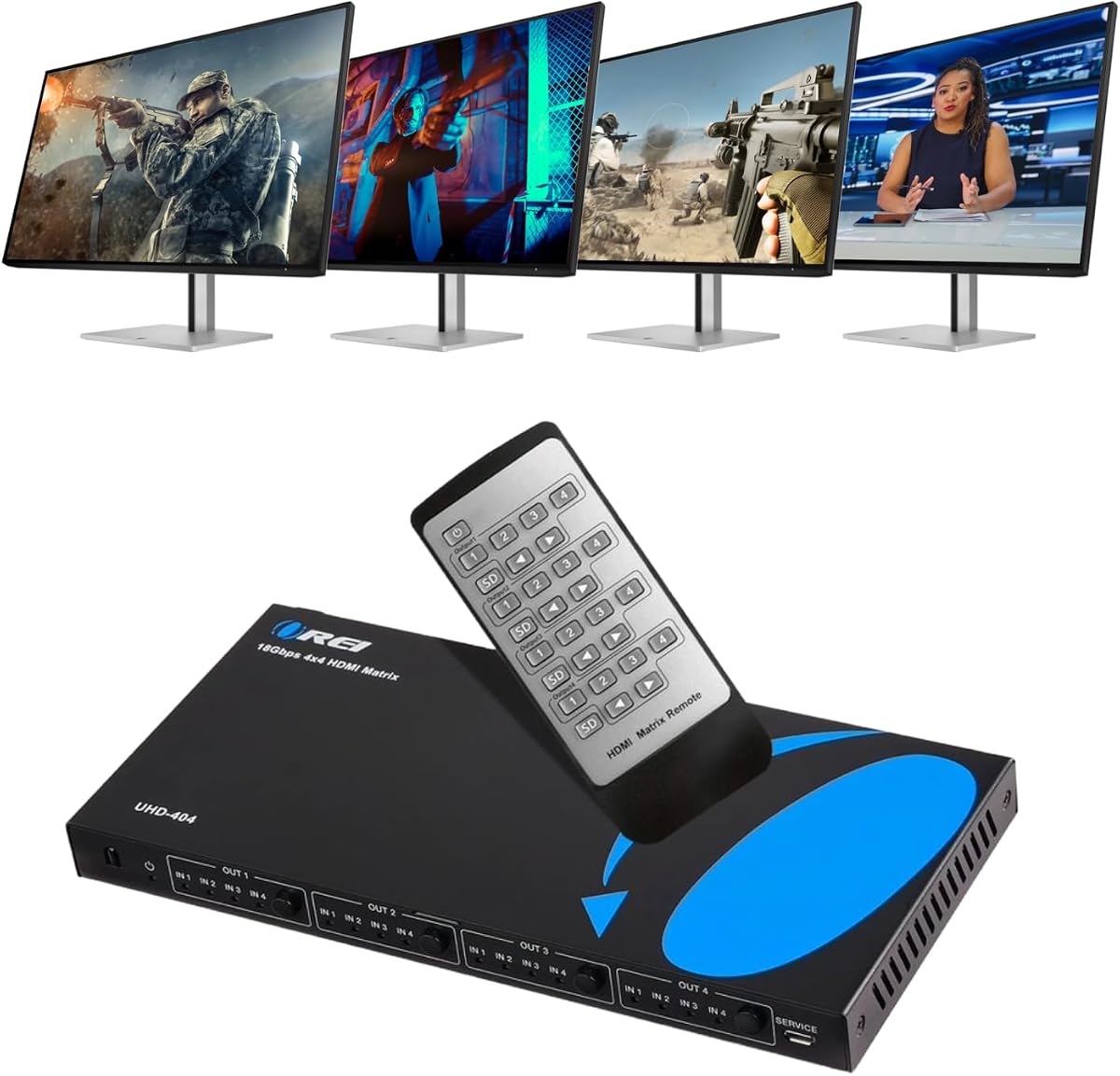


This OREI 4×2 HDMI Matrix Switch stands out as the top choice for users demanding 8K performance and advanced gaming features. It holds a strong rating for reliability and handles high bandwidths with ease.
We may earn a commission when you buy through this link, at no additional cost to you.
The switch supports resolutions up to 8K@60Hz and 4K@120Hz with 10-bit color depth. It includes VRR and ALLM ensuring smooth low latency visuals for modern gaming consoles. The 40Gbps bandwidth guarantees no signal degradation during high data rate transfers.
While it offers excellent audio support including eARC, users must ensure both their TV and soundbar support this feature. The device is also designed for professional environments where consistent performance is critical.
Ideal for home theaters and pro AV setups, this matrix switch delivers future proof performance. It is the best pick for those ready to upgrade to 8K content and gaming.
Supports 8K@60Hz and 4K@120Hz for next generation displays.
VRR and ALLM support reduce lag and screen tearing.
We may earn a commission when you buy through this link, at no additional cost to you.
This model offers a balanced 4×4 configuration perfect for distributing 4K content across multiple rooms. It is highly rated for its stable performance and robust build quality.
We may earn a commission when you buy through this link, at no additional cost to you.
It supports 4K@60Hz with 18Gbps bandwidth and includes HDR for better contrast. The ARC feature allows audio to return from a TV to external speakers. The metal case helps dissipate heat effectively during long use.
While it lacks advanced control features like web GUI, it covers most standard AV needs. The remote makes switching sources quick and simple.
A solid choice for home theaters needing four sources and four displays. It ensures reliable 4K distribution without unnecessary complexity.
Route any source to any output independently for flexible setups.
Audio return channel enables sound return from smart TVs.
We may earn a commission when you buy through this link, at no additional cost to you.
This matrix switch excels in environments where display resolutions vary significantly. The ability to downscale signals makes it versatile for older and newer screens alike.
We may earn a commission when you buy through this link, at no additional cost to you.
It handles up to 18Gbps bandwidth and supports HDR formats like Dolby Vision. The dual voltage power supply ensures it works internationally with the right adapter. EDID management keeps the handshake stable.
The downscale feature is particularly useful if you have 1080p projectors alongside 4K monitors. However, it lacks advanced control options like LAN or RS232.
Best for users who need to mix old and new display tech. It is a robust solution for commercial or home setups with varied devices.
Automatically converts 4K signals for 1080p displays.
Dual voltage supply works across different regions.
We may earn a commission when you buy through this link, at no additional cost to you.
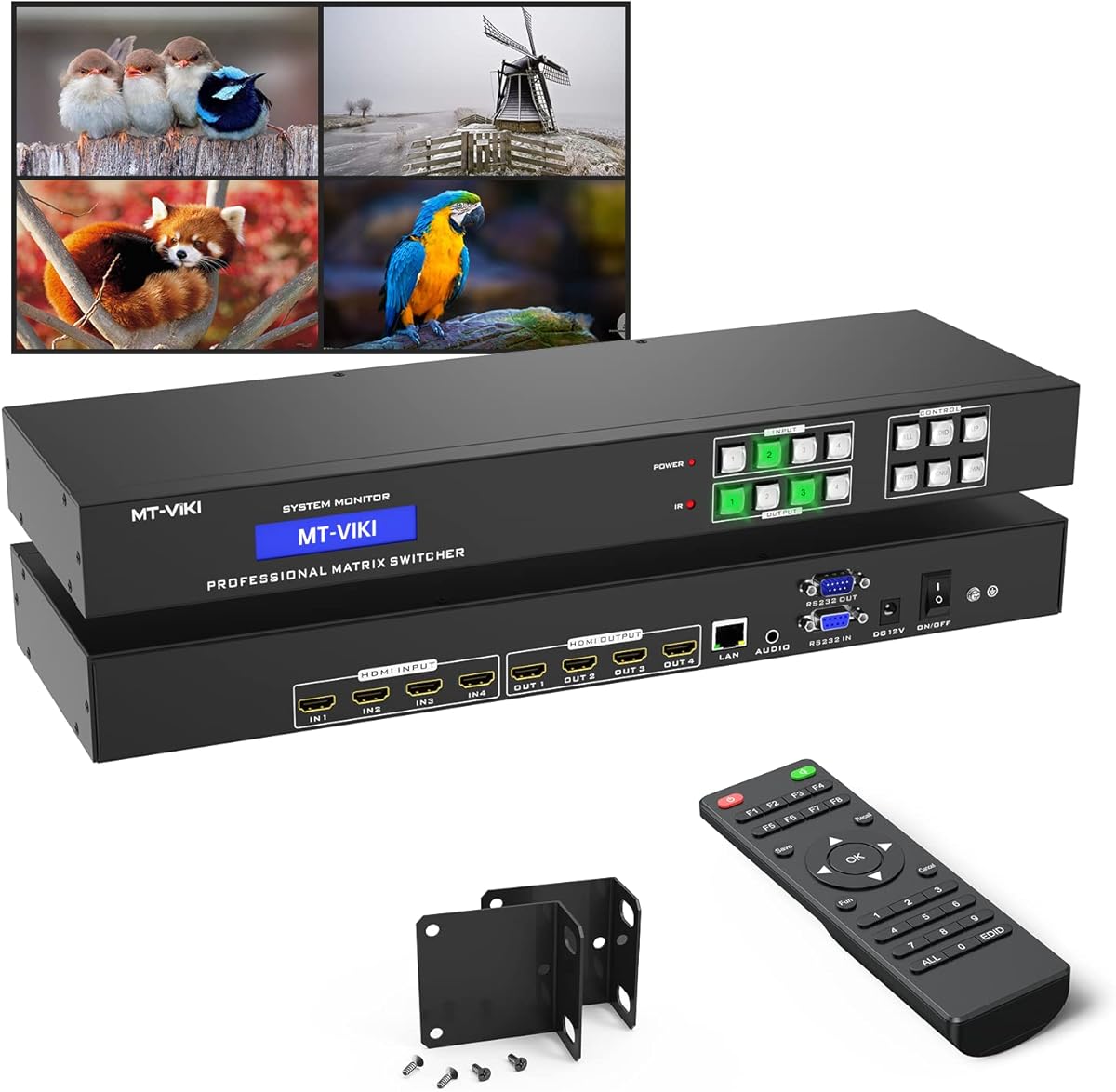
Designed for conference rooms and commercial use, this switch offers extensive control options. The web GUI and LAN port allow for network management and remote configuration.
We may earn a commission when you buy through this link, at no additional cost to you.
It supports 4K@30Hz and is rack mountable for standard 19-inch cabinets. RS232 integration helps connect with control systems. The audio extraction works via OUT4 specifically.
The switch is built for reliability and integration into existing AV networks. It is slightly slower on resolution than others but superior in manageability.
Perfect for businesses needing centralized control over multiple displays. It simplifies setup and maintenance for complex rooms.
LAN and RS232 ports enable network integration.
Fits standard 1U cabinets for neat installations.
We may earn a commission when you buy through this link, at no additional cost to you.
This entry-level matrix switch provides excellent value for standard home needs. It handles 4K signals and offers ARC for soundbar connectivity without extra costs.
We may earn a commission when you buy through this link, at no additional cost to you.
It supports up to 4K@60Hz with 18Gbps bandwidth ensuring smooth playback. The remote control makes switching inputs easy. It is compatible with most gaming consoles and streaming boxes.
While it lacks the advanced features of higher end models, it covers all basics well. It is a cost-effective way to add multiple sources.
Best for budget conscious buyers needing two displays. It delivers reliable performance without breaking the bank.
Handles 4K@60Hz signals at a low cost.
Includes a remote for easy source switching.
We may earn a commission when you buy through this link, at no additional cost to you.
This unit provides flexible audio extraction for various speaker setups. It supports both optical and analog outputs ensuring compatibility with older and modern receivers.
We may earn a commission when you buy through this link, at no additional cost to you.
It handles 4K@60Hz with 18Gbps bandwidth and automatic resolution downgrade. The metal shell helps it stay cool under load. The IR sensor and remote simplify operations.
Note that it only mirrors content on both outputs which limits independent display usage. This makes it ideal for identical screens in different rooms.
Great for users needing audio separation and simple video mirroring. It balances cost and performance for small setups.
Optical and 3.5mm outputs for versatile audio.
Suits setups requiring identical video on both screens.
We may earn a commission when you buy through this link, at no additional cost to you.
This switch is optimized for home theater environments needing high quality video and audio. It supports HDR formats like Dolby Vision and HLG for better picture quality.
We may earn a commission when you buy through this link, at no additional cost to you.
It handles 4K@60Hz with audio extraction for external systems. EDID modes help maintain stability across different displays. The included mounting ears help secure it in AV racks.
It does not support 120Hz gaming which might limit some users. However, for movie watching and standard content it performs excellently.
Recommended for home theater enthusiasts. It ensures high fidelity video and flexible audio routing.
Compatible with HDR10+ and Dolby Vision for vivid color.
ARC and extraction allow for flexible speaker setups.
We may earn a commission when you buy through this link, at no additional cost to you.
Designed for large commercial or multi-room AV systems this matrix offers extensive routing options. It connects eight sources to eight displays allowing full independent control.
We may earn a commission when you buy through this link, at no additional cost to you.
Control is handled via WebGUI and RS-232 for remote management. The HDCP 2.2 compliance ensures secure content playback. It is ideal for environments needing centralized routing.
While it is limited to 30Hz it still delivers sharp video for static content. The complexity requires some technical knowledge to setup fully.
Best for large businesses or venues with many displays. It simplifies video distribution across a large network.
Eight inputs and outputs allow flexible signal management.
RS-232 enables seamless AV control system integration.
We may earn a commission when you buy through this link, at no additional cost to you.
This solution is unique for distributing signals over long distances using CAT cables. It extends HDMI signals to 230 feet without degradation.
We may earn a commission when you buy through this link, at no additional cost to you.
It supports true 4K60Hz 4:4:4 with HDR. The PoC feature provides power to receivers simplifying cabling. Independent downscaling ensures compatibility with different screen sizes.
It is best for installations where displays are far from the source room. The complexity and extra cost are worth it for long runs.
Ideal for large homes or commercial buildings. It solves distance issues without compromising on video quality.
Extends HDMI up to 230 feet using CAT6 cables.
PoC eliminates extra power adapters for receivers.
We may earn a commission when you buy through this link, at no additional cost to you.
This unit is the ultimate choice for professional AV professionals needing maximum performance. It delivers full 8K HDMI 2.1 capabilities across all ports.
We may earn a commission when you buy through this link, at no additional cost to you.
With 8 inputs and 8 outputs it handles massive installations. The audio extraction and IR routing provide complete control over the signal. It is built for reliability and long term use.
While expensive and complex it is unmatched for high-end commercial and home theater setups. It supports future content requirements with ease.
Best for those who need the absolute best in routing. It ensures future proofing and professional performance.
Delivers full 8K HDMI 2.1 resolution and speed.
Advanced IR and EDID for complex routing needs.
We may earn a commission when you buy through this link, at no additional cost to you.
Choosing the right matrix switch involves considering resolution, input output count, and control features to match your specific AV needs.
Ensure the switch supports your desired resolution such as 4K or 8K at appropriate refresh rates. Modern content requires HDMI 2.1 bandwidth for 8K@60Hz.
Check the max bandwidth and resolution specs before purchasing to avoid bottlenecks.
Select a matrix with enough inputs for your sources and outputs for your displays. A 4×4 unit offers more flexibility than a 4×2.
Plan for future device additions when choosing the size of your switch.
Look for models with audio extraction if you need separate audio output. ARC support is useful for smart TV audio return.
Verify support for formats like Dolby Atmos if you use a soundbar or receiver.
Control options range from simple IR remotes to advanced Web GUI and LAN ports. Professional setups benefit from RS232 integration.
Choose a control method that fits your usage environment.
Metal enclosures help dissipate heat better than plastic cases. Look for units with proper ventilation.
Durable builds ensure reliability especially in commercial settings.
HDCP compliance is critical for protected content. Ensure the switch matches your source and display requirements.
Check compatibility with your existing cables and devices.
If using mixed resolution displays choose a unit with downscaling. This ensures all screens get a compatible signal.
This feature is key for setups with older monitors.
Check the warranty terms and customer support availability. Reputable brands offer better after sales service.
A solid warranty gives peace of mind for electronics.
Start by connecting your sources to the input ports and displays to the output ports using high quality HDMI cables.
Power on the switch first and then your devices to avoid handshake issues. Use the remote or control panel to select sources.
Keep the unit in a well ventilated area and clean dust regularly to ensure optimal performance and longevity.
An HDMI Matrix Switch allows you to connect multiple sources to multiple displays. It routes any input to any output independently providing maximum flexibility.
Most switches pass audio through to outputs. Some models also include extraction ports for separate audio connections to speakers.
A splitter copies one source to multiple screens. A matrix allows independent routing of multiple sources to multiple screens.
HDMI 2.0 is sufficient for 4K at 60Hz. HDMI 2.1 is required for 8K or 4K at 120Hz.
Standard cables work up to 50 feet. For longer distances use fiber optic cables or active extenders.
Flickering may result from bad cables or bandwidth limits. Ensure you use high speed certified cables.
Yes, these switches work with any HDMI source including PCs. Just ensure your graphics card supports the desired resolution.
Most switches require a dedicated power adapter. Avoid powering via HDMI ports as it may not provide enough power.
These ten models cover everything from budget options to premium 8K solutions for any AV setup.
Prioritize resolution support and routing flexibility based on your devices and future plans.
Always check current availability and support options before buying to ensure satisfaction.