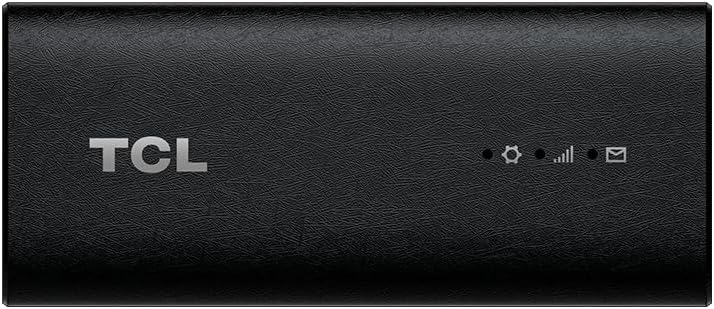
TCL LINKPORT IK511 5G Modem
4.0Editor score
Plug-and-Play USB-C connection
Supports multiple operating systems
Portable slim design
Discover the top 5G modems for laptops. We compare speed, compatibility, and features of the best cellular connectivity solutions for travelers and professional
Modern laptops need reliable internet everywhere. 5G modems for laptops offer fast speeds without relying on public Wi-Fi. They ensure secure connections for work and streaming on the go.
We compared ten real products based on compatibility, speed, and ease of use. Our list covers USB dongles, internal modules, and routers. Each option supports different networks and operating systems for flexibility.
Every pick highlights unique strengths like plug-and-play setup or enterprise security. Note that availability and plans change over time. Check current details before buying to ensure the best fit for your device.
4.0Editor score

3.1Editor score

4.2Editor score
This table compares key specs across all ten products. Look at connectivity types, supported networks, and unique features. This helps you find the right balance of performance and price.




This 5G modem is a top choice for high-speed connectivity. It offers download speeds up to 2.5Gbps and works with multiple operating systems. The secure private access feature is great for travelers needing safety.
We may earn a commission when you buy through this link, at no additional cost to you.
The VOS modem includes a T-Mobile SIM and activation guide. You can activate online without visiting a store. It supports Windows, macOS, and Linux. The USB-C cable ensures optimal data throughput for fast streaming.
One trade-off is limited video conferencing on macOS. Also, it only works with T-Mobile networks. These limits are acceptable for users prioritizing speed and security over carrier flexibility.
Ideal for business travelers and remote workers. It provides a stable connection without relying on public Wi-Fi. For fast 5G internet on a laptop, this modem is a strong recommendation.
The 2.5Gbps speeds allow seamless streaming and fast file downloads. This ensures productivity without interruptions during large transfers.
SSID is not broadcasted, reducing hacking risks. This makes it safer than public Wi-Fi for sensitive data.
We may earn a commission when you buy through this link, at no additional cost to you.
This TCL modem offers a cost-effective way to access 5G. It is a renewed product, making it budget-friendly. The plug-and-play feature means no driver downloads are needed for setup.
We may earn a commission when you buy through this link, at no additional cost to you.
It supports Windows, macOS, iPadOS, and Android. The USB-C connection ensures easy pairing with modern laptops. The slim design fits easily in bags for travel. Secure access is provided through single-point connection.
As a renewed item, there may be minor cosmetic wear. It also locks you to T-Mobile networks. These factors are acceptable for users wanting a cheap and simple 5G solution.
Best for those on a budget needing reliable connectivity. It works well for casual users or light travel. Check condition details before purchase to ensure satisfaction.
No drivers or store visits are needed. Just plug in and activate for instant internet access.
The slim design makes it easy to carry. It is perfect for users always on the go.
We may earn a commission when you buy through this link, at no additional cost to you.
This TCL modem is a great budget choice for 5G. It is new and comes with standard warranty. The plug-and-play feature ensures quick setup without technical hassle. It supports multiple OS options easily.
We may earn a commission when you buy through this link, at no additional cost to you.
The USB-C connection is compatible with many laptops. It allows secure single-point access. The slim design makes it easy to store. It is reliable for general browsing and streaming needs.
It is limited to T-Mobile networks. You need to check coverage in your area. This limit is acceptable for users within T-Mobile service zones.
Ideal for students or casual users. It provides fast internet without high costs. For a straightforward 5G modem, this is a top budget choice.
Delivers reliable 5G speeds at a lower price. Perfect for those avoiding expensive plans or hardware.
Works with Windows, macOS, iPadOS, and Linux. Ensures you can use it with any laptop.
We may earn a commission when you buy through this link, at no additional cost to you.
This dongle targets enterprise users needing high performance. It pairs VOSIO x62 hardware with TRITOM SIM. This synergy optimizes data routing for professionals. Low latency supports real-time tasks like video conferencing.
We may earn a commission when you buy through this link, at no additional cost to you.
The Snapdragon X62 modem provides stable speeds. It comes ready out-of-the-box with SIM. No driver downloads are required. You avoid hotspot throttling and get stable connection for remote work.
It costs more than basic options. The SIM plan may be specific to TRITOM. These costs are justified for users needing reliability.
Best for remote workers handling sensitive data. It ensures secure private connections. For enterprise needs, this dongle is highly effective.
TRITOM SIM ensures consistent bandwidth. Ideal for crowded areas where other connections fail.
Low latency supports cloud computing. Makes it easy to run remote desktop apps smoothly.
We may earn a commission when you buy through this link, at no additional cost to you.
This router brings 5G to any home office. It features WiFi 6 for stable transmission. The eight antennas ensure wide coverage. It works without external cables using SIM card only.
We may earn a commission when you buy through this link, at no additional cost to you.
Dual frequency bands allow high bandwidth usage. Up to 1800Mbps supports UHD streaming. You can set up mesh networking for expansion. Roaming ensures stable connections indoors.
It is larger than portable dongles. You need a power outlet nearby. This is acceptable for fixed indoor setups.
Ideal for homes needing strong wireless networks. It connects many devices without lag. For indoor 5G solutions, this is a powerful option.
Supports multiple users simultaneously. Great for family or office with many devices.
Mesh mode allows easy setup in large spaces. Ensures coverage throughout the indoor area.
We may earn a commission when you buy through this link, at no additional cost to you.
This premium router offers advanced connectivity. It has Dual-SIM for failover security. VPN tunnelling encrypts all network traffic. It supports RV deployments with detachable antennas.
We may earn a commission when you buy through this link, at no additional cost to you.
The firmware is based on OpenWrt. You can customize with many plugins. It ensures uninterrupted internet with multi-WAN. Speeds reach up to 574Mbps on 2.4GHz and 2402Mbps on 5GHz.
It costs more than basic routers. Setup may require technical knowledge. These are acceptable for users needing robust features.
Best for remote workers or RV travelers. It ensures secure, fast internet anywhere. For premium needs, this router is unmatched.
Pre-installed VPN protects your data. Critical for public Wi-Fi or corporate access.
Dual-SIM allows automatic failover. Ensures connection even if one network fails.
We may earn a commission when you buy through this link, at no additional cost to you.
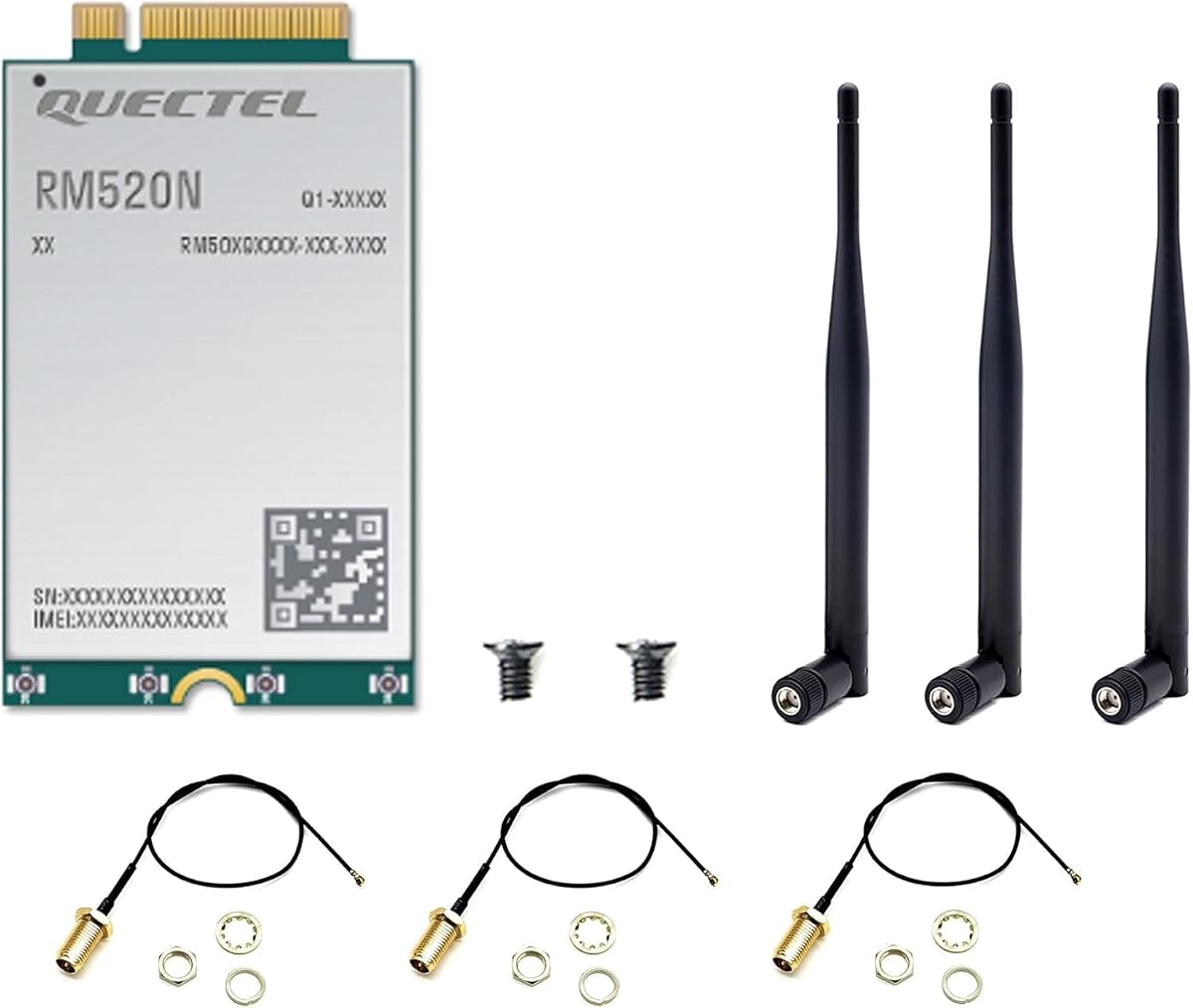
This module is for advanced internal upgrades. It supports 5G NSA and SA modes. Speeds reach up to 3.4Gbps for data. The GNSS receiver provides accurate navigation.
We may earn a commission when you buy through this link, at no additional cost to you.
It is industrial-grade for commercial use. Compatible with Windows and Linux systems. The extended temperature range ensures reliability. It simplifies design for laptops with slots.
Installation requires opening the device. It is not plug-and-play externally. This is fine for tech-savvy users or vendors.
Best for custom laptops or industrial use. It provides high reliability and speed. For internal connectivity, this module is excellent.
Download speeds reach 3.4Gbps. Enables fast transfers and low latency tasks.
Built-in GNSS receiver offers accurate location. Useful for field service and tracking apps.
We may earn a commission when you buy through this link, at no additional cost to you.
This modem is ideal for kiosks and signage. It offers dual USB-C ports for charging and data. The Qualcomm chipset ensures reliability. 4G LTE fallback ensures consistent coverage.
We may earn a commission when you buy through this link, at no additional cost to you.
It supports 5G NR Sub-6GHz speeds. Modulation options vary for global connectivity. It is designed for enterprise deployment. Setup is minimal with USB-enabled systems.
It may be overkill for home use. The dual ports focus on specific setups. This is acceptable for businesses needing stability.
Best for digital signage and kiosks. It ensures uninterrupted display data. For enterprise use, this dongle is practical.
4G LTE fallback ensures no downtime. Important for critical display systems.
Dual USB-C allows charging and transfer. Simplifies cabling for integrated systems.
We may earn a commission when you buy through this link, at no additional cost to you.
This module offers high download speeds. It supports up to 4.67Gbps under 5G. 4×4 MIMO ensures better coverage. It includes GNSS for positioning needs.
We may earn a commission when you buy through this link, at no additional cost to you.
It is compatible with Linux and Windows. It supports wide frequency bands. The design helps stability in varied environments. Users report fast uploads and downloads.
Ratings are mixed. It may require manual driver setup. This is acceptable for users comfortable with technical tasks.
Best for internal upgrades needing speed. It provides high bandwidth for data. For tech-savvy users, this is a powerful option.
4×4 MIMO technology ensures strong signal. Helps in areas with weak 5G.
Download speeds up to 4.67Gbps. Enables quick uploads and large transfers.
We may earn a commission when you buy through this link, at no additional cost to you.
This dongle is for enterprise and government. It supports TAA compliance for procurement. The Snapdragon X35 offers RedCap and LTE. Dual USB-C allows pass-through charging.
We may earn a commission when you buy through this link, at no additional cost to you.
IP54 rating ensures durability against dust. It supports CBRS for private networks. eSIM simplifies profile switching. It is ready for fleet management.
Speeds are lower than premium models. It is priced for enterprise. This is acceptable for secure, government use.
Best for field service or government workers. It ensures compliance and durability. For public sector, this dongle is reliable.
TAA compliance ensures government approval. Critical for procurement and public use.
IP54 rating protects against dust. Makes it rugged for field workers.
We may earn a commission when you buy through this link, at no additional cost to you.
Choosing a 5G modem depends on your needs. Consider speed, compatibility, and network type. These factors help you find the right modem.
Ensure the modem supports your carrier. Some only work with T-Mobile, while others support AT&T or CBRS. Check frequency bands for your region.
Always verify carrier support before buying. This ensures you get signal in your area.
Most modems support Windows and macOS. Some also offer Linux or iPadOS options. Check driver requirements for ease of setup.
Select a modem compatible with your laptop OS. Avoid extra setup if possible.
Dongles are portable and easy to carry. Internal modules require installation. Routers provide Wi-Fi but are bulkier. Choose based on mobility needs.
Portable users prefer dongles. Static setups may benefit from routers.
Download speeds vary from 1Gbps to 4.67Gbps. Higher speeds help with large files. Check for 5G NR SA or NSA support.
Match speed to your workload. High speeds are better for video streaming.
Private IP access and encrypted signals matter. Some support VPN tunnelling. Avoid public Wi-Fi risks with secure connections.
Choose secure modems for sensitive data. Encryption adds a layer of safety.
Some include SIM cards, others require separate purchase. Check if eSIM or physical SIM is used. Review data plan costs carefully.
Ensure the modem supports your plan type. Flexibility helps in travel.
IP ratings indicate resistance to dust and water. Industrial ranges are better for harsh areas. Consider physical build quality.
Rugged models are better for fieldwork. Standard ones work indoors.
Costs range from budget to premium. Look for warranty coverage and support. Ensure value matches your usage needs.
Balance cost with reliability. Check warranty terms before buying.
First, plug the modem into a USB-C port. Ensure the device is powered and recognized. Check network settings for activation.
Second, insert the SIM card if required. Follow the setup guide provided. Activate online via the portal to start data.
Third, keep the modem cool and dry. Avoid dropping or water exposure. Store in a case when not in use.
Most products listed are plug-and-play without drivers. Some internal modules may need installation. Always check the product page for OS compatibility.
Yes, many support macOS. Some have limitations on features like video conferencing. Verify specific OS support before buying.
Use a dongle for personal laptop use. Choose a router for multiple devices or home office. Dongles are more portable.
SA offers lower latency and better speeds. NSA is more widely available. Ensure the modem supports your network type.
Some models support worldwide coverage. Others are limited to US carriers. Check international roaming options carefully.
Yes, most accept physical SIMs. Some models use eSIM. Ensure your modem supports your SIM type.
Data depends on the carrier plan. Many offer unlimited options. Check terms before selecting a plan.
Check USB-C ports and OS version. Ensure drivers are supported. Contact support for specific model questions.
The Tri Cascade VOS offers the best overall speed. The TCL LINKPORT is ideal for budget users. The GL.iNet is great for advanced setups.
Prioritize network compatibility and security. Choose based on whether you need portability or multi-device support. Always verify OS requirements.
Prices and availability change over time. Check current listings before purchasing. This ensures you get the right modem for your needs.